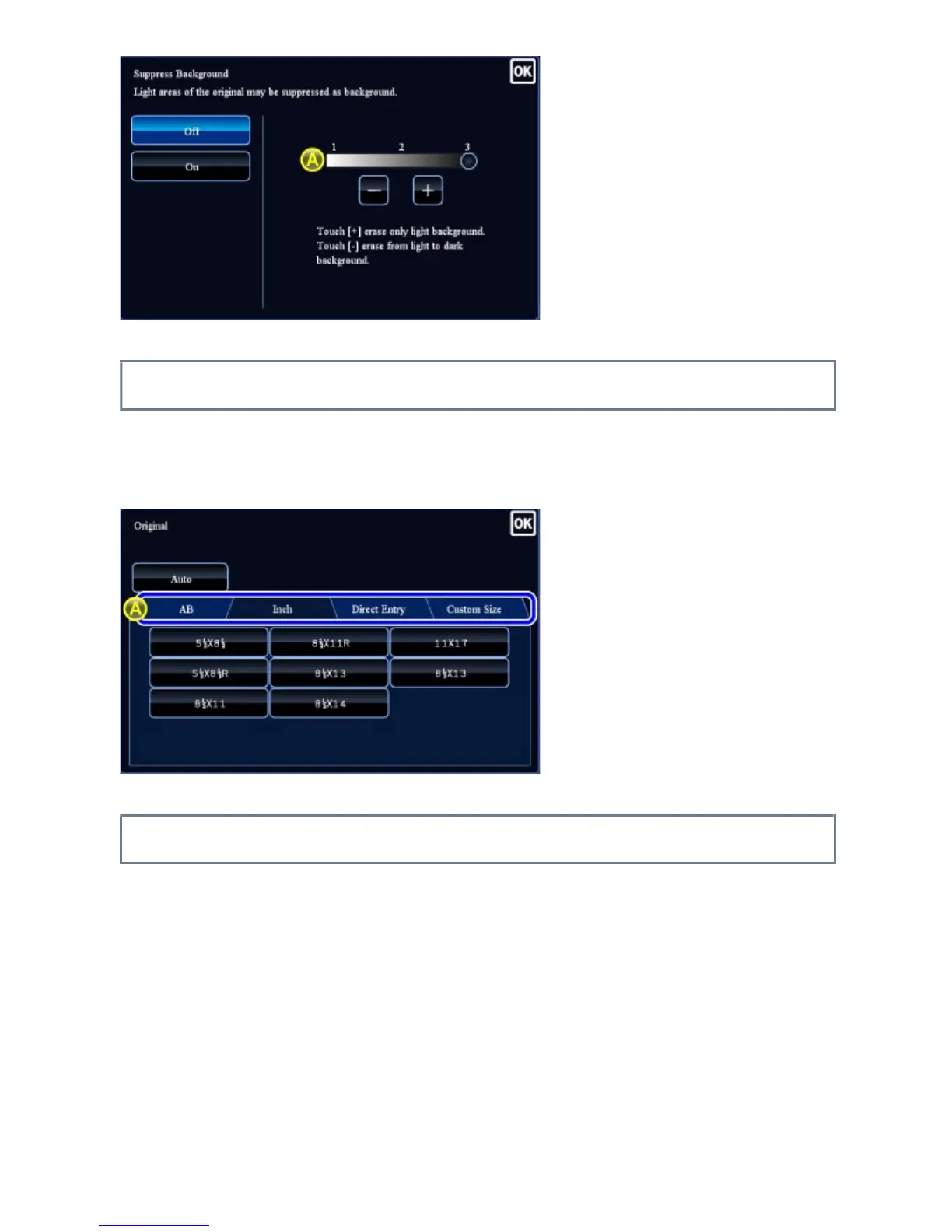
Tab (tapping)
A. Tap a tab to switch what is displayed.
Preview screen (Double tapping/ Pinch/ Spread)
A. When a preview screen is "pinched", the screen image is reduced. When "spread", the
image is enlarged.
When "Double tapping", the image is also enlarged.
USER'S MANUAL | MX-M365N/MX-M465N/MX-M565N USER'S ... http://siica.sharpusa.com/portals/0/downloads/Manuals/MX-M365N-M...
51 of 1441 3/17/2016 7:14 AM



 To Next Page