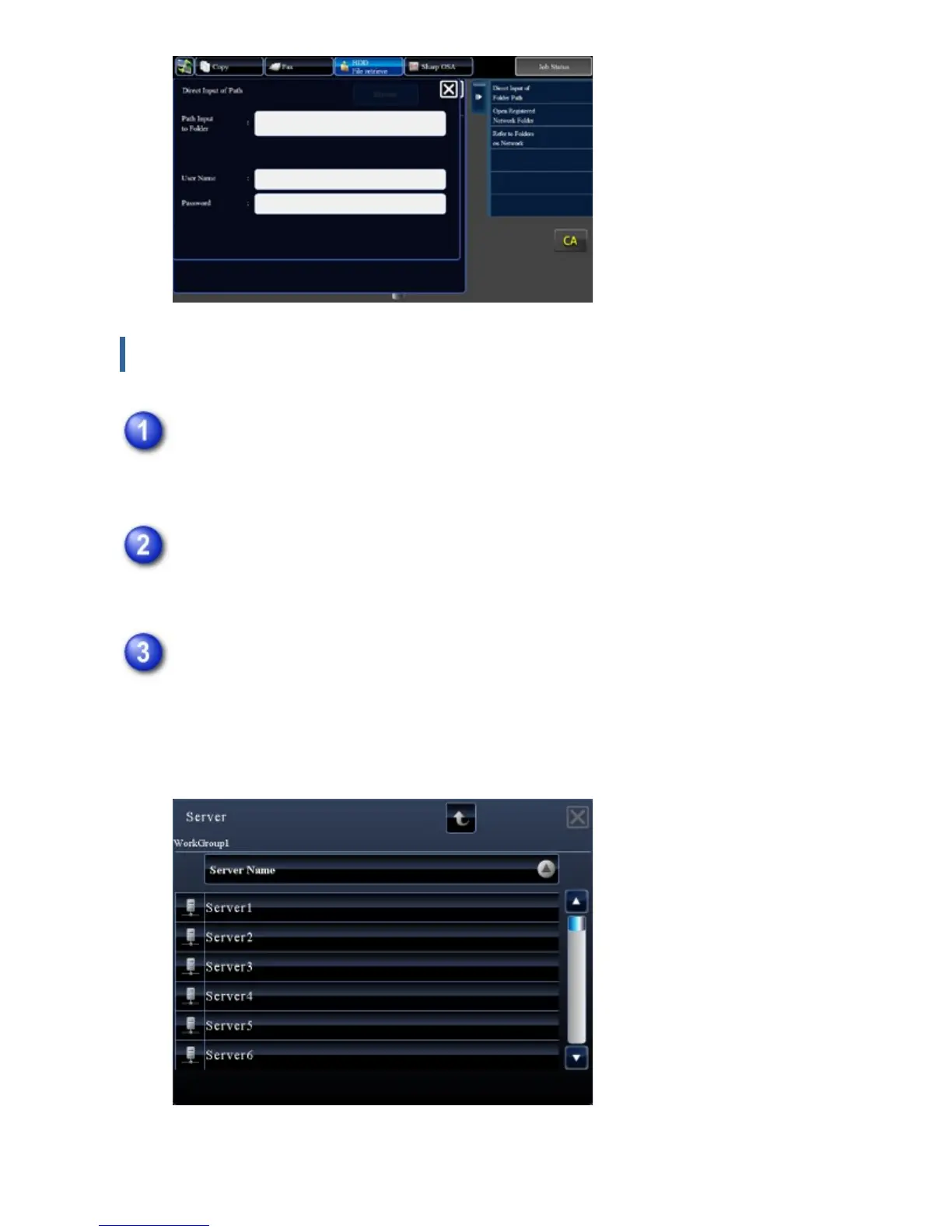
Referring to the network folder path
Tap the key of the workgroup that you wish to access in step 3 of "Printing a
file in the network folder you have configured in the machine's settings".
Tap the key of the server or computer that you wish to access.
If a screen appears prompting you to enter a user name and password, check with
your server administrator and enter the appropriate user name and password.
Tap the key of the network folder that you wish to access.
Access the network folder.
For the procedure for printing, see steps 4 to 6 of "Printing a file in the network
folder you have configured in the machine's settings".
USER'S MANUAL | MX-M365N/MX-M465N/MX-M565N USER'S ... http://siica.sharpusa.com/portals/0/downloads/Manuals/MX-M365N-M...
507 of 1441 3/17/2016 7:14 AM



 To Next Page