Tap the [Address Book] key.
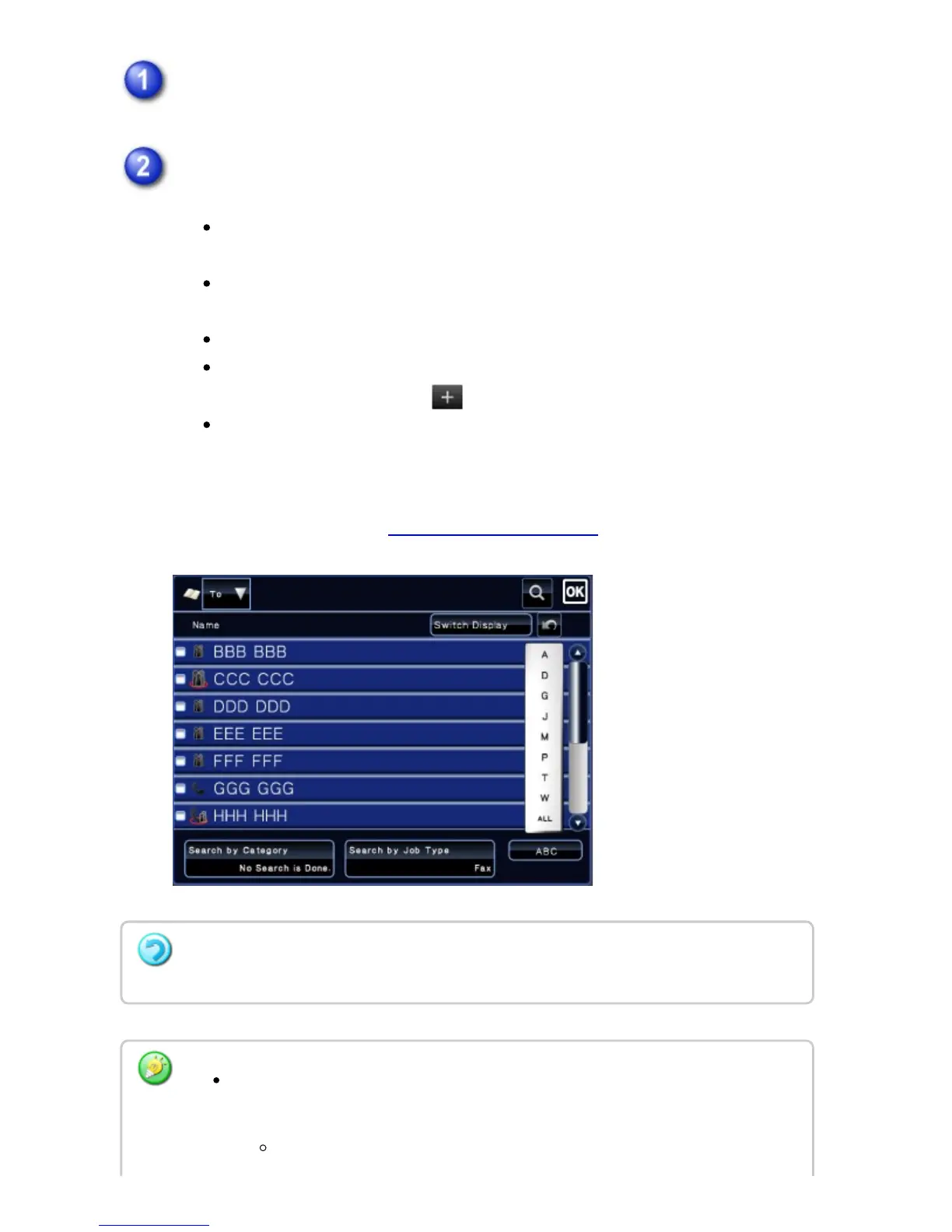
Tap a one-touch key of contact or group that includes the fax destination.
The destinations displayed on the list can be narrowed with categories, job
types, indexes, and keywords.
Tapping [Switch Display] allows you to change the order of destinations
displayed in the list.
When adding a destination, tap another one-touch key.
If two or more destinations are selected or specified, the total number of
addresses appears next to .
Even if only a single destination is selected, the number of addresses
appears when the destination is a contact or group in which multiple
addresses are stored.
For more information, see "ADDRESS BOOK SCREEN".
If you select an incorrect destination:
Tap the key again to cancel the selection.
To select a destination from the transmission log, tap the [Select among
addresses recently sent to] key on the action panel.
USING A TRANSMISSION LOG TO RESEND
USER'S MANUAL | MX-M365N/MX-M465N/MX-M565N USER'S ... http://siica.sharpusa.com/portals/0/downloads/Manuals/MX-M365N-M...
538 of 1441 3/17/2016 7:14 AM



 To Next Page