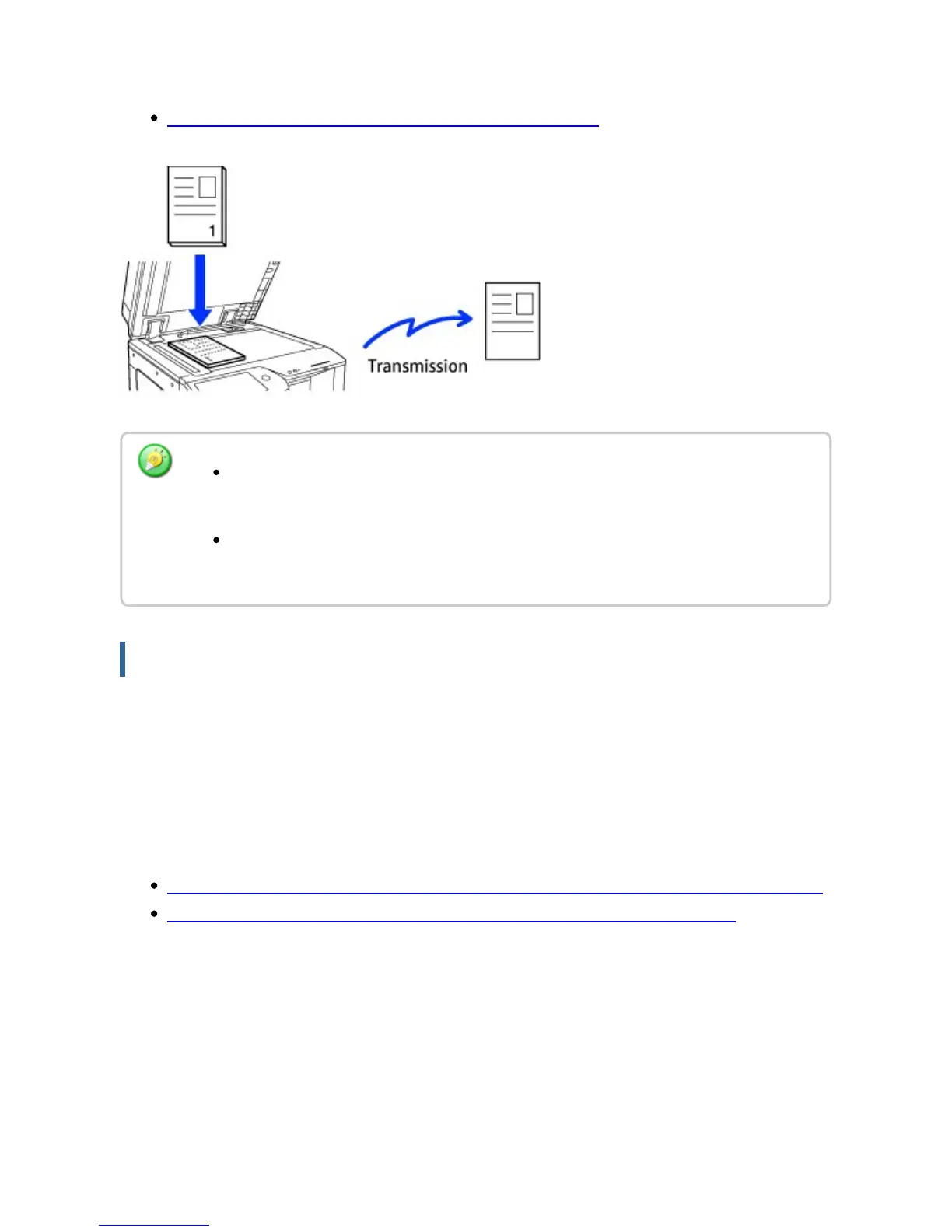
Place the original on the document glass.
USING THE DOCUMENT GLASS FOR TRANSMISSION
If you wish to send a fax ahead of other previously reserved fax transmissions:
Send the fax in direct transmission mode. The original is transmitted directly to the
receiving fax machine without being scanned into memory.
When direct transmission mode is used, transmission will begin as soon as the transmission
in progress is completed (ahead of any previously reserved transmissions).
Tap the [Direct TX] key on the action panel to send a fax.
USING THE AUTOMATIC DOCUMENT FEEDER FOR FAXING IN DIRECT TX MODE
USING THE DOCUMENT GLASS TO SEND A FAX IN DIRECT TX MODE
Quick On Line Sending is not available when a fax is being sent from the document
glass.
When the document glass is used, multiple original pages cannot be scanned at a
time. In this case, the original pages can be separated into multiple times of scanning.
USER'S MANUAL | MX-M365N/MX-M465N/MX-M565N USER'S ... http://siica.sharpusa.com/portals/0/downloads/Manuals/MX-M365N-M...
549 of 1441 3/17/2016 7:14 AM



 To Next Page