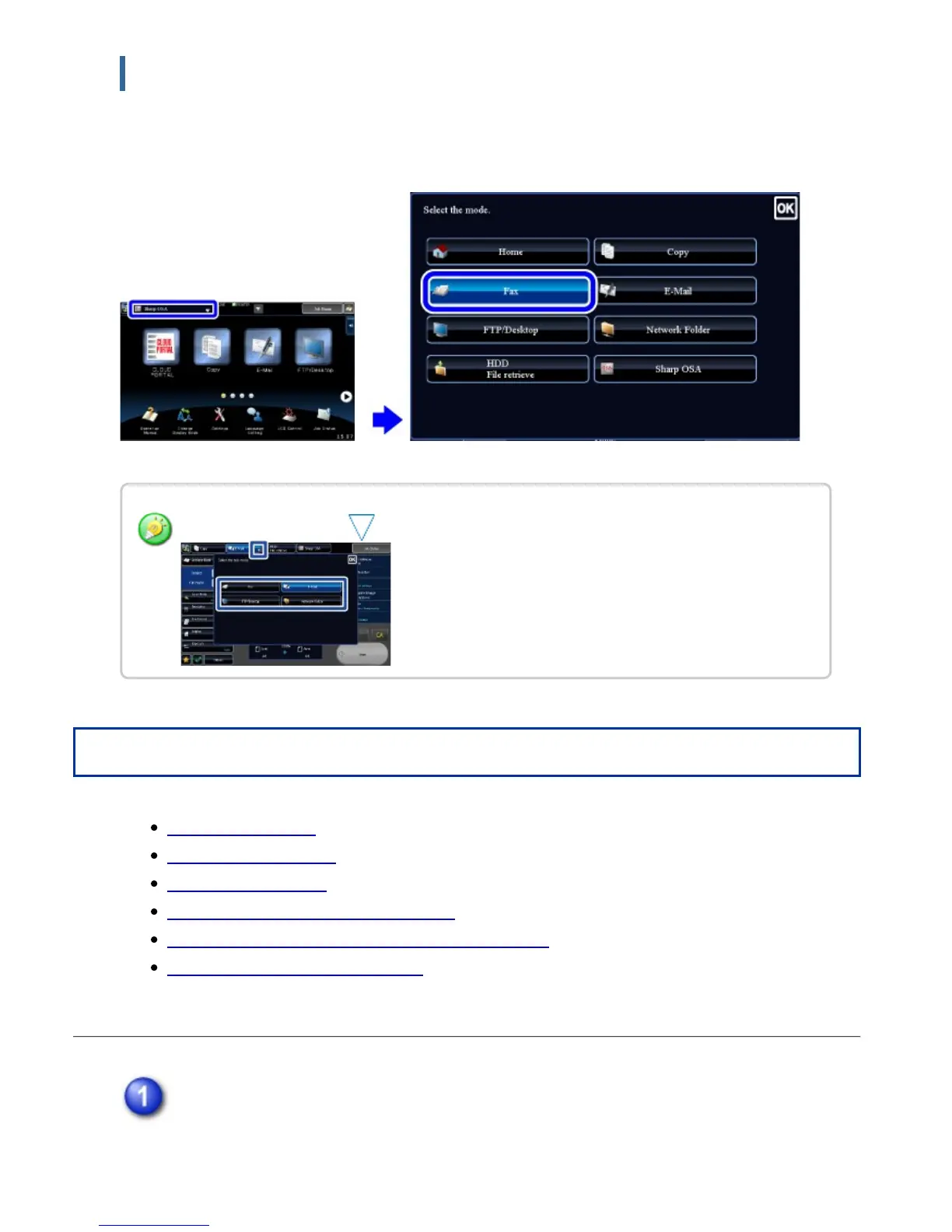
Changing mode from the mode display
Tap the mode switching key, and then operate in the mode display.
Tap on the mode display. Tap for any mode desired.
Operation
Add a shortcut key
Delete a shortcut key
Move a shortcut key
Changing the name of a shortcut key
Returning the shortcut keys to the default layout
Changing an MFP display pattern
Tap [Edit Home] on the action panel.
If user authentication is not used, enter the administrator password.
In image send mode, tap to change mode.
USER'S MANUAL | MX-M365N/MX-M465N/MX-M565N USER'S ... http://siica.sharpusa.com/portals/0/downloads/Manuals/MX-M365N-M...
55 of 1441 3/17/2016 7:14 AM



 To Next Page