Tap the [Yes] key.
The selected shortcut key is deleted from the home screen.
Move a shortcut key
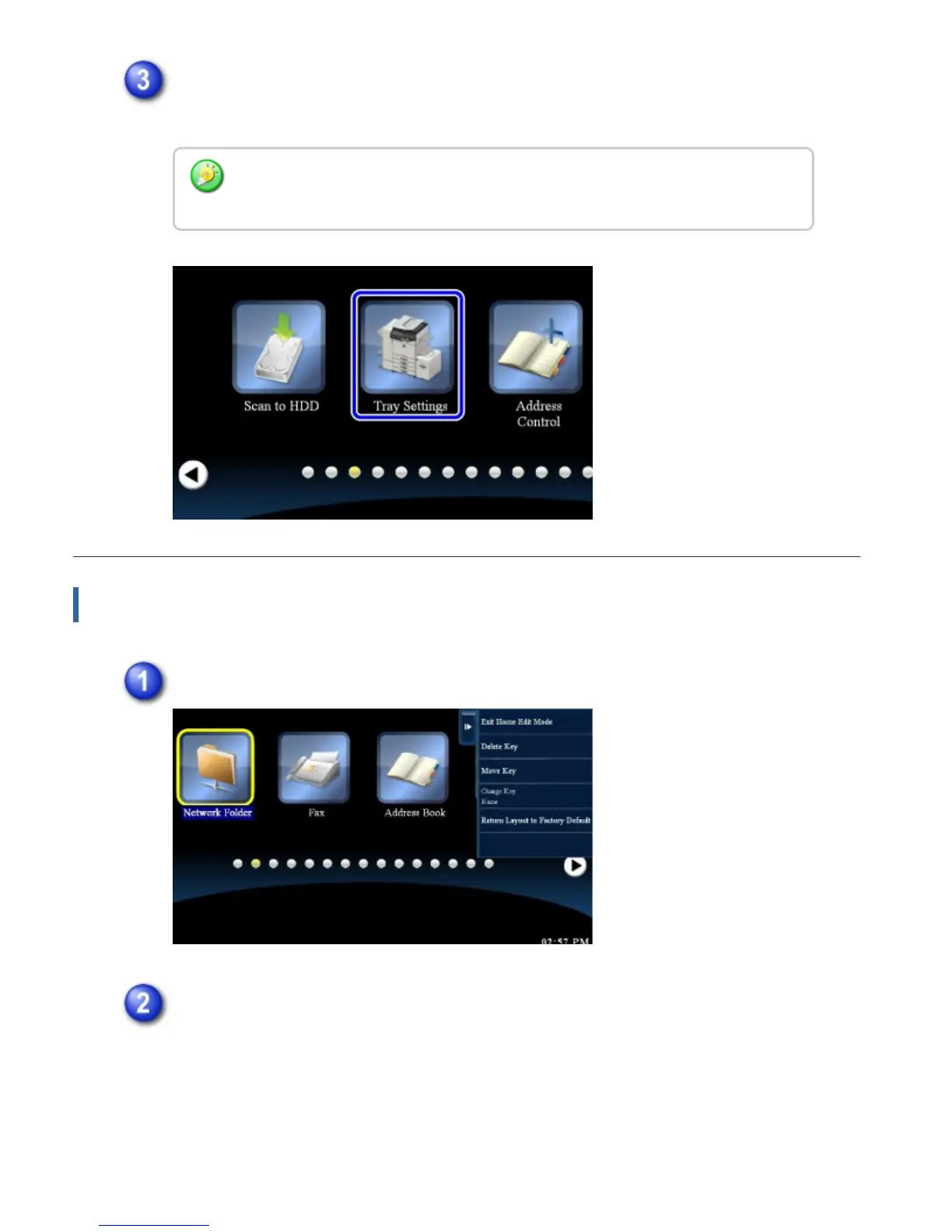
In home edit mode, tap the shortcut key you want to move.
Tap the [Move Key] key on the action panel.
After tapping the shortcut key you want to delete in step 1, you can also delete
the shortcut key by dragging it to the trash can.
USER'S MANUAL | MX-M365N/MX-M465N/MX-M565N USER'S ... http://siica.sharpusa.com/portals/0/downloads/Manuals/MX-M365N-M...
58 of 1441 3/17/2016 7:14 AM



 To Next Page