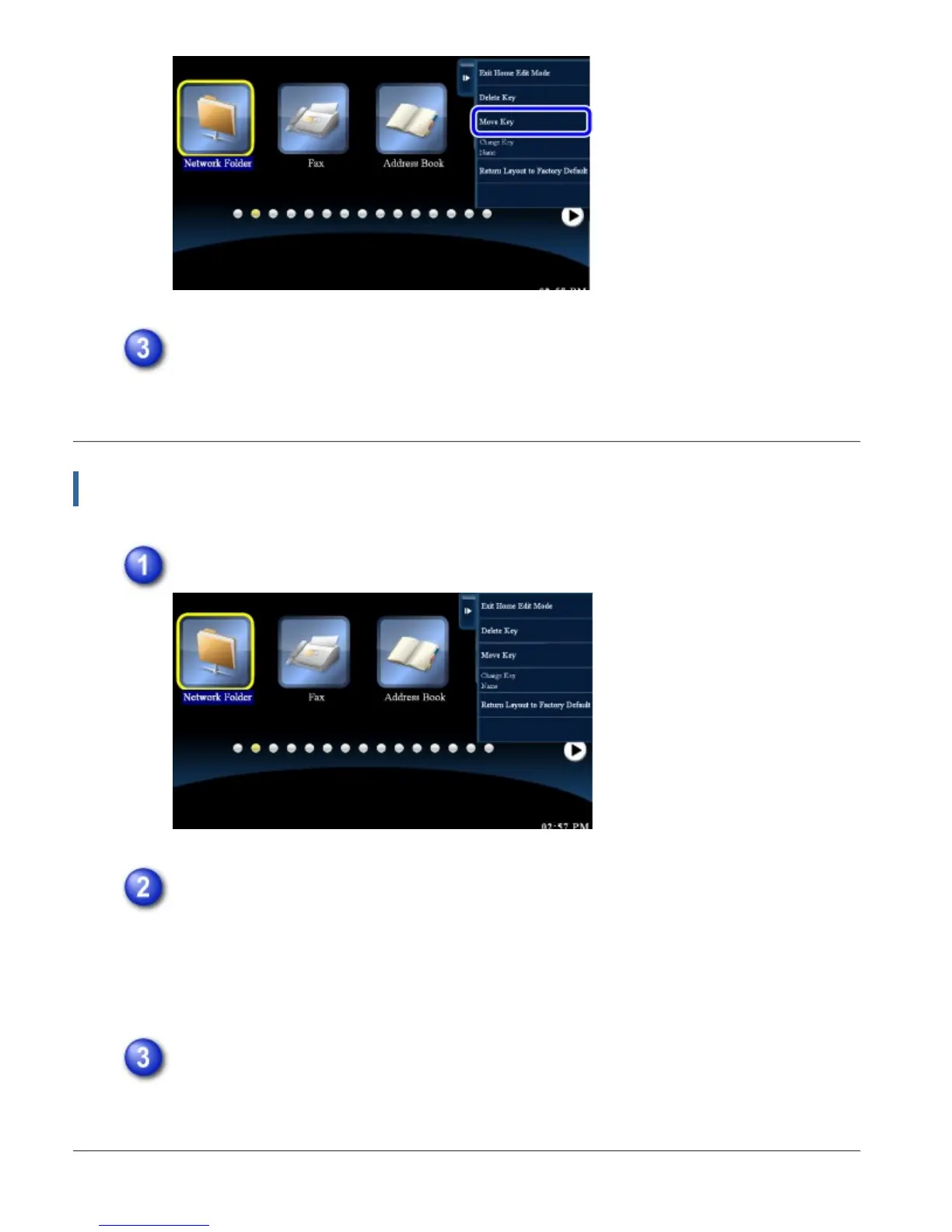
Tap the place where you want to move the shortcut key.
The selected shortcut key moves.
Changing the name of a shortcut key
In home edit mode, tap the shortcut key whose name you want to change.
Tap [Change Key Name] on the action panel.
The soft keyboard appears.
When the external keyboard is installed, the external keyboard can be entered the
text.
Enter the name and tap the [OK] key.
The name of the selected shortcut key changes.
USER'S MANUAL | MX-M365N/MX-M465N/MX-M565N USER'S ... http://siica.sharpusa.com/portals/0/downloads/Manuals/MX-M365N-M...
59 of 1441 3/17/2016 7:14 AM



 To Next Page