SPECIFYING THE ORIGINAL SCAN SIZE IN
PAPER SIZE
Overview
When the original size is not standard (inch size or non-standard size) or is not detected
correctly, manually specify the original size.
Operation
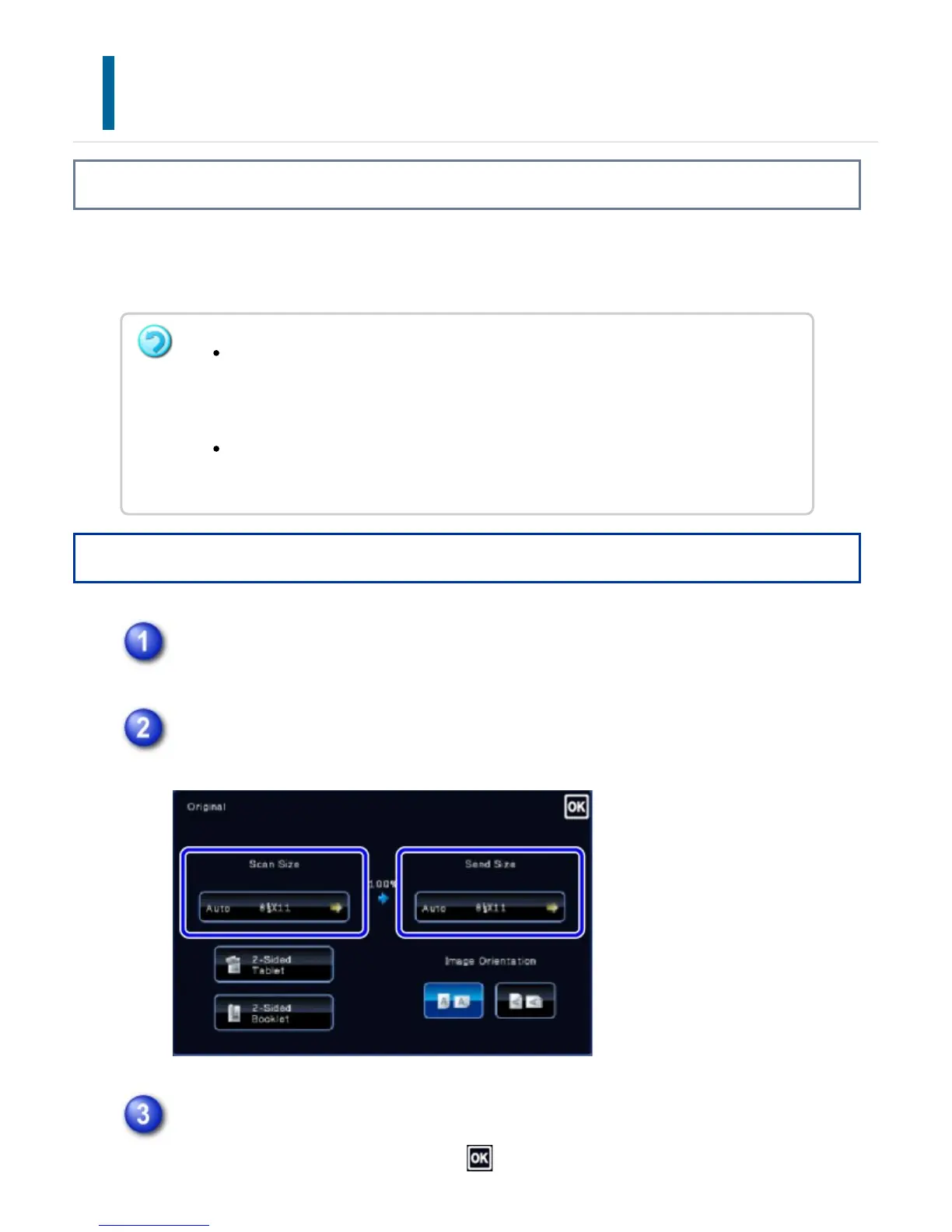
After tapping the [Original] key.
Tap the [Scan Size] key.
Tap the appropriate original size key.
After the settings are completed, tap .
When [Long Size] is selected, the 2-sided scanning setting and send size cannot
be changed.
The image is sent in Mono2 only.
When [Postcard], [Photo Size], or a standard size (direct entry) is selected, send
size cannot be changed.
USER'S MANUAL | MX-M365N/MX-M465N/MX-M565N USER'S ... http://siica.sharpusa.com/portals/0/downloads/Manuals/MX-M365N-M...
583 of 1441 3/17/2016 7:14 AM



 To Next Page