CHANGING THE EXPOSURE
Overview
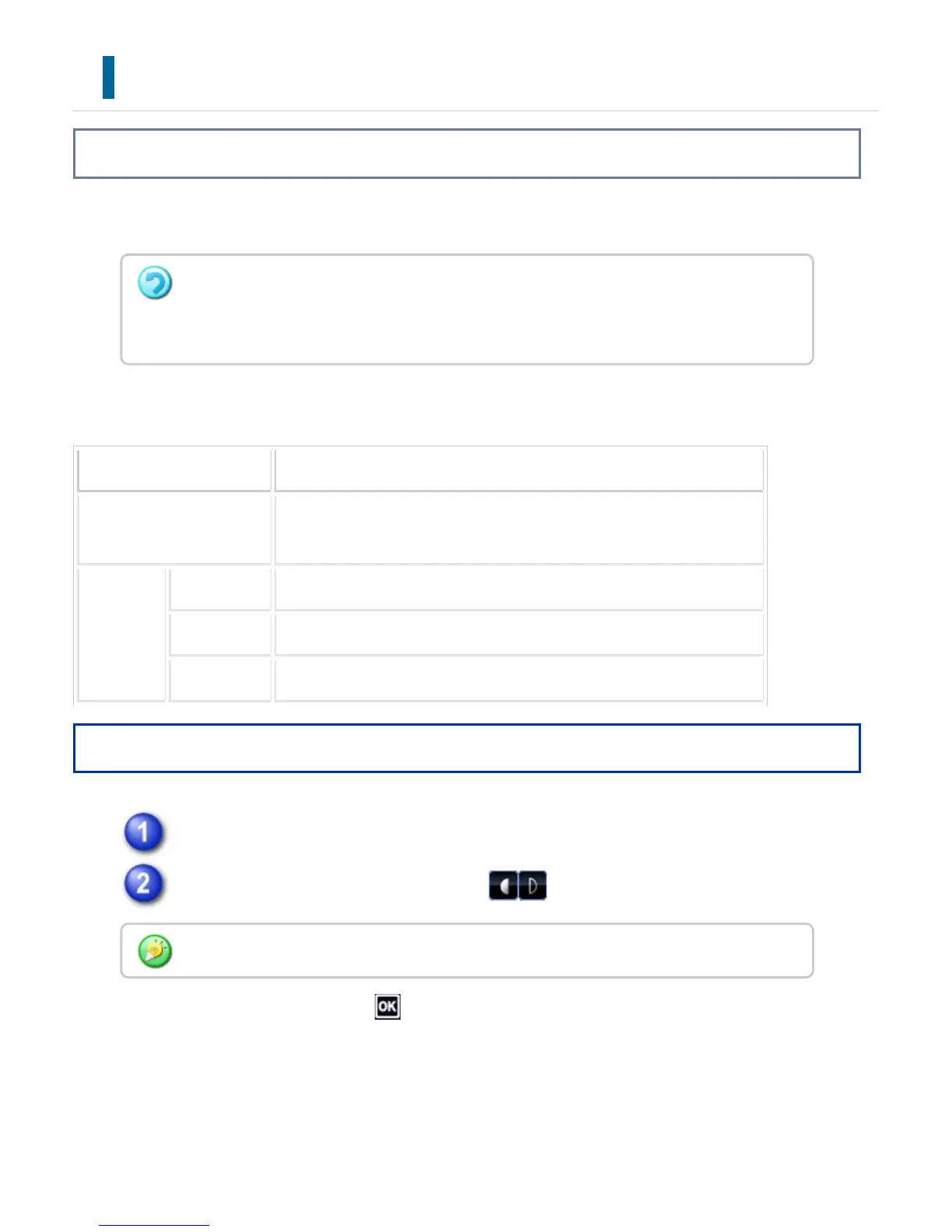
The exposure can be changed to suit the darkness of the original.
Exposure settings
Exposure Suggestion
Auto This setting automatically adjusts the exposure for light and dark part
s of the original.
Manual 1-2 Select this setting when the original consists of dark text.
3 Select this setting for a normal original (neither dark nor light).
4-5 Select this setting when the original consists of light text.
Operation
After tapping the [Exposure] key, tap the [Manual] key.
Adjust the exposure with the slider or .
After the adjustment, tap .
When using the automatic document feeder, the exposure setting cannot be changed
once scanning has begun. (However, when "Job Build" or "Preview Setting" in "Others"
is used, the exposure can be changed each time a new set of originals is inserted.)
When [Auto] is selected, the exposure will be set to [3].
USER'S MANUAL | MX-M365N/MX-M465N/MX-M565N USER'S ... http://siica.sharpusa.com/portals/0/downloads/Manuals/MX-M365N-M...
589 of 1441 3/17/2016 7:14 AM



 To Next Page