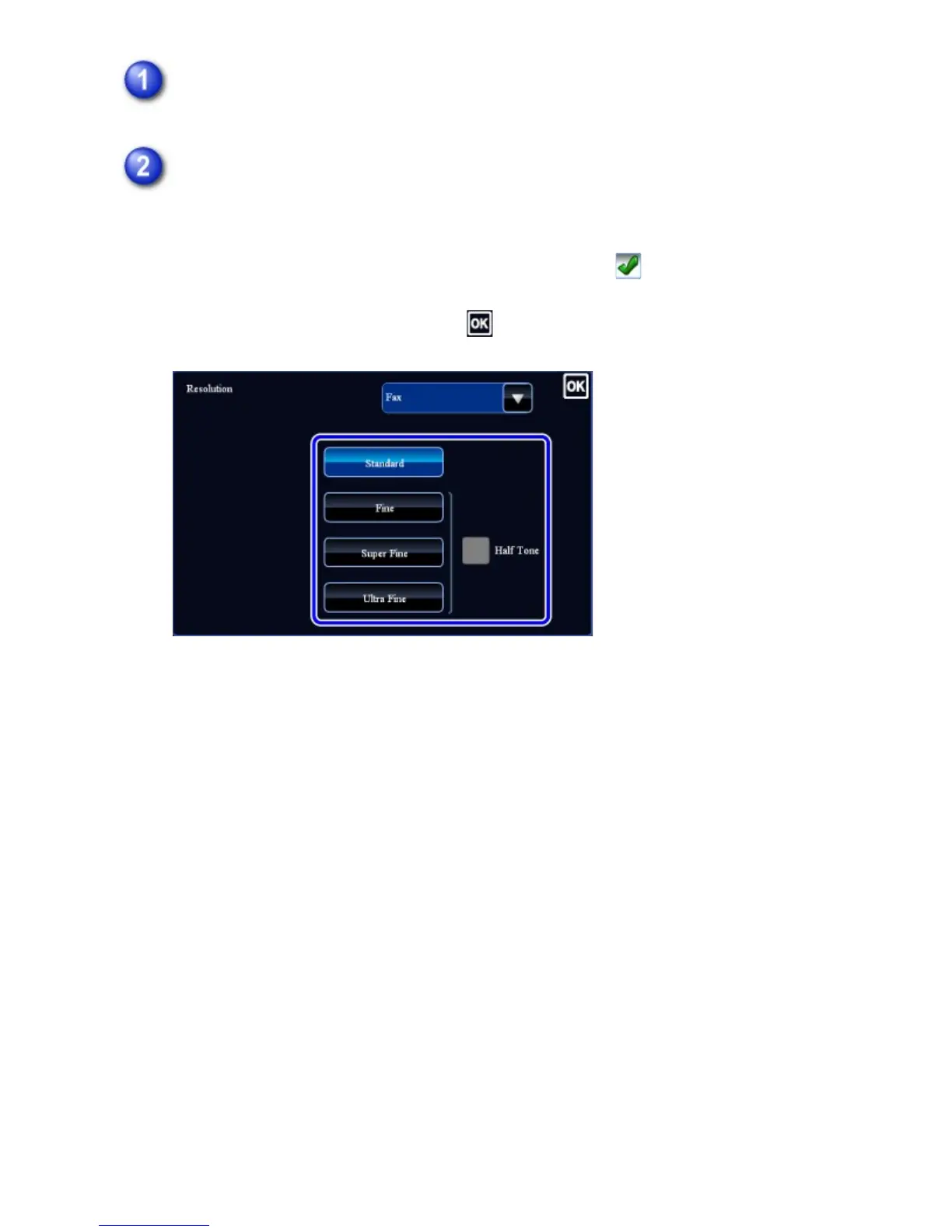
Tap the [Resolution] key.
Tap the key of the desired resolution.
When your original is a photograph or has gradations of color (such as a color
original), and you wish to produce a clearer image than [Fine], [Super Fine], or
[Ultra Fine] used alone, set the [Half Tone] checkbox to .
Halftone cannot be selected when [Standard] is used.
After the settings are completed, tap .
USER'S MANUAL | MX-M365N/MX-M465N/MX-M565N USER'S ... http://siica.sharpusa.com/portals/0/downloads/Manuals/MX-M365N-M...
592 of 1441 3/17/2016 7:14 AM



 To Next Page