FORWARDING RECEIVED DATA TO PRESET
DESTINATIONS
(INBOUND ROUTING SETTINGS)
Overview
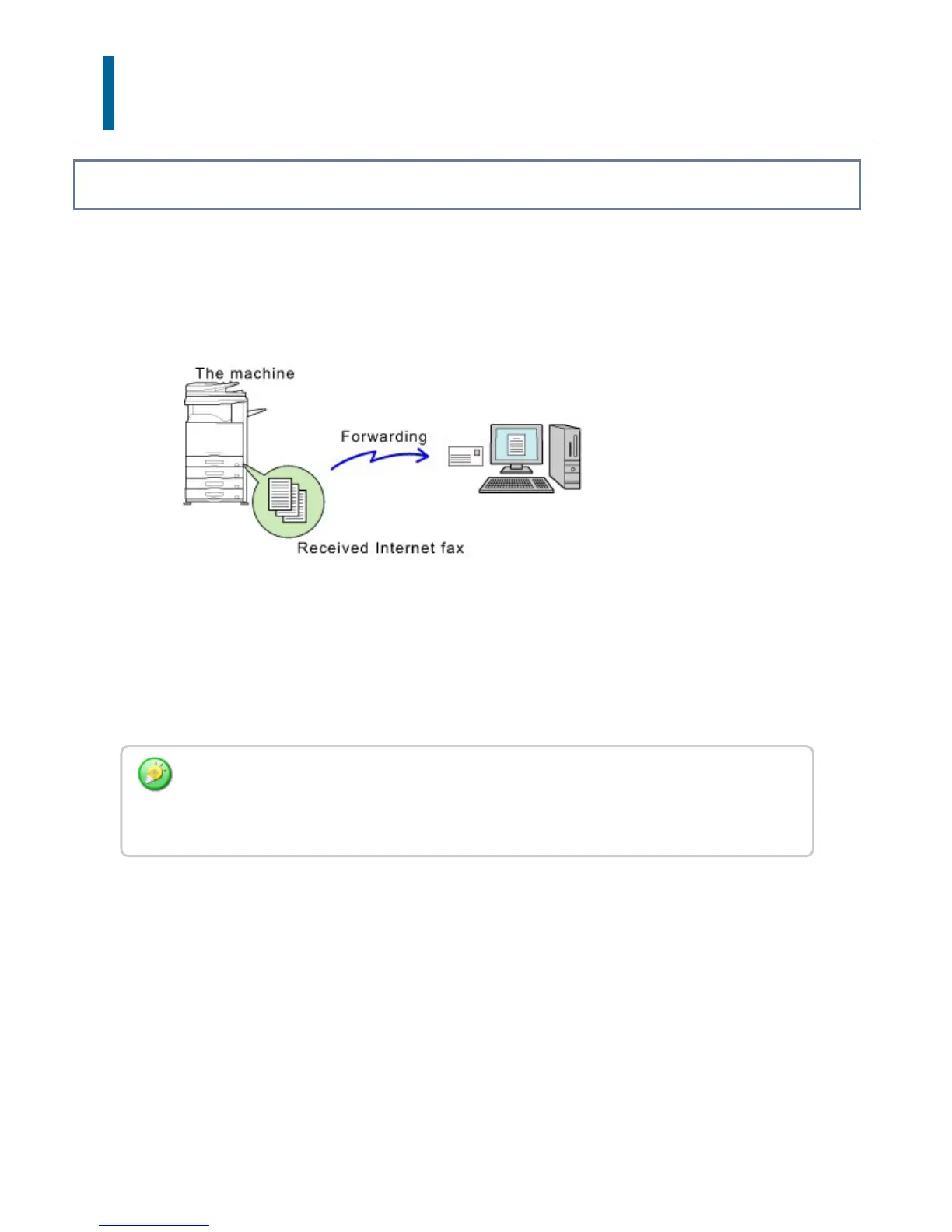
You can have received faxes automatically forwarded to a fax address, Internet fax
address, e-mail address, file server address, desktop address, or network folder address.
Received data can be forwarded to the specified destinations without being printed.
In setting mode (Web version), you can configure the inbound routing settings for all
received data. For the procedure for accessing the setting mode (Web version), see the
Quick Start Guide.
The following explanation assumes that the setting mode (Web version) has been
accessed with administrator rights.
Whether or not to forward data for each forwarding table can be quickly set. In "Setting
mode", select [Application Settings] → [Forward Received Data], and tap [Valid]/[Invalid]
on the displayed forwarding table to switch the settings.
USER'S MANUAL | MX-M365N/MX-M465N/MX-M565N USER'S ... http://siica.sharpusa.com/portals/0/downloads/Manuals/MX-M365N-M...
607 of 1441 3/17/2016 7:14 AM



 To Next Page