FORWARDING RECEIVED DATA MANUALLY
Overview
Received faxes can be forwarded manually after receipt.
Operation
When data is received, is shown at the top of the screen.
The received data is listed.
Tap to show a list of received data. The list view or thumbnails view can be changed
depending on the setting mode.
Multiple sets of received data can be selected.
This function is available when [System Settings] → [Operation Settings] → [Preview
Setting] → [Received Data Image Check Setting] is enabled
*
in "Setting mode".
* The factory default setting is disabled.
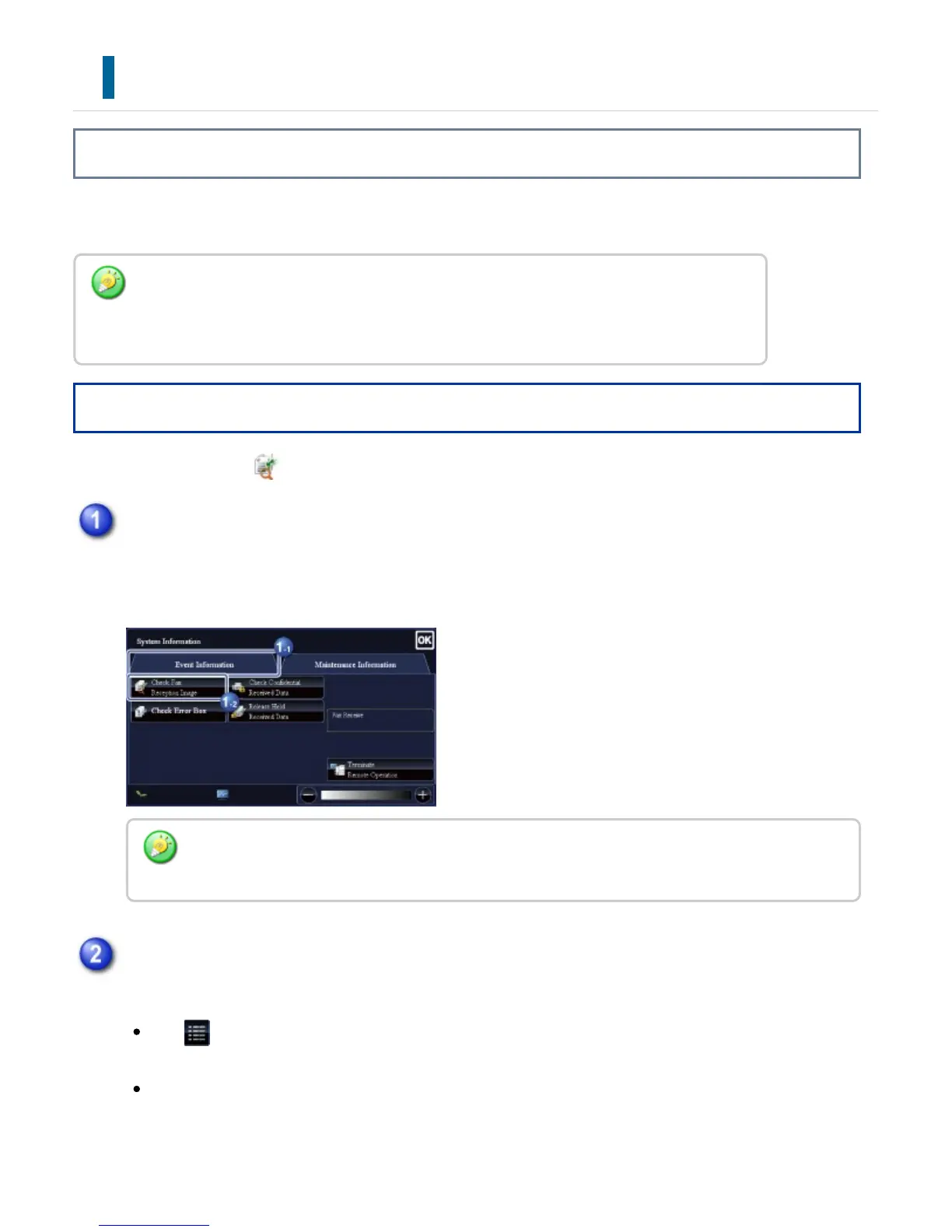
In the System Information, tap the [Event Information] tab and tap the [Check Fax
Reception Image] key
You can also display the received data list by tapping the job status display and tapping the
[Check Received Data] key on the action panel of Job Status screen.
Tap the key of the received data you wish to forward, and tap the [Forward to Other
Address] key
USER'S MANUAL | MX-M365N/MX-M465N/MX-M565N USER'S ... http://siica.sharpusa.com/portals/0/downloads/Manuals/MX-M365N-M...
615 of 1441 3/17/2016 7:14 AM



 To Next Page