PREVIEW SCREEN
Overview
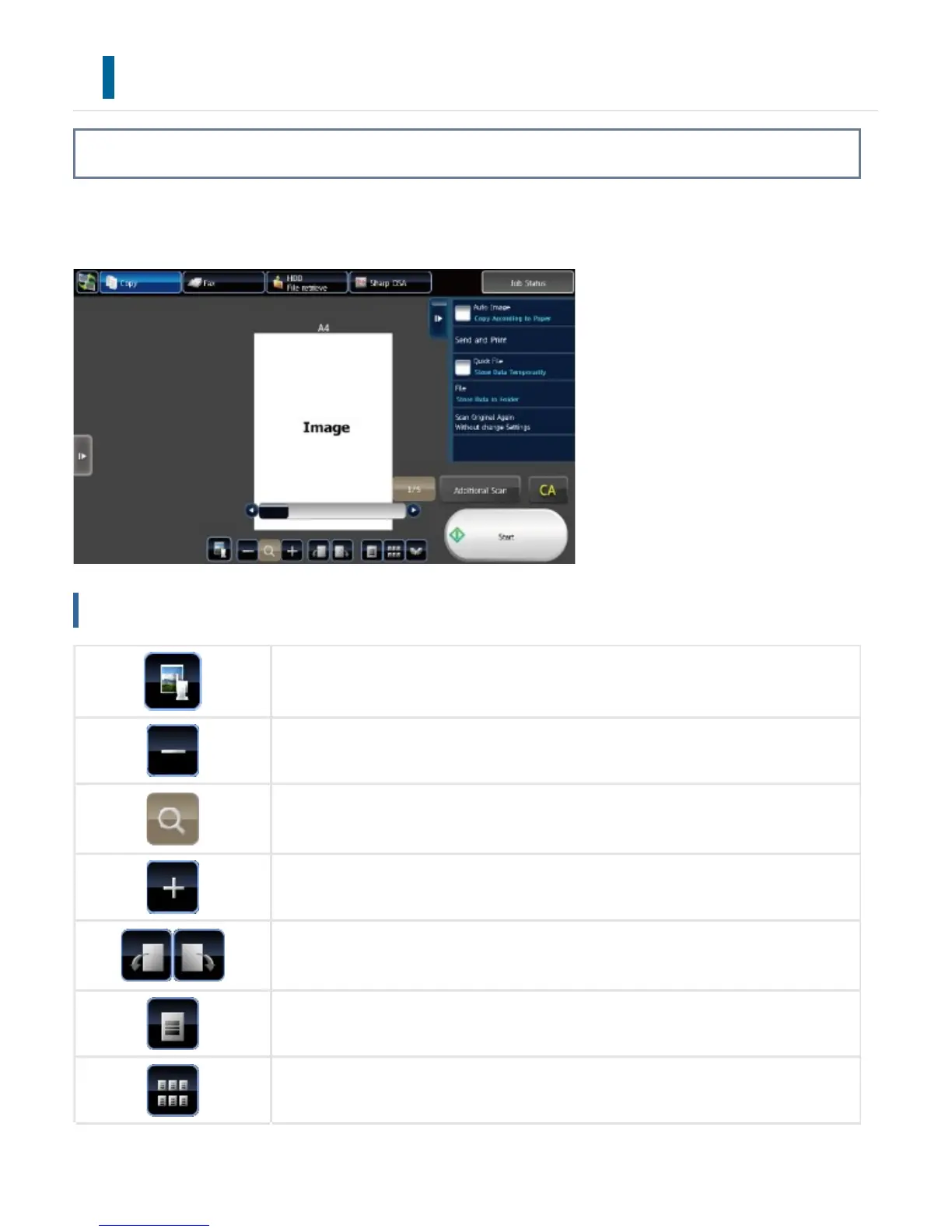
In the preview screen, you can view output images or images stored in the machine using the touch
panel.
Keys used in the preview screen
This changes the mode to edit mode. Pages of the original can be changed, rotated,
or deleted.
This reduces the image.
This displays the scroll bar for enlargement/reduction operations. Moving the slider t
o the left reduces the image, and moving the slider to the right enlarges the image.
This enlarges the image.
This rotates the preview image of whole page in the arrow's direction. The printing r
esult is not rotated.
This displays preview images of respective pages.
This displays thumbnails of preview images.
USER'S MANUAL | MX-M365N/MX-M465N/MX-M565N USER'S ... http://siica.sharpusa.com/portals/0/downloads/Manuals/MX-M365N-M...
62 of 1441 3/17/2016 7:14 AM



 To Next Page