This displays pages in a 3D view.
Operation
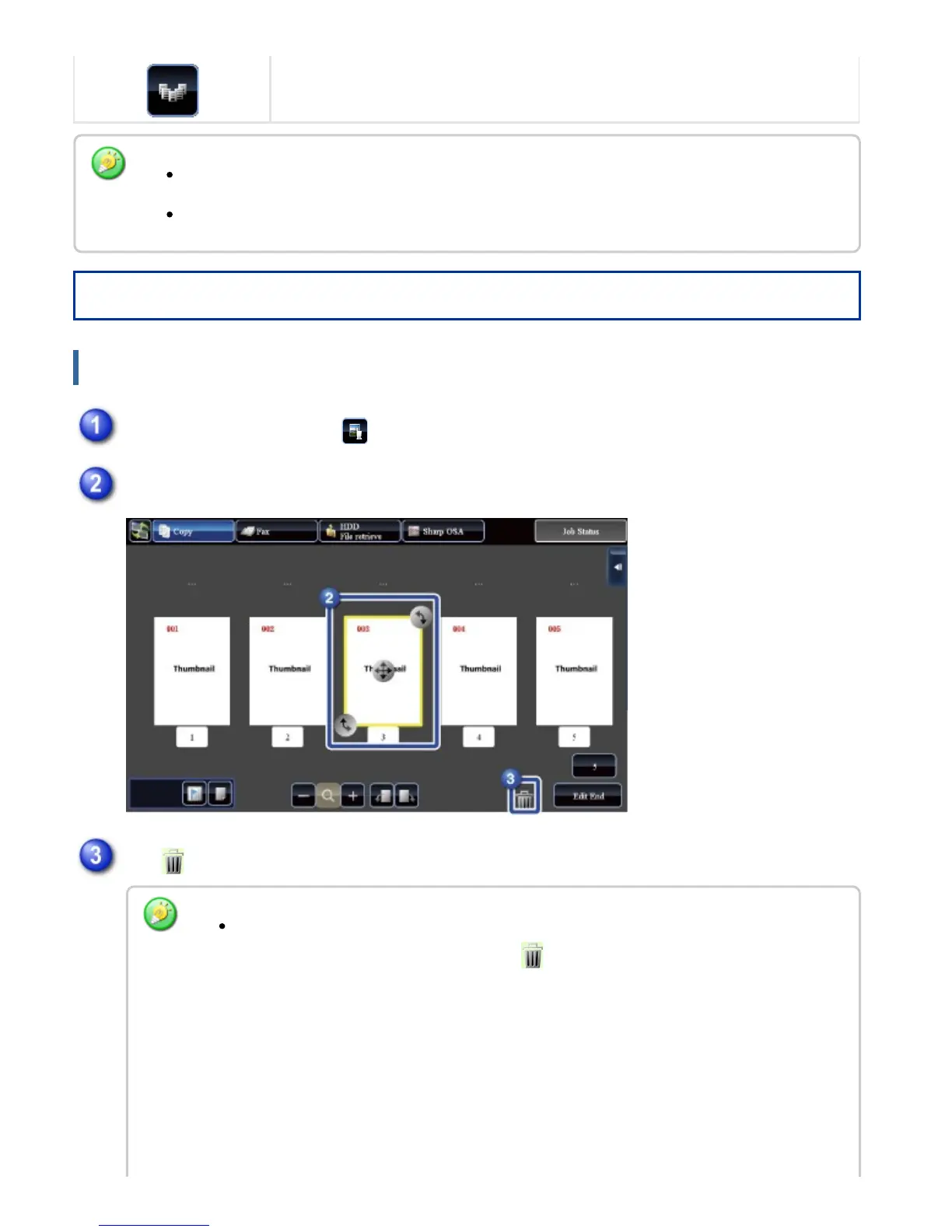
Deleting a page
The display position of an image can be moved by dragging it while it is enlarged.
To enlarge an image, double-tap it when the preview image is displayed by page.
In the preview screen, tap to switch to edit mode
Tap the page you want to delete
Tap
You can also delete the page by tapping the [Delete the Page] key on the action panel.
You can also delete by dragging a page to .
USER'S MANUAL | MX-M365N/MX-M465N/MX-M565N USER'S ... http://siica.sharpusa.com/portals/0/downloads/Manuals/MX-M365N-M...
63 of 1441 3/17/2016 7:14 AM



 To Next Page