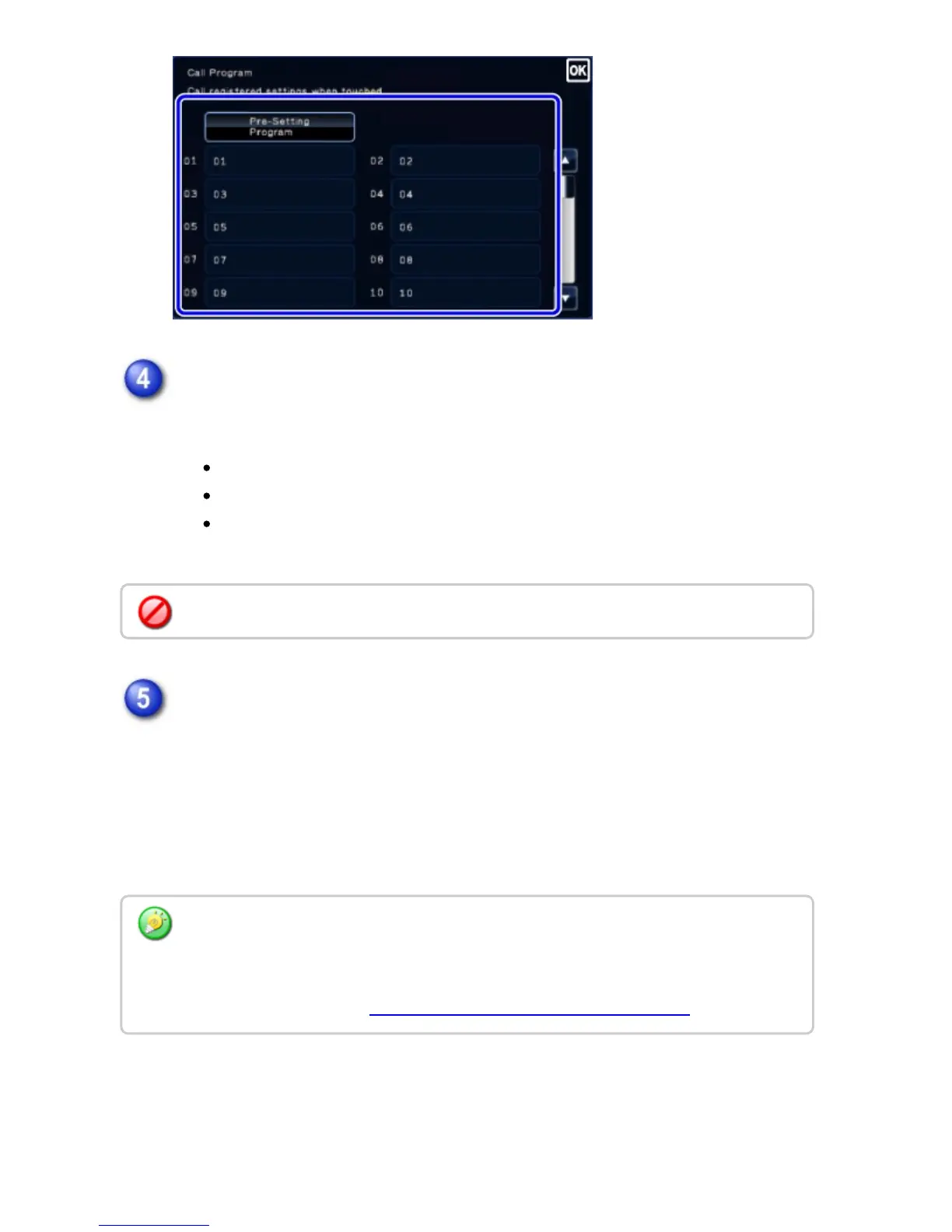
Configure additional settings.
For the called program, additionally configure the following settings:
Image settings: Original scan size
Send size
Others: Timer Transmission, Card Shot, File, Quick File, Own Name Select,
Transaction Report
Tap the [Start] key to start scanning of the original
If you inserted the original pages in the document feeder tray, all pages are
scanned.
When you place the original on the document glass, scan each page one at a time.
After you have scanned the last original, tap the [Read-End] key.
A beep will sound to indicate that scanning and transmission have ended.
Some settings cannot be added depending on the contents of the called program.
Tap the [Preview] key to preview the output image before sending it. After you have
scanned an original by tapping the [Preview] key, tap the [Additional Scan] key to scan the
next original. Tap the [Start] key to start sending an image.
For more information, see "CHECKING THE IMAGE TO BE TRANSMITTED".
USER'S MANUAL | MX-M365N/MX-M465N/MX-M565N USER'S ... http://siica.sharpusa.com/portals/0/downloads/Manuals/MX-M365N-M...
621 of 1441 3/17/2016 7:14 AM



 To Next Page