SPECIFYING THE TIME FOR
COMMUNICATION
(TIMER)
Overview
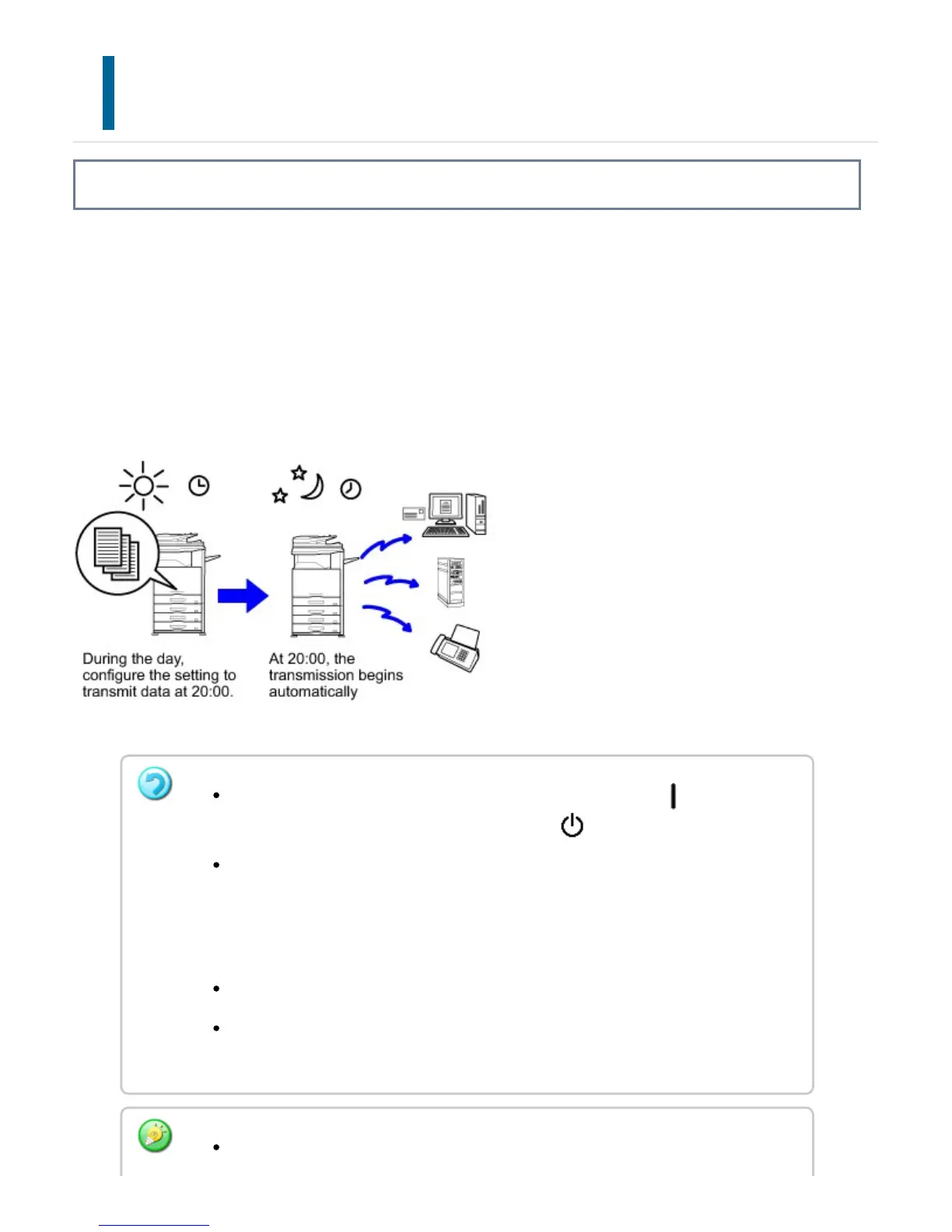
Specify a time at which a transmission or broadcast transmission will automatically take
place. Transmission begins automatically at the specified time.
This function is helpful when you wish to perform reserved, broadcast or other
transmissions during your absence or at night or other times when telephone rates are
low. A timer setting can also be specified for polling reception to receive a fax when you
are not present.
When a timer transmission is set, keep the main power switch " ".
Transmission will not take place if the status is " " at the specified time.
When performing a timer transmission, you must scan the original into memory
when you set up the transmission. It is not possible to leave the document in the
document feeder tray or on the document glass and have it scanned at the
reserved time of transmission.
Up to 100 timer transmissions can be stored at once.
This function cannot be used in direct transmission mode or when the speaker is
used to dial.
If another transmission is in progress when the specified time arrives, the timer
USER'S MANUAL | MX-M365N/MX-M465N/MX-M565N USER'S ... http://siica.sharpusa.com/portals/0/downloads/Manuals/MX-M365N-M...
661 of 1441 3/17/2016 7:14 AM



 To Next Page