CREATING MEMORY BOXES IN THE MACHINE
FOR F-CODE COMMUNICATION
Before the F-code communication function can be used, special memory boxes must be
created in "Setting mode".
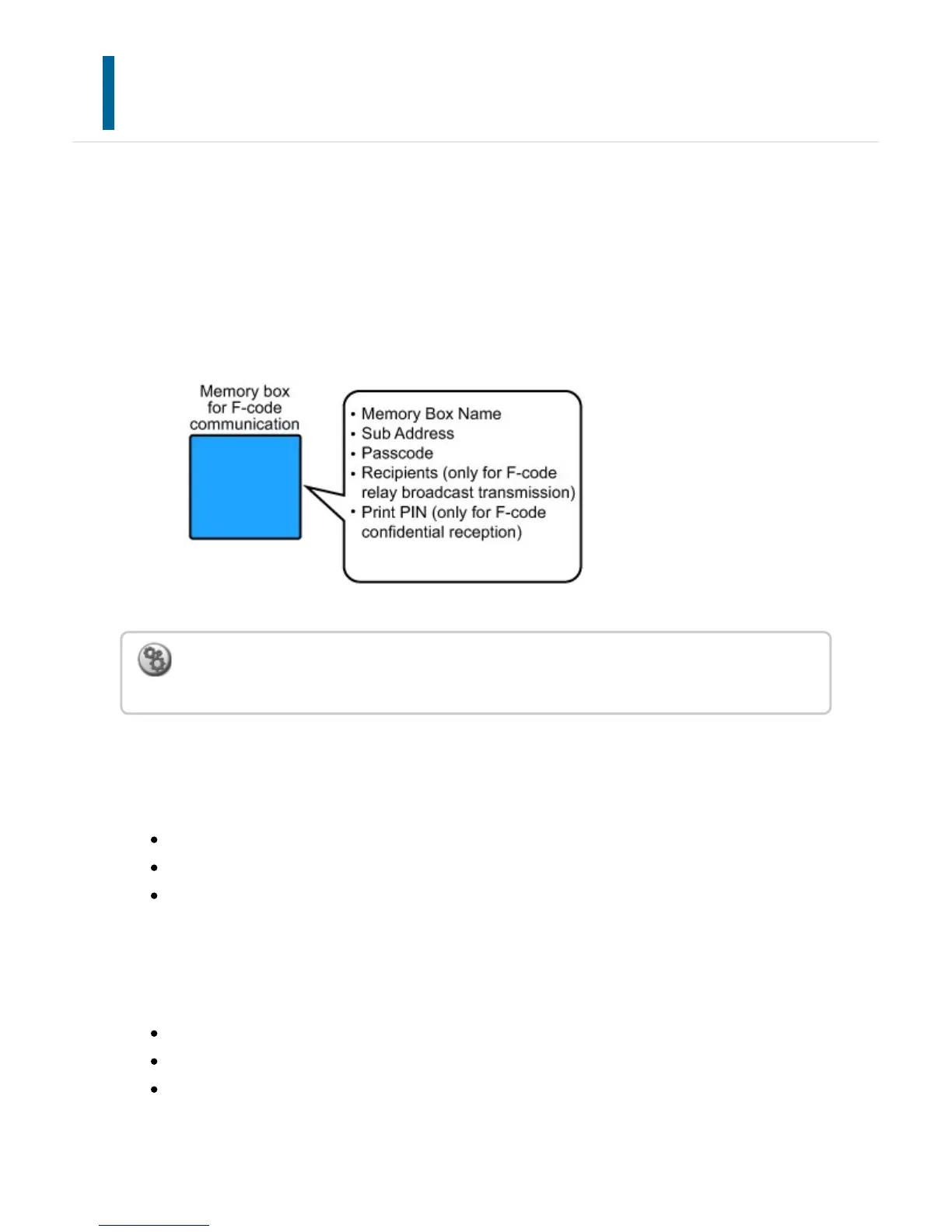
Set the box name and F-code (sub-address and passcode) in each memory box, and store
them.
After you have created a memory box, notify the other party of F-code communication of
the sub-address and passcode of the box.
To use the following F-code communication functions, F-code memory boxes must be
created in your machine.
F-code confidential reception
F-code polling memory
F-code relay broadcast transmission
To use the following F-code communication functions, F-code memory boxes must be
created in the other machine.
F-CODE CONFIDENTIAL TRANSMISSION
F-code polling reception
F-code relay request transmission
To create F-code memory boxes:
In "Setting mode", select [System Settings] → [F-Code Memory Box].
USER'S MANUAL | MX-M365N/MX-M465N/MX-M565N USER'S ... http://siica.sharpusa.com/portals/0/downloads/Manuals/MX-M365N-M...
677 of 1441 3/17/2016 7:14 AM



 To Next Page