action panel.
Tap the key of the memory box containing the confidential fax.
" " appears in the keys of memory boxes that have received faxes. The keys of
memory boxes that have not received faxes are grayed out and cannot be tapped.
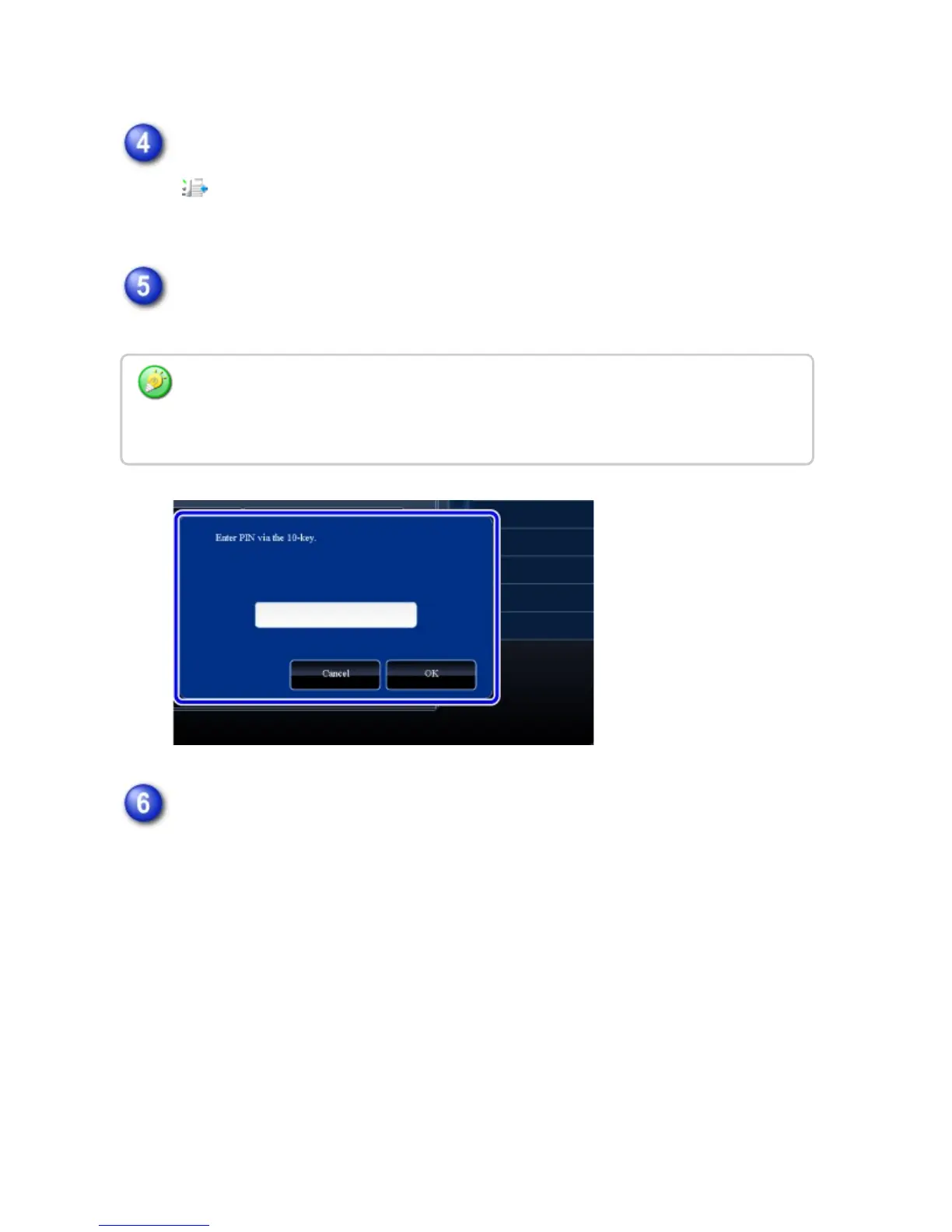
Enter the print passcode using the numeric keys.
As each digit is entered, "-" changes to "*".
Tap the key of the received data you wish to check, and tap the [Check
Image] key on the action panel
Displays the received data image.
To print the document, tap the [Print] key.
Take care to enter the correct print passcode. If you make a mistake, a message will
appear and you will return to the entry screen. You can tap the [Cancel] key to return to
step 4.
USER'S MANUAL | MX-M365N/MX-M465N/MX-M565N USER'S ... http://siica.sharpusa.com/portals/0/downloads/Manuals/MX-M365N-M...
683 of 1441 3/17/2016 7:14 AM



 To Next Page