Changing the settings
Tapping the tab on the left of the screen allows you to change the color mode and other
settings.
You cannot tap the keys for functions whose settings cannot be changed.
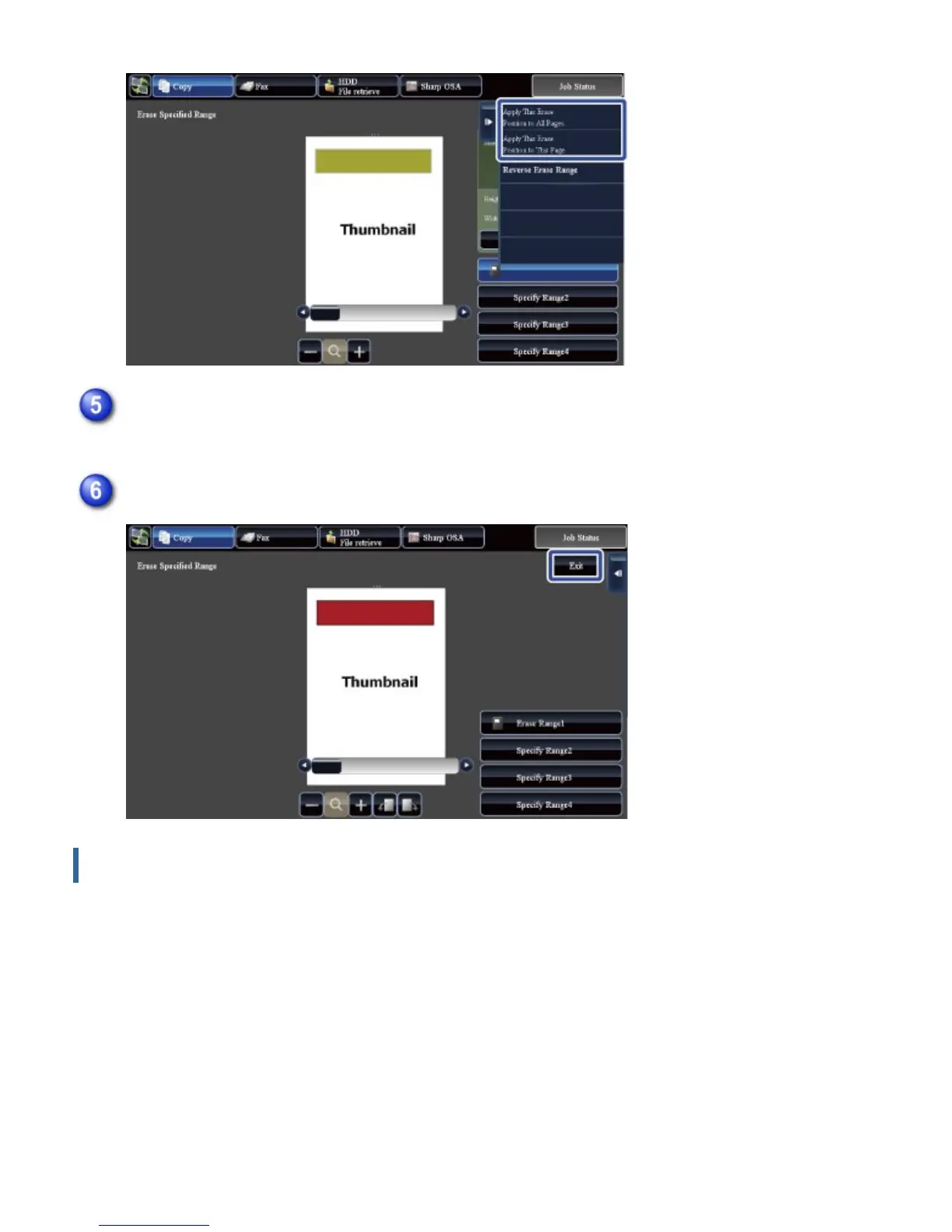
As necessary, repeat the steps to specify the erase range and the pages to which it is
applied
Tap the [Exit] key
USER'S MANUAL | MX-M365N/MX-M465N/MX-M565N USER'S ... http://siica.sharpusa.com/portals/0/downloads/Manuals/MX-M365N-M...
69 of 1441 3/17/2016 7:14 AM



 To Next Page