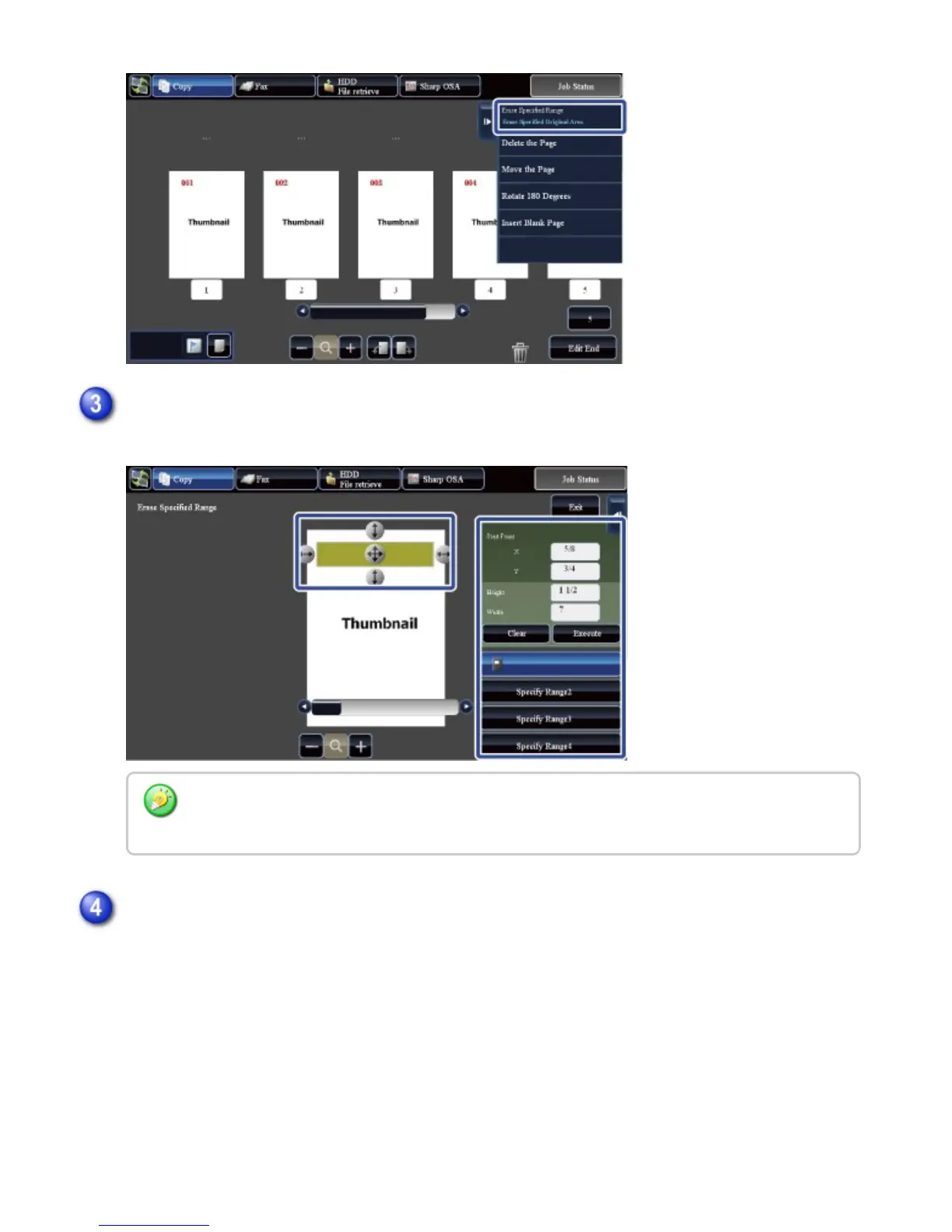
Specify the erase range and then tap the [Execute] key.
Follow the on-screen instructions to specify the erase range
To delete the image outside the selected range, tap the [Reverse Erase Range] key on the
action panel.
On the action panel, select [Apply This Erase Position to All Pages.] or [Apply This Erase
Position to This Page.]
USER'S MANUAL | MX-M365N/MX-M465N/MX-M565N USER'S ... http://siica.sharpusa.com/portals/0/downloads/Manuals/MX-M365N-M...
68 of 1441 3/17/2016 7:14 AM



 To Next Page