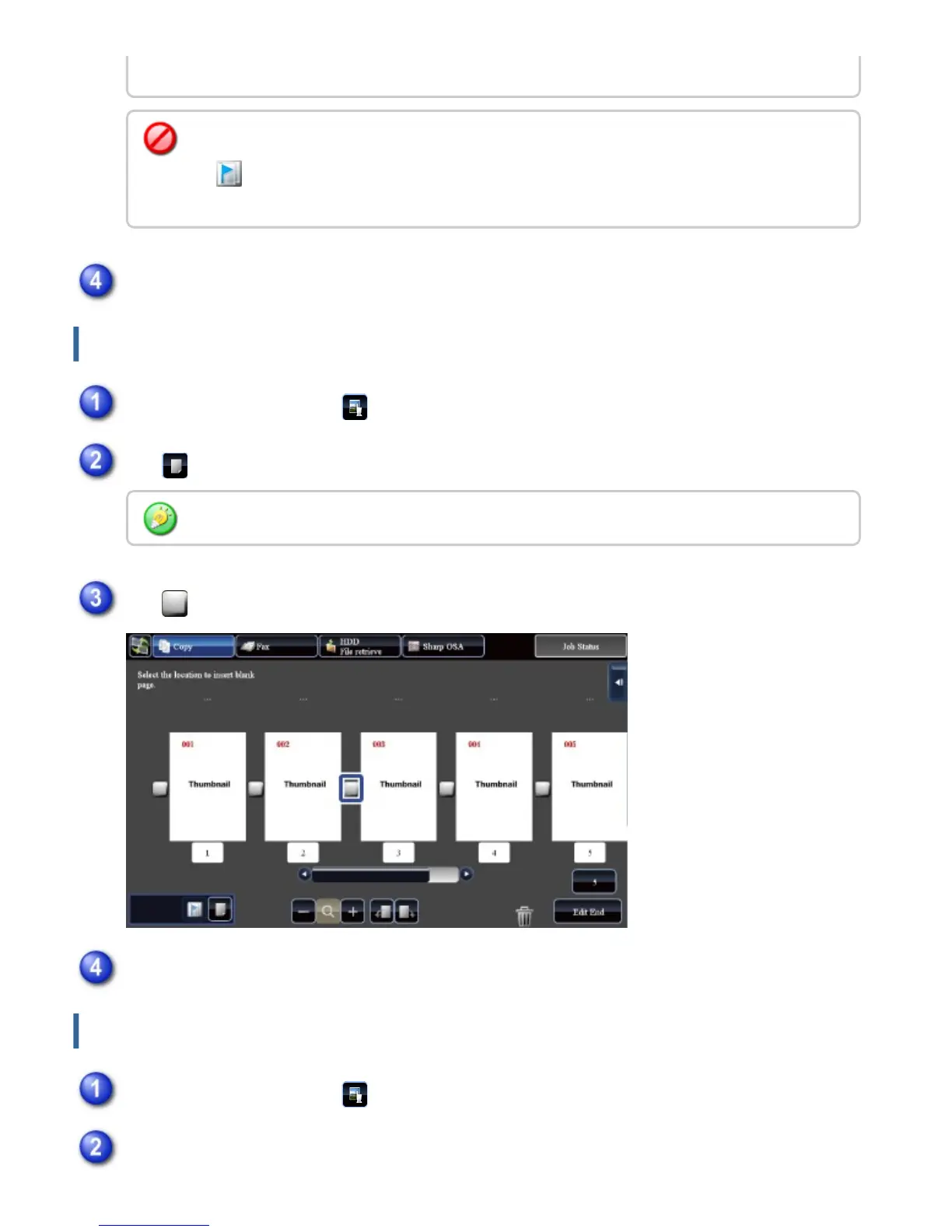
Inserting a blank page
Deleting part of the original image
panel.
To cancel the Chapter Inserts setting:
Tap displayed on the page, or select the page and tap the [Cancel Chapter Inserts of
Selected Page.] key on the action panel.
Tap the [Edit End] key
In the preview screen, tap to switch to edit mode
Tap
You can also insert a blank page by tapping the [Insert Blank Page] key on the action panel.
Tap for the location into which you want to insert a blank page
Tap the [Edit End] key
In the preview screen, tap to switch to edit mode
Tap the [Erase Specified Range] key on the action panel
USER'S MANUAL | MX-M365N/MX-M465N/MX-M565N USER'S ... http://siica.sharpusa.com/portals/0/downloads/Manuals/MX-M365N-M...
67 of 1441 3/17/2016 7:14 AM



 To Next Page