RECEIVING A FAX AFTER ANSWERING A CALL
ON THE EXTENSION TELEPHONE
(REMOTE
RECEPTION)
Overview
Follow the steps below if you need to start fax reception after answering a call and
speaking on the extension telephone.
If you are using a pulse line, set the extension to send tone signals.
Operation
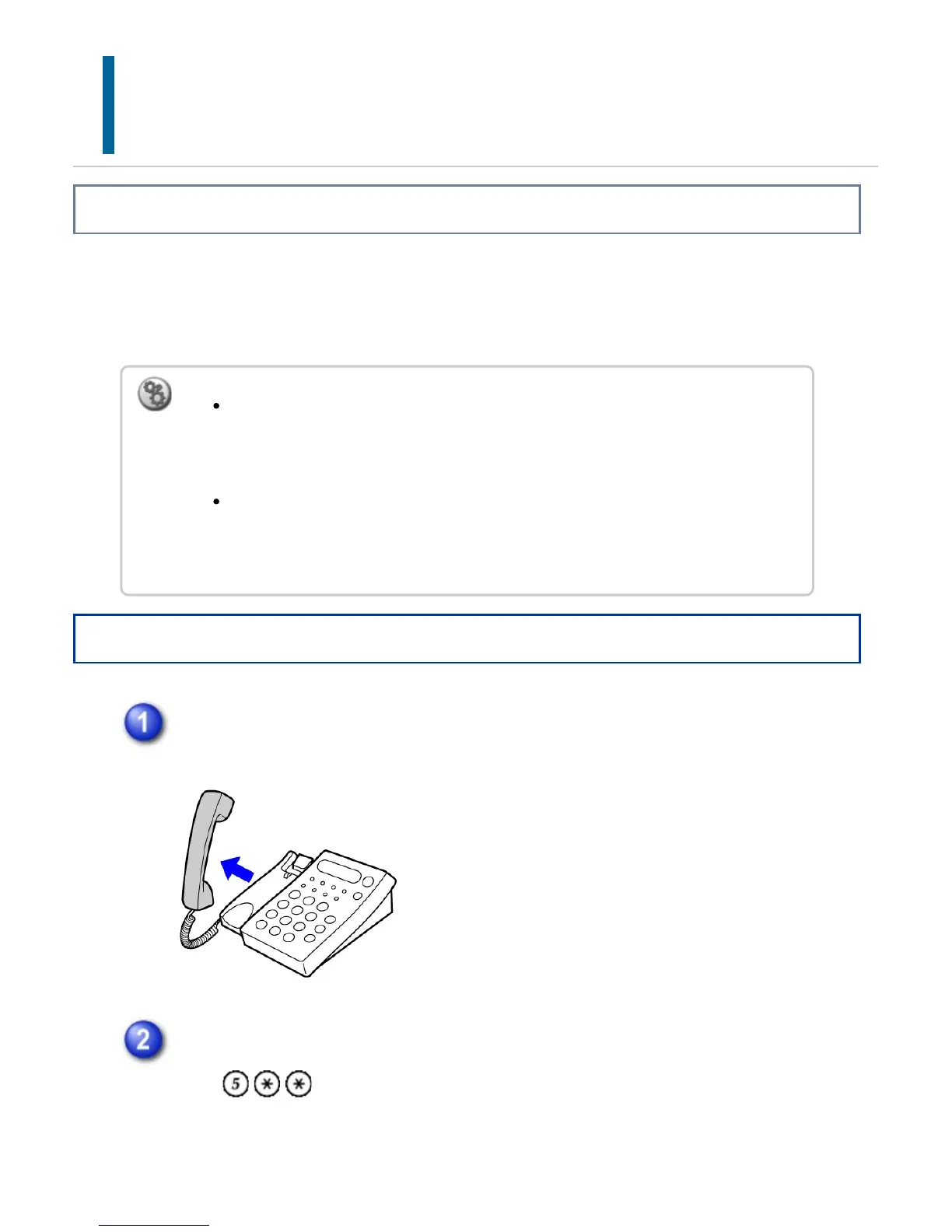
While the machine is ringing, pick up the receiver to speak.
Signal the machine to start fax reception.
Press from the extension telephone.
To receive a fax after answering a call on the extension telephone:
In "Setting mode", select [System Settings] → [Fax Data Receive/Forward] →
[Fax Settings] → [Receive Settings] to enable [Manual Reception].
To change the number to receive faxes:
In "Setting mode", select [System Settings] → [Image Send Settings] → [Fax
Settings] → [Default Settings] → [Remote Reception Number Setting].
USER'S MANUAL | MX-M365N/MX-M465N/MX-M565N USER'S ... http://siica.sharpusa.com/portals/0/downloads/Manuals/MX-M365N-M...
700 of 1441 3/17/2016 7:14 AM



 To Next Page