USING A SEARCH NUMBER TO RETRIEVE A
DESTINATION
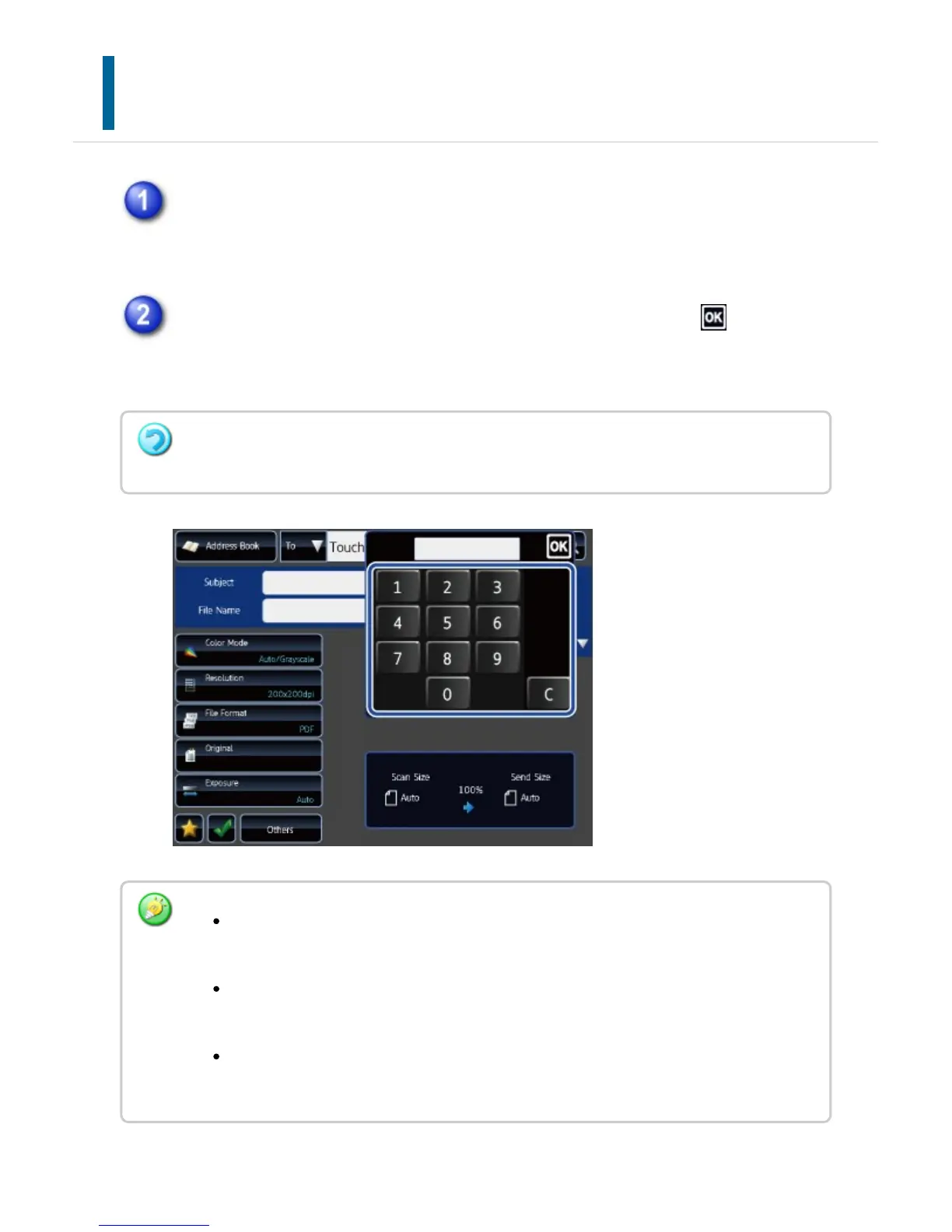
Tap the [Call Search Number] key.
Enter a search number (4 digits) using the numeric keys and tap .
When the search number is entered, the stored address is retrieved and specified as
a destination.
If an incorrect search number is entered:
Tap the [C] key to clear the number and enter the correct number.
The search number is programmed when the destination is stored in the address
book.
If you do not know the search number, tap the [Print Individual List] key on the
action panel to print and check the address list.
When entering search numbers such as "0001" and "0011", "0" can be omitted.
For example to enter "0001", enter "1" and tap the [OK] key.
USER'S MANUAL | MX-M365N/MX-M465N/MX-M565N USER'S ... http://siica.sharpusa.com/portals/0/downloads/Manuals/MX-M365N-M...
729 of 1441 3/17/2016 7:14 AM



 To Next Page