ACTION PANEL
Overview
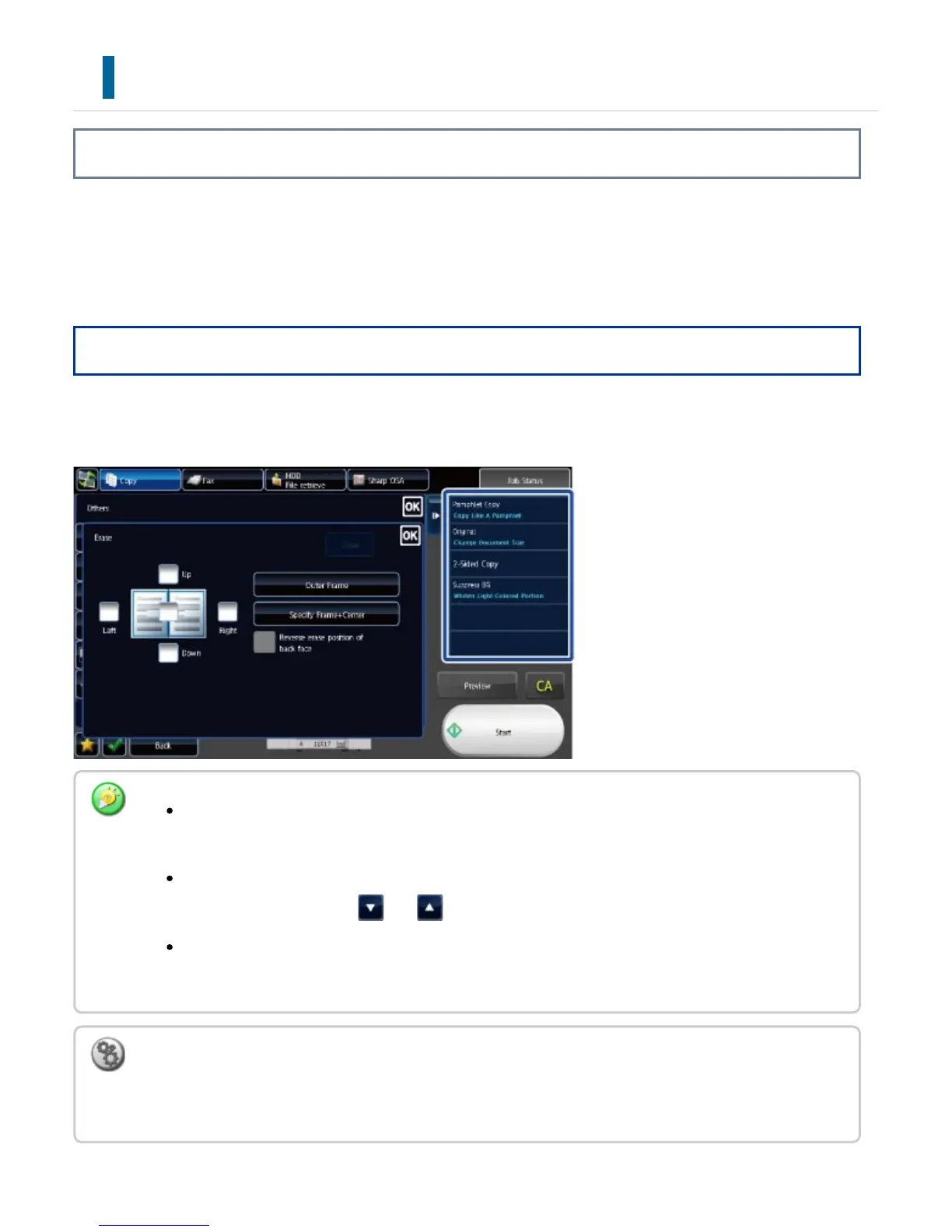
Recommended functions are displayed on the action panel when you configure functions in each
mode.
From the action panel, you can configure functions or combine the configured function with a
function displayed on the action panel.
Operation
From the action panel, tap the desired function.
If the action panel does not appear, tap the action panel tab.
The functions displayed on the action panel vary depending on the mode or the functions that
have been configured.
If too many functions have been configured to be displayed on the action panel, you can slide
the panel vertically or tap and to view all.
In enlarge display mode, part of the text on the action panel may not be displayed. To display the
whole text, long-touch the partially hidden key or slide the tab of the action panel to the left.
To always display the action panel
In "Setting mode(administrator)", select [System Settings] → [Operation Settings] → [Display Action
Panel as default].
USER'S MANUAL | MX-M365N/MX-M465N/MX-M565N USER'S ... http://siica.sharpusa.com/portals/0/downloads/Manuals/MX-M365N-M...
73 of 1441 3/17/2016 7:14 AM



 To Next Page