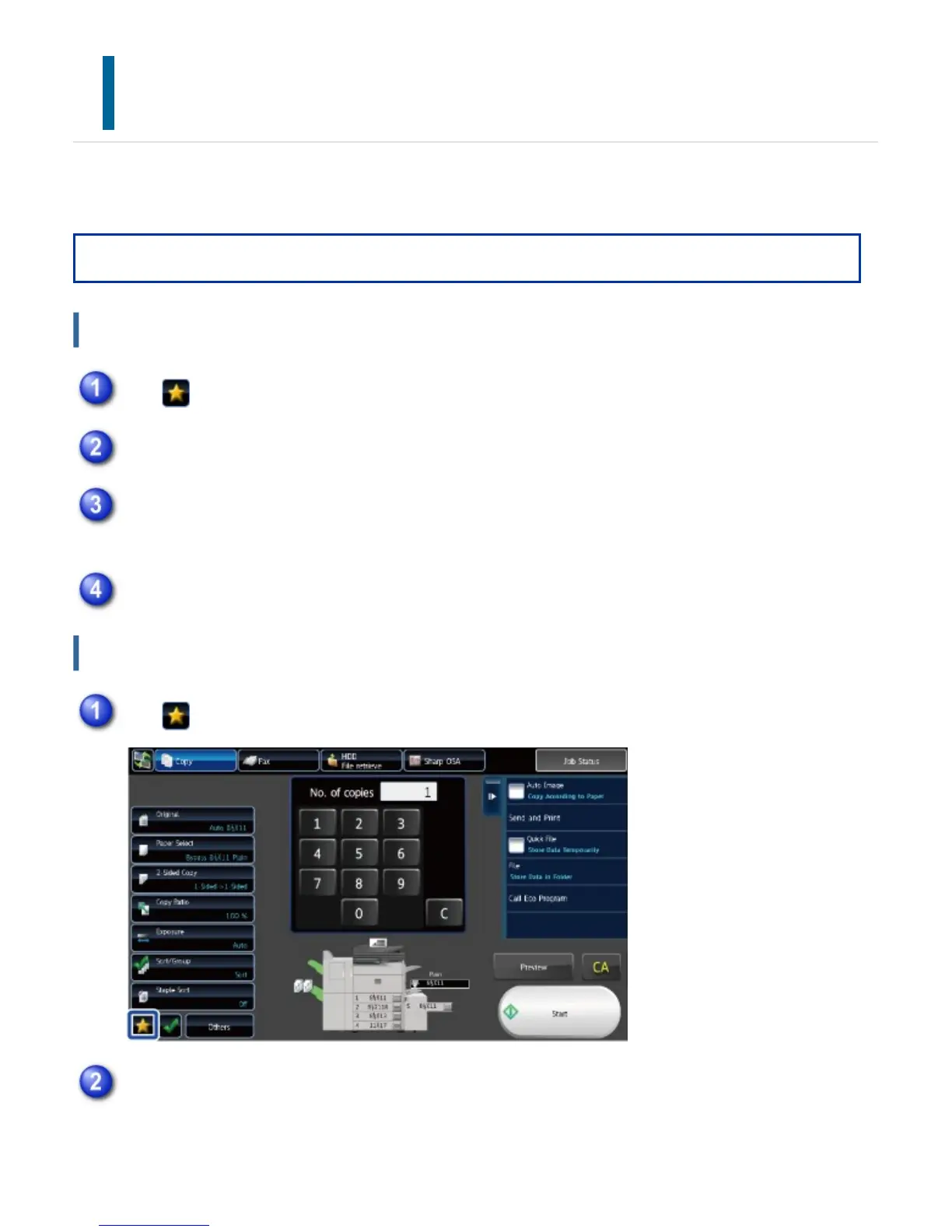
CONFIRMATION SCREEN FOR FAVORITE
MENUS AND SETTINGS
When you register frequently used functions you have configured for copying or image sending in
Favorite, you can quickly call them.
Operation
Registering a function in Favorite
Administrator rights are required.
Calling a function from Favorite
Tap
Tap the [Edit Favourite] key on the action panel
Tap the [Register Key] key
Tap the key for the function you want to regisiter
Tap
Tap the key for the function you want to call
USER'S MANUAL | MX-M365N/MX-M465N/MX-M565N USER'S ... http://siica.sharpusa.com/portals/0/downloads/Manuals/MX-M365N-M...
74 of 1441 3/17/2016 7:14 AM



 To Next Page