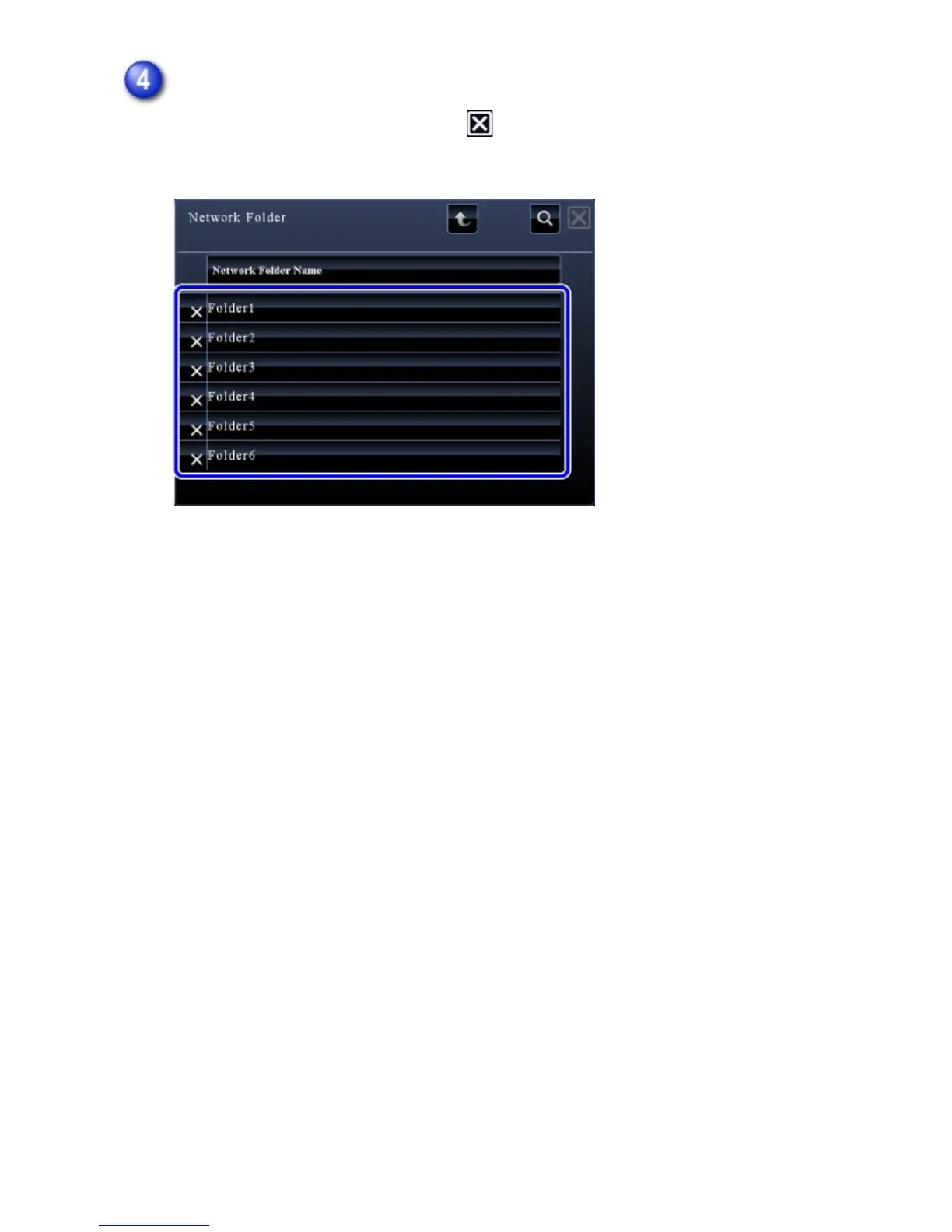
Tap the key of the network folder.
After the settings are completed, tap . You will return to the screen of step 1.
Tap the [OK] key again to accept the destination.
USER'S MANUAL | MX-M365N/MX-M465N/MX-M565N USER'S ... http://siica.sharpusa.com/portals/0/downloads/Manuals/MX-M365N-M...
732 of 1441 3/17/2016 7:14 AM



 To Next Page