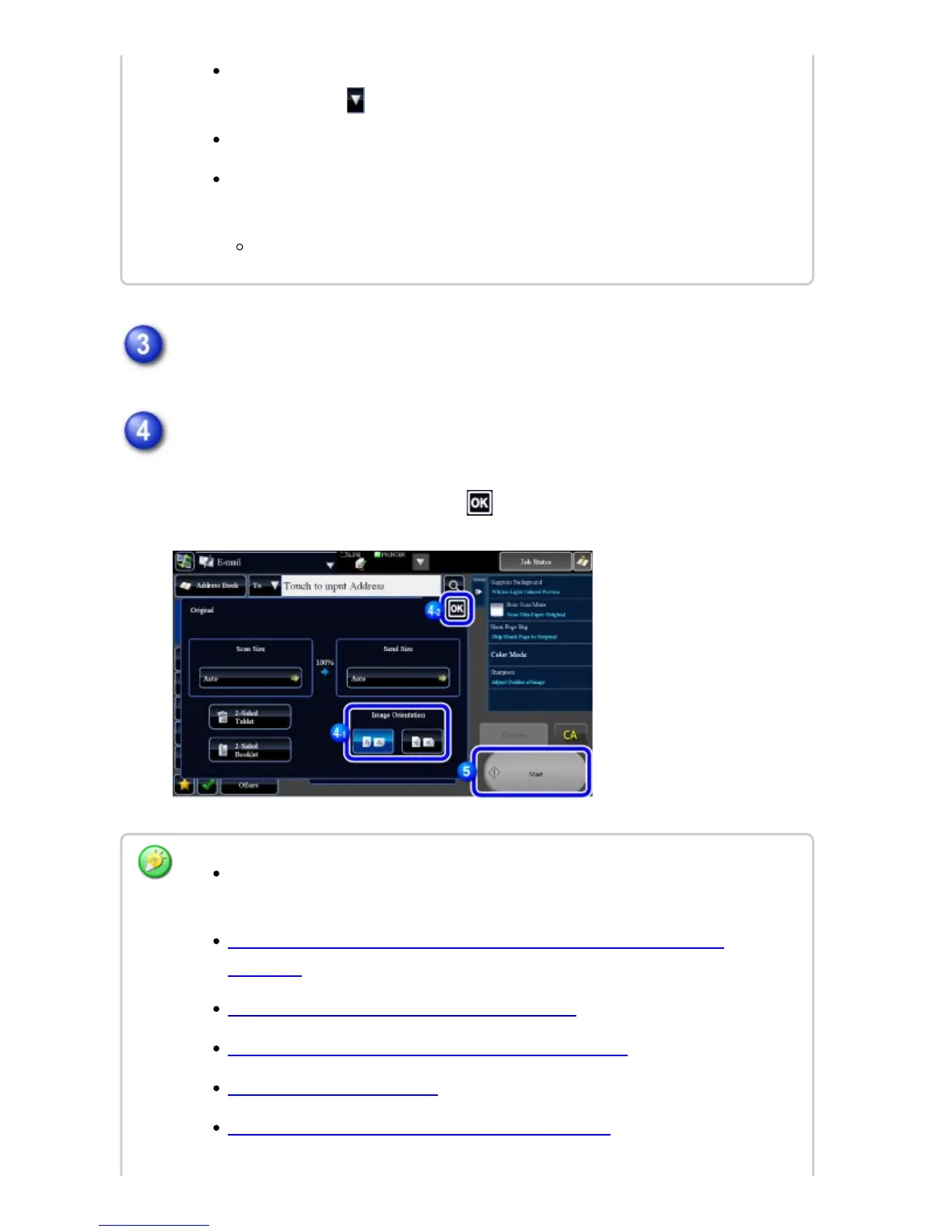
Tap the [Original] key.
Tap the appropriate orientation key.
Specify the orientation of the original placed in step 1.
After the settings are completed, tap .
When performing Scan to E-mail, you can also send Cc or Bcc copies to other
destinations. Tap to select destinations.
Multiple destinations can be specified.
To change [Subject], [File Name], [Reply Name], or [Body Text], tap a target entry
box, or tap [Options].
Change the subject, file name, reply name, or mail text at scan transmission.
You can change exposure, resolution, file format, color mode, and other settings.
Tap their keys.
AUTOMATICALLY SCANNING BOTH SIDES OF AN ORIGINAL (2-SIDED
ORIGINAL)
SCAN SIZE AND SEND SIZE (ENLARGE/REDUCE)
CHANGING THE EXPOSURE AND ORIGINAL IMAGE TYPE
CHANGING THE RESOLUTION
CHANGING FORMAT IN SCAN OR DATA ENTRY MODE
USER'S MANUAL | MX-M365N/MX-M465N/MX-M565N USER'S ... http://siica.sharpusa.com/portals/0/downloads/Manuals/MX-M365N-M...
740 of 1441 3/17/2016 7:14 AM



 To Next Page