address.
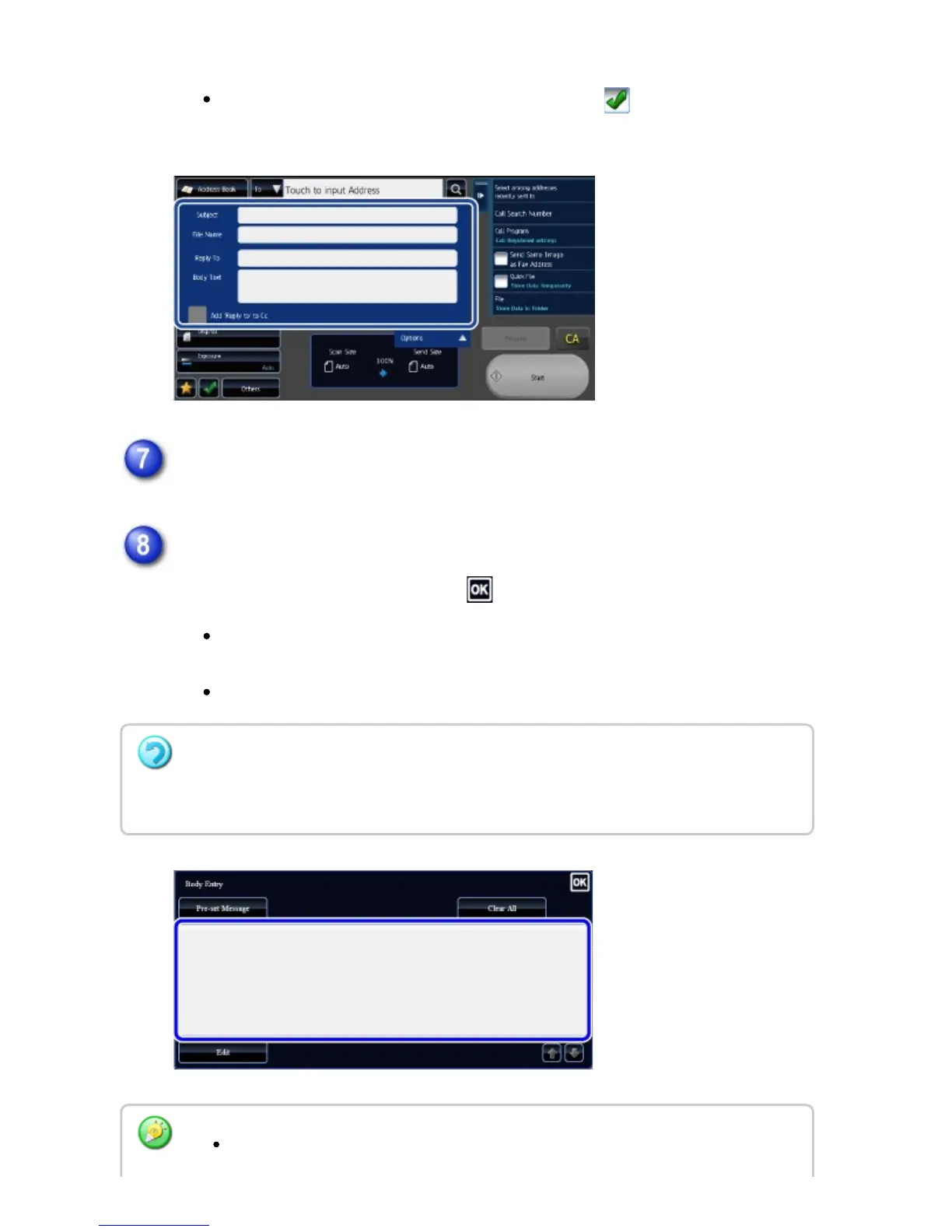
Selecting the [Add 'Reply to' to Cc] checkbox to adds a reply address
to the Cc address.
To change the body text, tap the [Body Text] entry box.
Enter the body text.
After the settings are completed, tap .
To select a pre-set text previously stored in the Setting mode (Web
version), tap the [Pre-set Message] key.
To directly enter the body text, tap the [Edit] key.
To clear all entered text:
Tap the [Clear All] key. When this key is tapped, the entire body of the message is erased
immediately; not just the selected line.
Enter up to 1800 characters. (A line break counts as one character.)
USER'S MANUAL | MX-M365N/MX-M465N/MX-M565N USER'S ... http://siica.sharpusa.com/portals/0/downloads/Manuals/MX-M365N-M...
745 of 1441 3/17/2016 7:14 AM



 To Next Page