SPECIFYING THE SEND SIZE OF THE IMAGE
Overview
Tap this key to specify the send size as a paper size. If the specified send size is larger
than the scan size, the image will be enlarged. If the specified send size is smaller than
the scan size, the image will be reduced.
Operation
Tap the [Original] key.
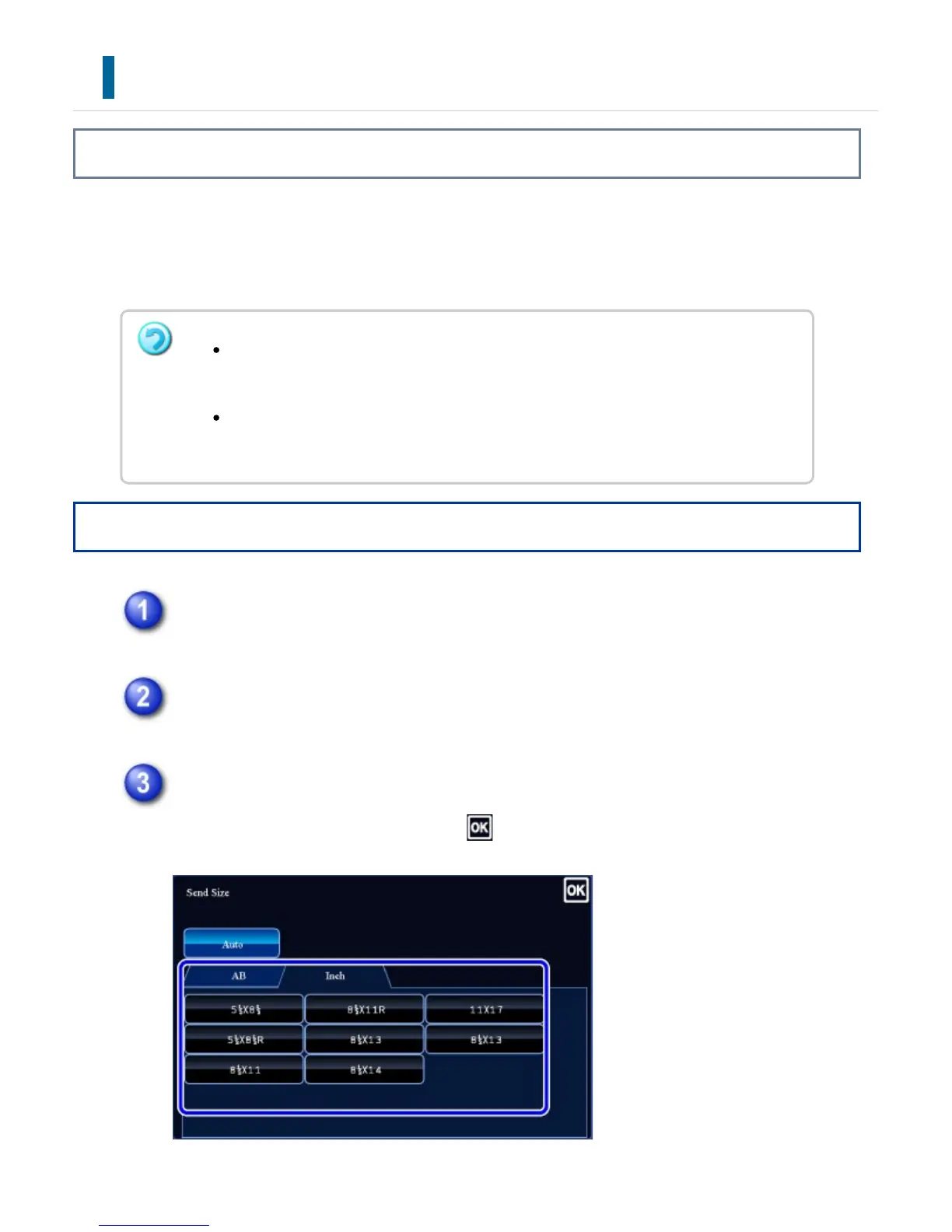
Tap the [Send Size] key.
Tap the desired send size key.
After the settings are completed, tap .
The send size cannot be specified when [Long Size] is selected for the scan size,
or when the scan size is specified by numeric values.
The send size cannot be specified when [TIFF-S] is selected for the format in
Internet fax mode. (The send size is fixed at 8-1/2" x 11"R (A4R).)
USER'S MANUAL | MX-M365N/MX-M465N/MX-M565N USER'S ... http://siica.sharpusa.com/portals/0/downloads/Manuals/MX-M365N-M...
772 of 1441 3/17/2016 7:14 AM



 To Next Page