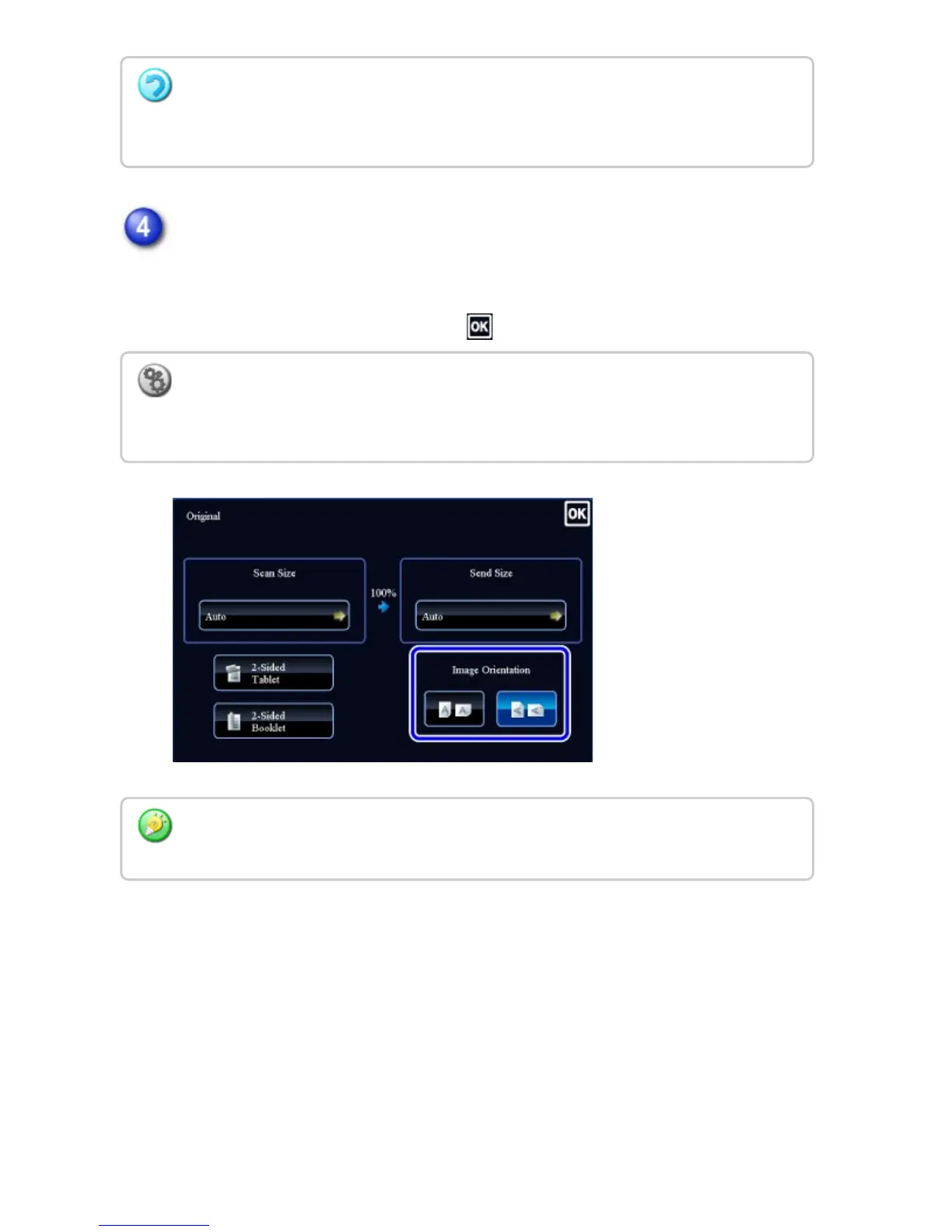
Tap the "Image Orientation" key with the same orientation as the original
image.
If this setting is not correct, a suitable image may not be transmitted.
After the settings are completed, tap .
Depending on the paper size specified for the "Scan Size", it may not be possible to
select some sizes for the "Send Size". You cannot tap size keys that are unavailable for
the "Send Size".
To configure the default setting of image orientation, select [System Settings] → [Image
Send Settings] → [Operation Settings] → [Default Settings] → [Image Orientation] in
"Setting mode".
The ratio used for reduction or enlargement of the original will appear between the "Scan
Size" and the "Send Size".
USER'S MANUAL | MX-M365N/MX-M465N/MX-M565N USER'S ... http://siica.sharpusa.com/portals/0/downloads/Manuals/MX-M365N-M...
773 of 1441 3/17/2016 7:14 AM



 To Next Page