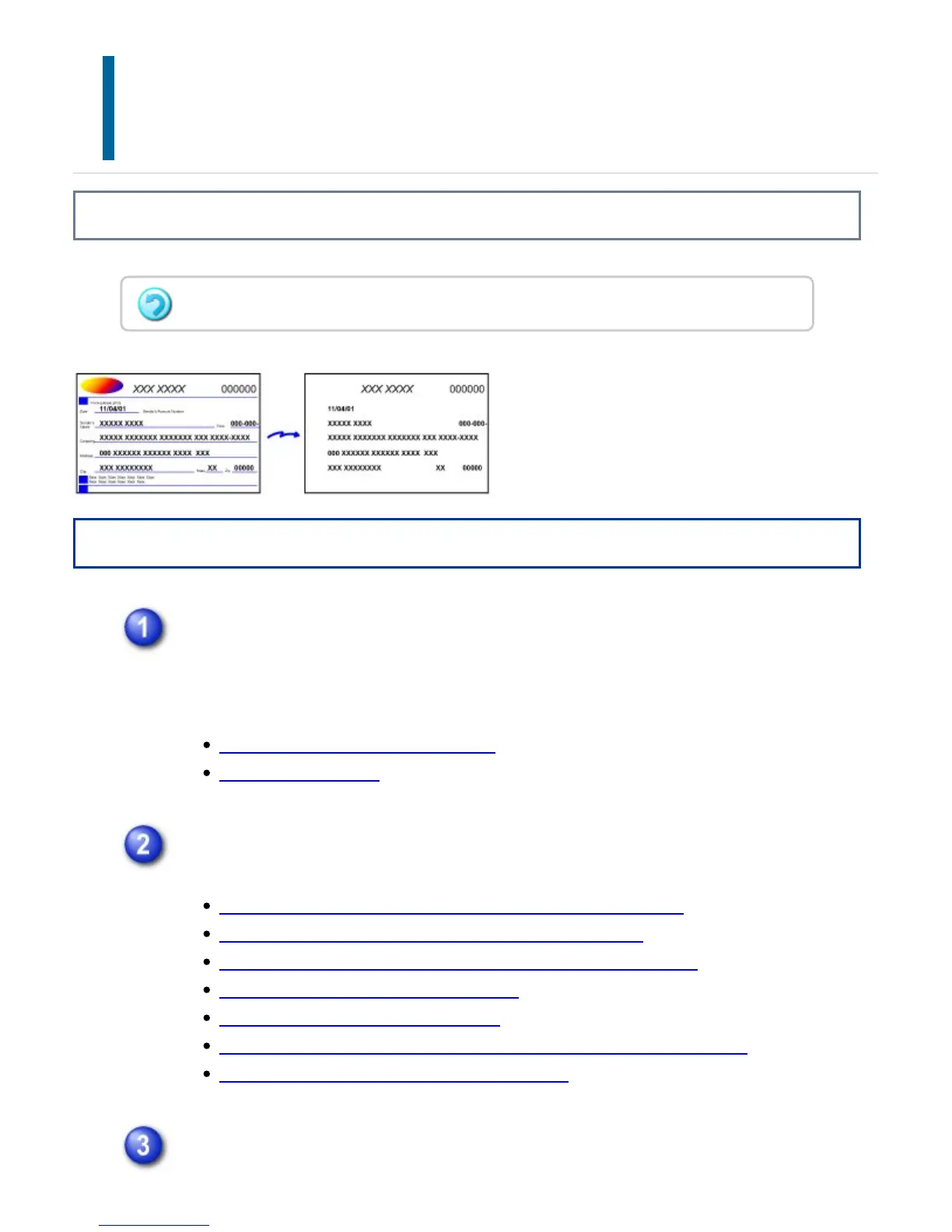
REMOVING CHROMATIC COLORS FROM THE
SCANNED ORIGINAL BEFORE
TRANSMISSION
(DROP OUT COLOR)
Overview
Operation
Place the original.
Place the original in the document feeder tray of the automatic document feeder,
or on the document glass.
AUTOMATIC DOCUMENT FEEDER
DOCUMENT GLASS
Specify the destination.
RETRIEVING A DESTINATION FROM AN ADDRESS BOOK
VIEWING A LIST OF THE SELECTED DESTINATIONS
USING A SEARCH NUMBER TO RETRIEVE A DESTINATION
ENTERING AN ADDRESS MANUALLY
SPECIFYING A NETWORK FOLDER
RETRIEVING A DESTINATION FROM A GLOBAL ADDRESS BOOK
USING A TRANSMISSION LOG TO RESEND
Tap the [Others] key, and then tap the [Drop Out Color] key.
This function cannot be used in fax and Internet fax mode.
USER'S MANUAL | MX-M365N/MX-M465N/MX-M565N USER'S ... http://siica.sharpusa.com/portals/0/downloads/Manuals/MX-M365N-M...
815 of 1441 3/17/2016 7:14 AM



 To Next Page