AUTHENTICATION BY USER NUMBER
Overview
The following procedure is used to log in using a user number received from the
administrator of the machine.
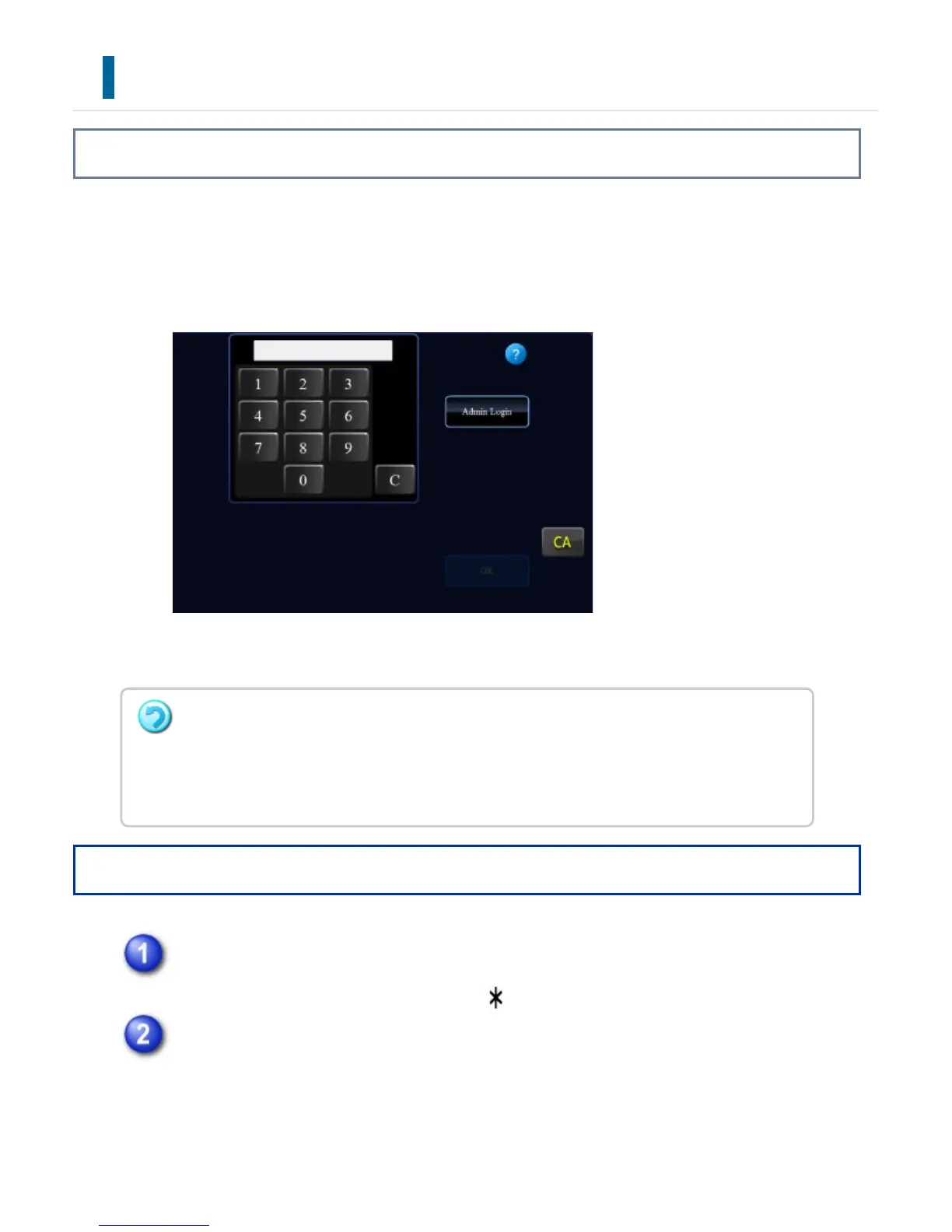
When starting the machine, the login screen appears.
When controlled by user number
Operation
Enter your user number (5 to 8 digits) using the numeric keys.
Each entered digit will be displayed as " ".
Tap the [OK] key.
If the entered user number is authenticated, the number of remaining pages that
the user can copy or scan is displayed.
When a limitation is set for the number of pages that a user can use, the use
count for the user that has logged in is displayed.
If an incorrect user number is entered three times in a row:
If "A Warning when Login Fails" is enabled in the system settings, the operation panel will
be locked for five minutes if an incorrect user number is entered three times in a row.
Contact the machine administrator to check the user number assigned for you.
USER'S MANUAL | MX-M365N/MX-M465N/MX-M565N USER'S ... http://siica.sharpusa.com/portals/0/downloads/Manuals/MX-M365N-M...
89 of 1441 3/17/2016 7:14 AM



 To Next Page