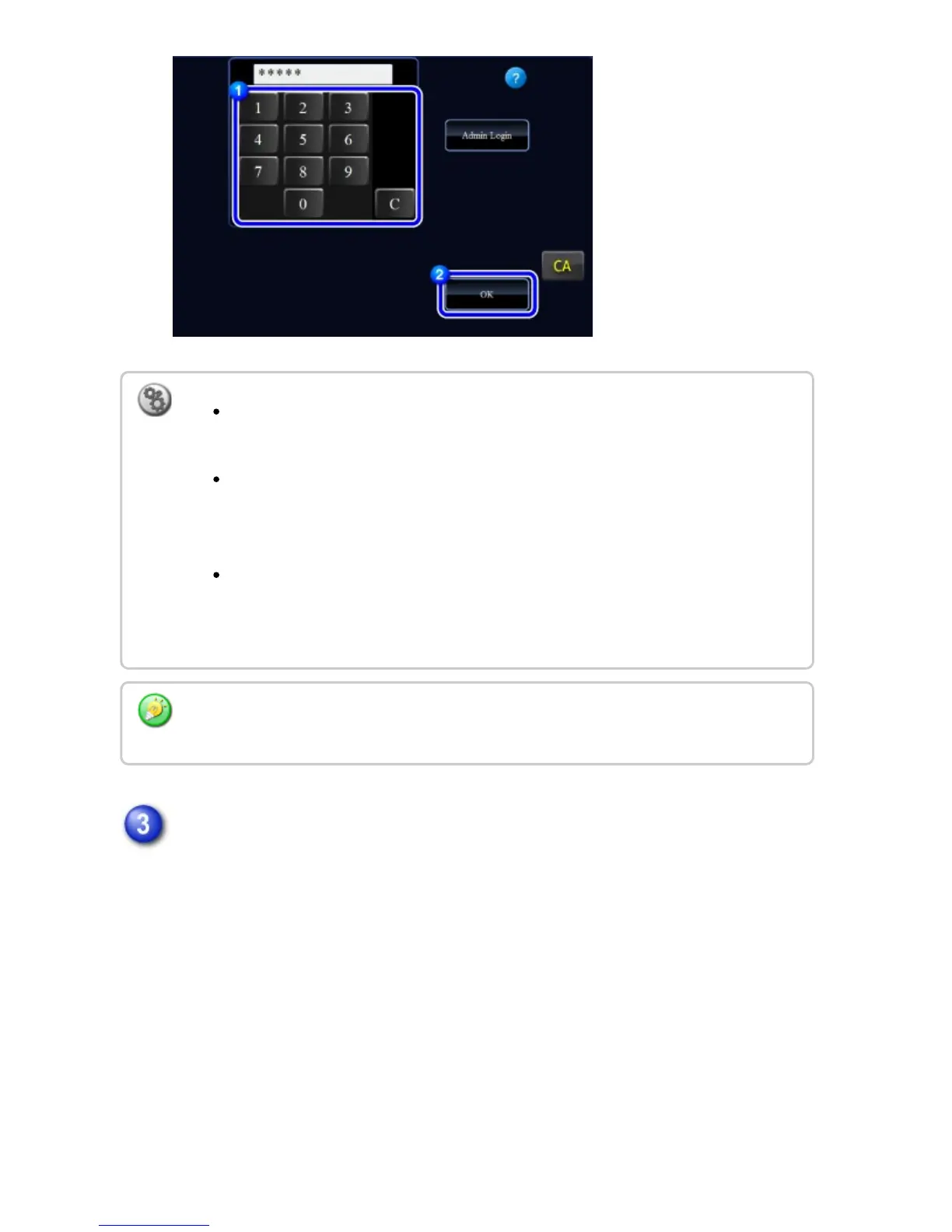
When you have finished using the machine and are ready to log out, tap
[Logout].
To limit the number of pages that a user can use:
In "Setting mode", select [User Control] → [Page Limit Group List].
To hide the number of pages that can be used after login:
In "Setting mode", disable [User Control] → [Default Settings] → [Display Usage
Status after Login].
To change the message display time:
In "Setting mode", select [System Settings] → [Operation Settings] → [Message
Time Setting].
When the user number is an 8-digit number, this step is not necessary. Login takes place
automatically after the user number is entered.
USER'S MANUAL | MX-M365N/MX-M465N/MX-M565N USER'S ... http://siica.sharpusa.com/portals/0/downloads/Manuals/MX-M365N-M...
90 of 1441 3/17/2016 7:14 AM



 To Next Page