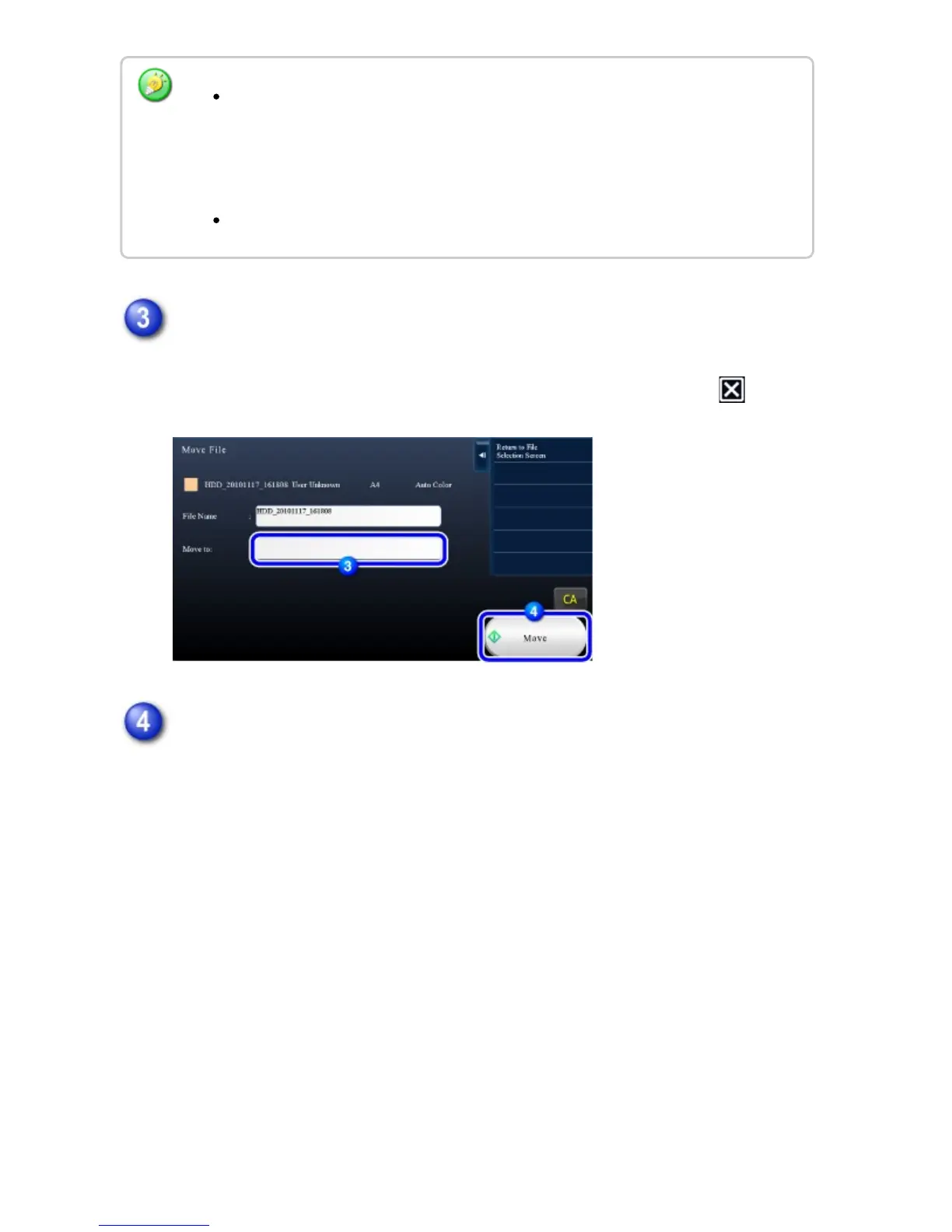
Tap the key of the folder to which you want to move the file.
If the folder with a password is tapped, a password entry screen will appear.
Enter the password (5 to 8 digits) using the numeric keys and tap the .
Tap the [Move] key.
A file cannot be moved to the Quick File folder. With this procedure, the original
name is changed and the file is moved to the specified folder. (Unlike the "Save
As" command on a computer, the file is not copied to the specified folder with the
original file remaining in the original location.)
To change the file name, tap the [File Name] key.
USER'S MANUAL | MX-M365N/MX-M465N/MX-M565N USER'S ... http://siica.sharpusa.com/portals/0/downloads/Manuals/MX-M365N-M...
909 of 1441 3/17/2016 7:14 AM



 To Next Page