AUTHENTICATION BY LOGIN
NAME/PASSWORD
Overview
This method enables users to log in using a login name and password received from the
administrator of the machine or the administrator of the LDAP server.
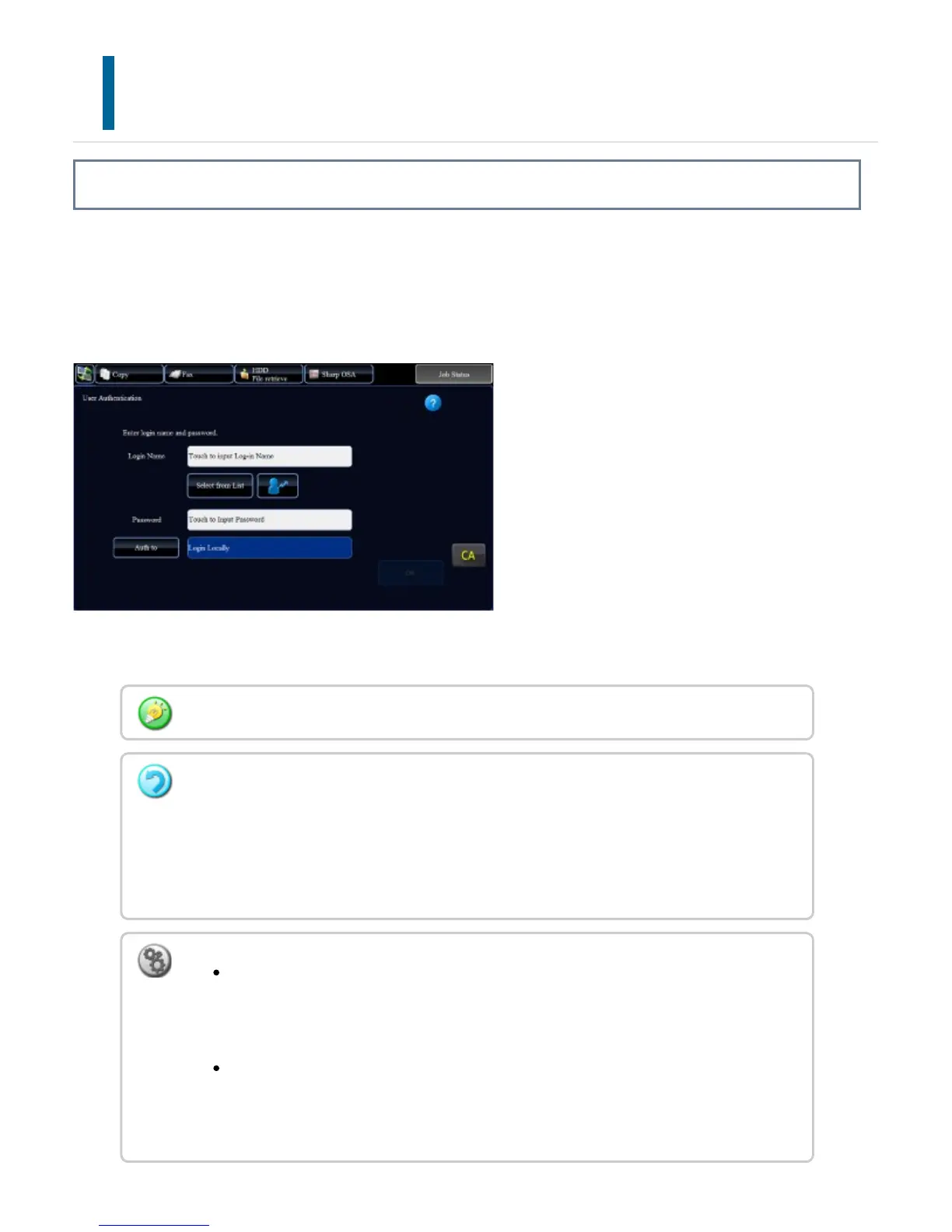
When starting the machine, the login screen appears.
When controlled by login name and password
Different items may appear in the screen when LDAP authentication is used.
If an incorrect login name or an incorrect password is entered three times in a row:
If "A Warning when Login Fails" is enabled in the system settings, the operation panel will
be locked for five minutes if an incorrect login name or password is entered three times in
a row.
Contact the machine administrator to check the login name/password assigned to you.
To release the operation panel lock:
In "Setting mode (Web version)", select [User Control] → [Default Settings] to
release the lock.
To set [A Warning when Login Fails]:
In "Setting mode", select [User Control] → [Default Settings] → [A Warning
when Login Fails].
USER'S MANUAL | MX-M365N/MX-M465N/MX-M565N USER'S ... http://siica.sharpusa.com/portals/0/downloads/Manuals/MX-M365N-M...
92 of 1441 3/17/2016 7:14 AM



 To Next Page