Operation
Enter the login name.
Entering using the soft keyboard
If user name registration has not been performed in setting mode, a user only
using LDAP authentication should tap the [Login Name] text box and enter the
login name using the soft keyboard.
When the external keyboard is installed, the external keyboard can be entered the
text.
Selecting from a list
Tap the [Select from List] key and select a user name from the User List screen.
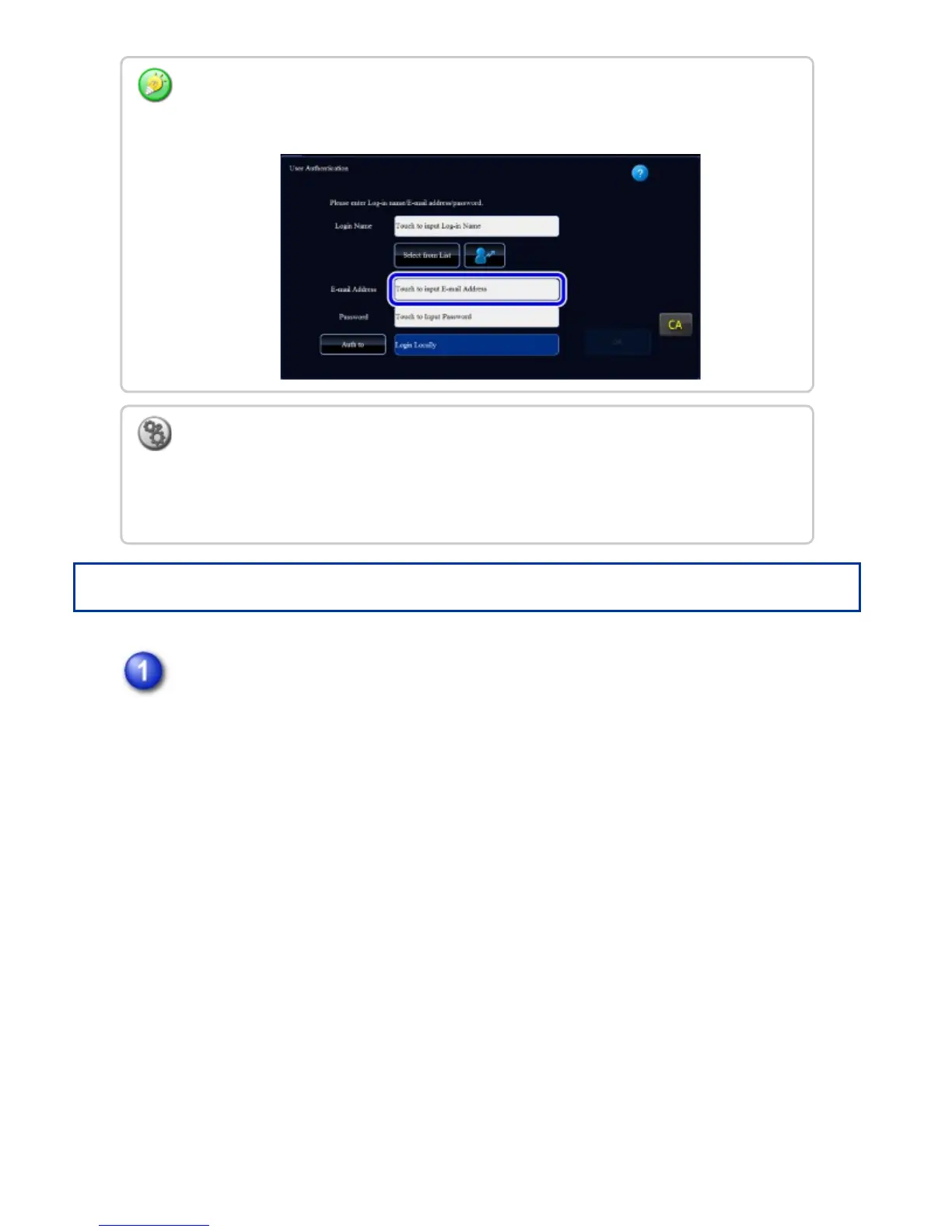
When LDAP authentication is used, the [E-mail Address] key may appear, depending on
the authentication method. Tap the [E-mail Address] text box and enter your e-mail
address.
To store a user name:
In "Setting mode", select [User Control] → [User List].
Also register detailed information such as the login name, user number, and password. Ask
the administrator of the machine for the information that you need to use the machine.
USER'S MANUAL | MX-M365N/MX-M465N/MX-M565N USER'S ... http://siica.sharpusa.com/portals/0/downloads/Manuals/MX-M365N-M...
93 of 1441 3/17/2016 7:14 AM



 To Next Page