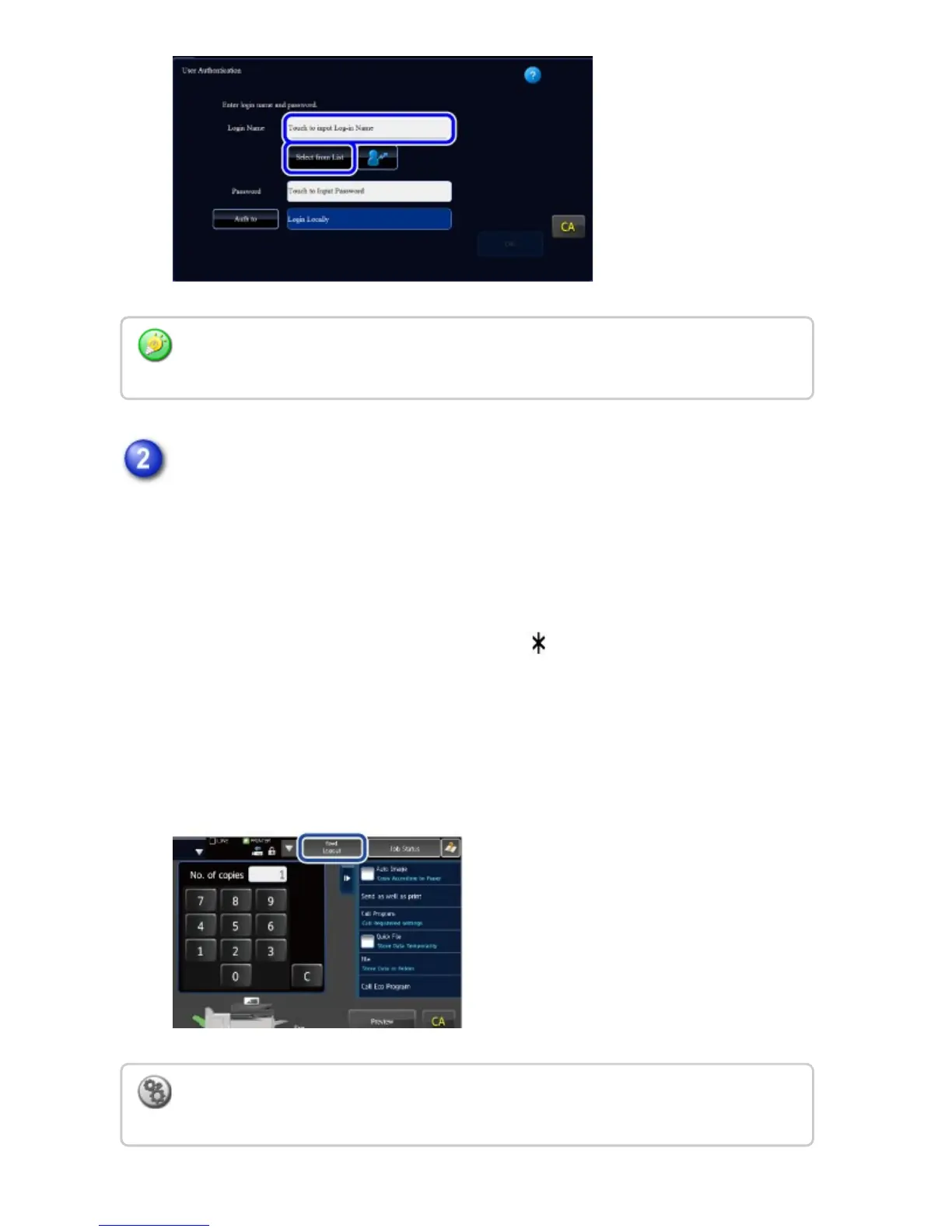
Enter the password.
Enter the password from the soft keyboard.
When the external keyboard is installed, the external keyboard can be entered the
text.
If you are logging in to an LDAP server, enter the password that is stored with
your LDAP server login name.
Each entered character will be displayed as " ". After entering the password,
tap the [OK] key.
When authentication is by LDAP server and you have different passwords stored
in "User List" and in the LDAP server, use the password stored in the LDAP
server.
LDAP authentication is used when the administrator of the server provides LDAP service
on the LAN (local area network).
To have the user name and password registered:
In "Setting mode", select [User Control] → [User List].
USER'S MANUAL | MX-M365N/MX-M465N/MX-M565N USER'S ... http://siica.sharpusa.com/portals/0/downloads/Manuals/MX-M365N-M...
94 of 1441 3/17/2016 7:14 AM



 To Next Page