4.
COlOR
PLOTTER-PRINTER CONTROL CODES
4-1.
Control codes used
in
the
text
mode
• Text code ($01)
Places
the printer in the text mode.
MZ-800
• Graphic code ($02)
................................................
Same as the BASIC
PMOOE
statement.
Places the printer in the graphics mode.
• Line up ($03)
..........................................................
Same as the BASIC PSKIP statement.
Moves the paper one line in the reverse direction. The line counter is decremented by
1.
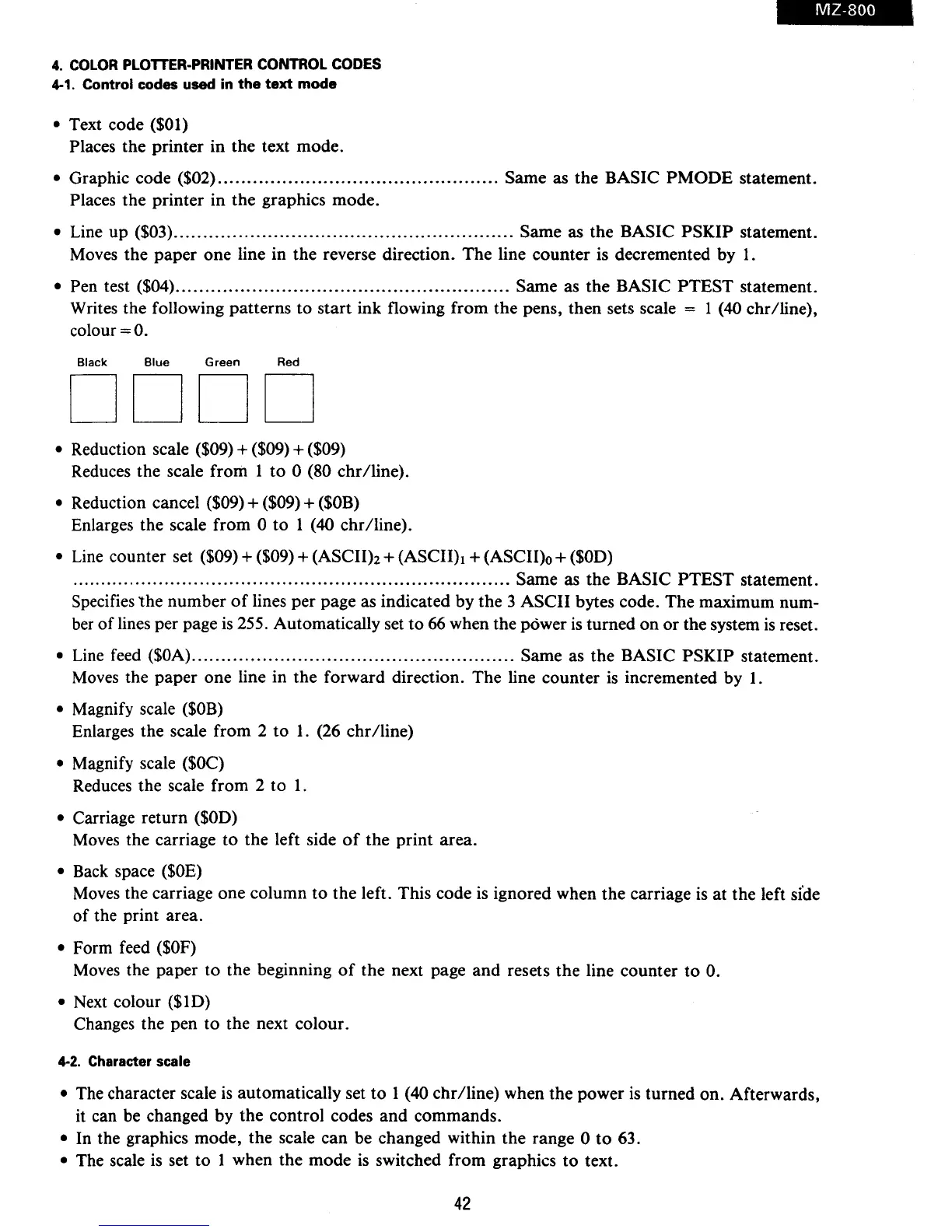
• Pen test ($04)
.........................................................
Same as the BASIC PTEST statement.
Writes the following patterns
to
start ink flowing from the pens, then sets scale = 1 (40 chr/line),
colour
=0.
Black Blue
Green
Red
DODO
• Reduction scale ($09) + ($09) + ($09)
Reduces the scale from 1
to
0 (80 chr/line).
• Reduction cancel ($09) + ($09) +
($OB)
Enlarges the scale from 0
to
1 (40 chr/line).
• Line counter set ($09) + ($09) +
(ASCIIh
+
(ASCIIh
+ (ASCII)o +
($00)
...........................................................................
Same as the BASIC
PTEST
statement.
Specifies
the
number
of
lines per page as indicated by the 3 ASCII bytes code. The maximum num-
ber
of
lines per page
is
255. Automatically set
to
66
when the power is turned
on
or
the system
is
reset.
• Line feed
($OA)
.......................................................
Same as the BASIC PSKIP statement.
Moves the paper one line in the forward direction. The line counter
is
incremented by
1.
• Magnify scale
($OB)
Enlarges the scale from 2
to
1. (26 chr/line)
• Magnify scale
($OC)
Reduces the scale from 2
to
1 .
• Carriage return
($00)
Moves the carriage
to
the left side
of
the print area.
• Back space
($OE)
Moves the carriage one column
to
the left. This code
is
ignored when the carriage
is
at the left sfde
of the print area.
• Form feed
($OF)
Moves the paper
to
the beginning
of
the next page
and
resets the line counter
to
O.
• Next colour ($10)
Changes the pen
to
the next colour.
4-2.
Character scale
• The character scale
is
automatically set
to
1 (40 chr/line) when the power is turned on. Afterwards,
it can be changed by the control codes and commands.
• In the graphics mode, the scale can be changed within the range 0
to
63.
• The scale
is
set to 1 when the mode
is
switched from graphics
to
text.
42



 To Next Page