53
Data Transfer
9
To setup the Organizer for use with the Organizer Link:
1. Make sure the unit is turned off.
2. Plug the Docking Module into the jack on the Organizer
and into the PCs serial port (e.g. COM1). See the Quick
Start Guide for details.
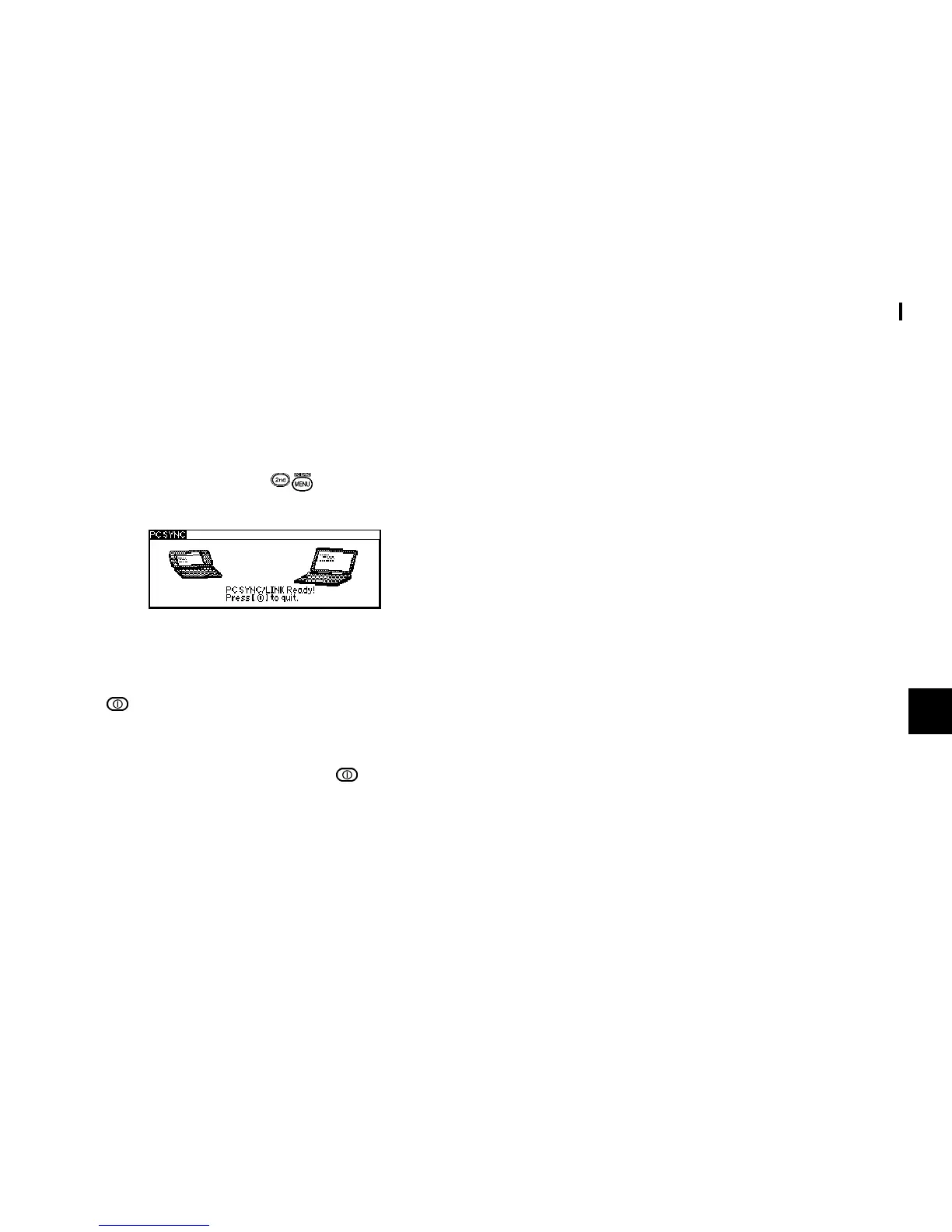
3. Turn on the Organizer, press
to activate the PC SYNC
(PC LINK) mode.
Your Organizer is now ready to transfer data. Consult the Day-
Timer Organizer
SHARP Edition HELP file regarding
subsequent transfer procedures.
Press
at any time to exit the PC-Link mode. If you leave the
Organizer in PC Link mode, more power is consumed from
the batteries than usual, and the auto power off function does
not work.
To conserve battery power, always press
to leave the PC
Link mode as soon as you have finished transferring data.



 To Next Page