EasyManua.ls Logo

Sharp PC-1403 - Page 136

Sharp PC-1403
252 pages
Print Icon
To Next Page IconTo Next Page
To Previous Page IconTo Previous Page
Loading...
13
0
E
x
ecu
tes the
pro
gram
wh
i
c
h
b
eg
i
n
s
at
l
in
e number
1
00
.
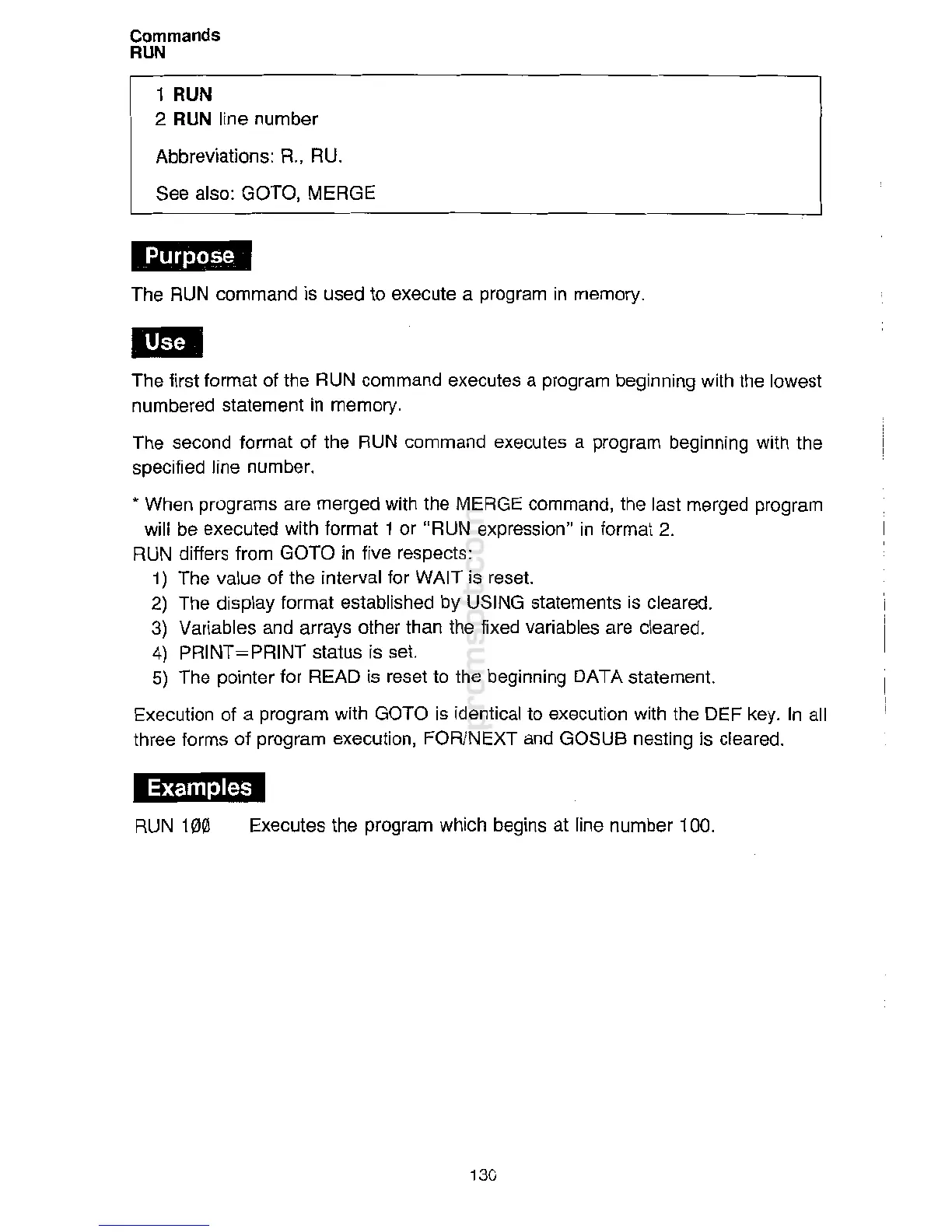
RUN
10
0
Examples
*'MM
Th
e
firs
t
f
ormat o
f
the
R
U
N
com
m
a
n
d e
xe
c
u
tes a
prog
r
am
b
eg
innin
g with
th
e
l
o
wes
t
numbe
r
e
d
stat
e
m
ent in
me
m
ory
.
The
se
c
on
d
form
at
of
the
R
UN
co
m
ma
nd
exec
u
tes a
pr
o
g
r
am
be
g
i
nnin
g
with
t
h
e
spe
c
ifi
e
d
li
n
e
numbe
r
.
* When
progra
ms are
merge
d
w
i
th
t
he
M
E
R
G
E
c
o
m
m
an
d,
th
e
l
ast
m
er
ged
pr
o
gram
will be
execu
te
d
wit
h
for
m
at
1
or
"
R
U
N
exp
r
es
si
on"
in
f
or
m
at
2
.
RUN differs from GOTO in five
r
espec
ts
:
1) The
va
l
ue
o
f
t
h
e
i
nte
rv
al for
WA
I
T
is
re
s
et.
2) The
disp
l
ay format
es
t
ab
lish
e
d
b
y
U
SIN
G
st
a
t
e
m
en
t
s
i
s cleared.
3) Variables and
a
r
ra
y
s
o
th
er
t
h
an
th
e fixed
v
ari
ab
l
e
s
ar
e
c
leared.
4) PRINT=PRINT
sta
tus
i
s
s
et.
5)
The
poin
t
er
fo
r
READ is
re
set to
t
he
b
eg
i
n
ni
ng
DA
T
A
s
t
a
tement.
Execution of a
progr
am
w
it
h
GO
TO
i
s
i
d
en
t
ica
l
t
o e
x
ec
ution
w
ith
t
he DEF
k
ey. In all
three
form
s of
p
ro
gr
am e
xec
u
ti
o
n
,
F
O
R/
NE
X
T a
n
d GOSUB
n
estin
g
i
s
c
l
eared.
The RUN
c
omman
d is
use
d to e
xecu
t
e a
p
r
og
r
am
i
n
memory
.
1
RUN
2
RUN
lin
e number
Abbrevia
ti
o
ns
:
R
. ,
RU
.
S
ee a
l
s
o
:
GO
TO
,
MERGE
Commands
RUN

Related product manuals