A
ll
and
more
about
Sharp
PC-1500
at
http://www.PC-1500.info
PROGRAM
TITLE
[Example
1 I
POCKET COMPUTER SCHEDULE PLANNER
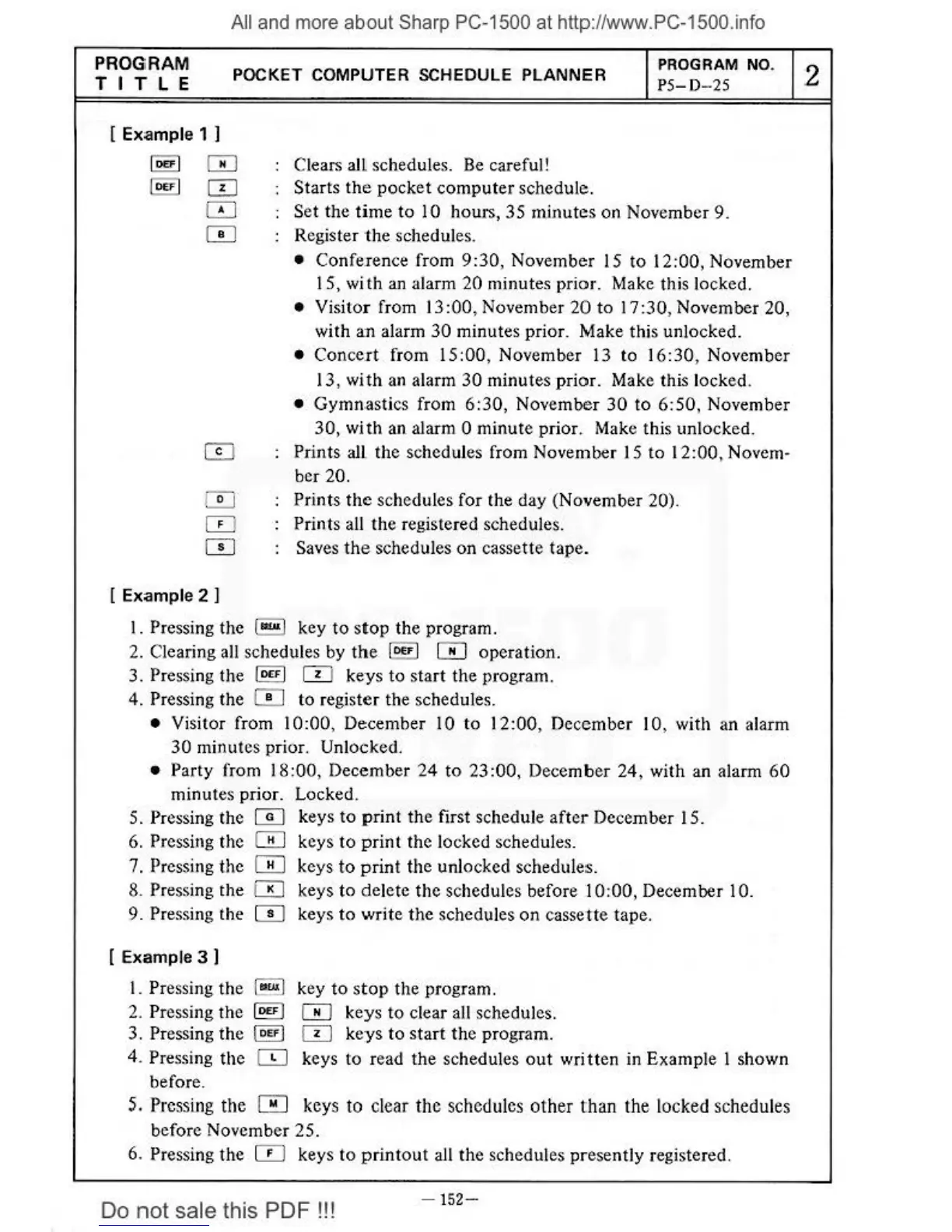
Clears all schedules.
Be
careful
1
Starts
the
pocket
compu
t
er
schedule.
PROGRAM
NO
.
PS
- D
-25
Set the time to 10 hours, 35 mi
nutes
on November 9.
Register
the
schedules.
• Confeience
from
9:30
, November 1 S
to
12:00, November
15, with
an
alarm
20
minutes pricH. Make this locked.
•
Visitor from 13:00, November 20 to
17
:30, November 20,
with an alarm
30
minutes prior. Make this unlocked.
• Conce.rt from IS :00, November 13 to
16
:30
, November
13,
wi
th
an
alarm
30
minutes prior. Make this locked.
•
Gymnastics from
6:30,
November
30
to
6:50,
November
30
,
with
an
alarm 0 minute prior. Make this unlocked.
(}]
Prints all the sched
ul
es from November
15
to 12:00, Novem-
ber
20.
0 Prints
th
e schedules for the day (November 20).
0 Prints all the registered schedules.
CD
Saves the schedules on cassette tape.
[Example
2 I
I.
Pressing the 1
-.1
key
to
stop
the program.
2.
Clearing all schedules by
the
IDE•
I 0 operation.
3.
Pressing the I
D<FI
CTI
keys to start the program.
4.
Pressing the 0 to register the schedule
s.
• Visitor from
10
:00
, December 10 to
12:00
, December 10, with an alarm
30
minutes prior. Unlocked.
• Party from
18:00
, December
24
to
23
:00
, December
24,
with
an
alarm
60
minutes prior. Locked.
5.
Pressing the W keys
to
print
the
first schedule after December
15
.
6.
Pressing the W keys to
print
the locked schedules.
7.
Pressing the W keys
to
print
the
unlocked schedules.
8.
Pressing the 0 keys to delete
the
schedules before I
0:00
, December I 0.
9. Pressing the
CD
keys
to
write the schedules
on
cassene tape.
[ Example 3 I
I. Pressing
the
l
..w
l key
to
stop
the program.
2.
Pressing
the
ID£F
J 0 keys
to
clear all schedules.
3.
Pressing the l
o<>J
CTI
ke
ys
to
start
the
program.
4.
Pressing
the
~
keys to read
the
schedules
out
written in Example I shown
before.
5.
Pressing
the
0 keys to clear
the
schedules
other
than
the
locked schedules
before November
25.
6. Pressing the 0 keys to
pr
i
ntout
all the schedules
pr
esently registered.
Do
not
sale this PDF
!!!
-
152-
2



 To Next Page