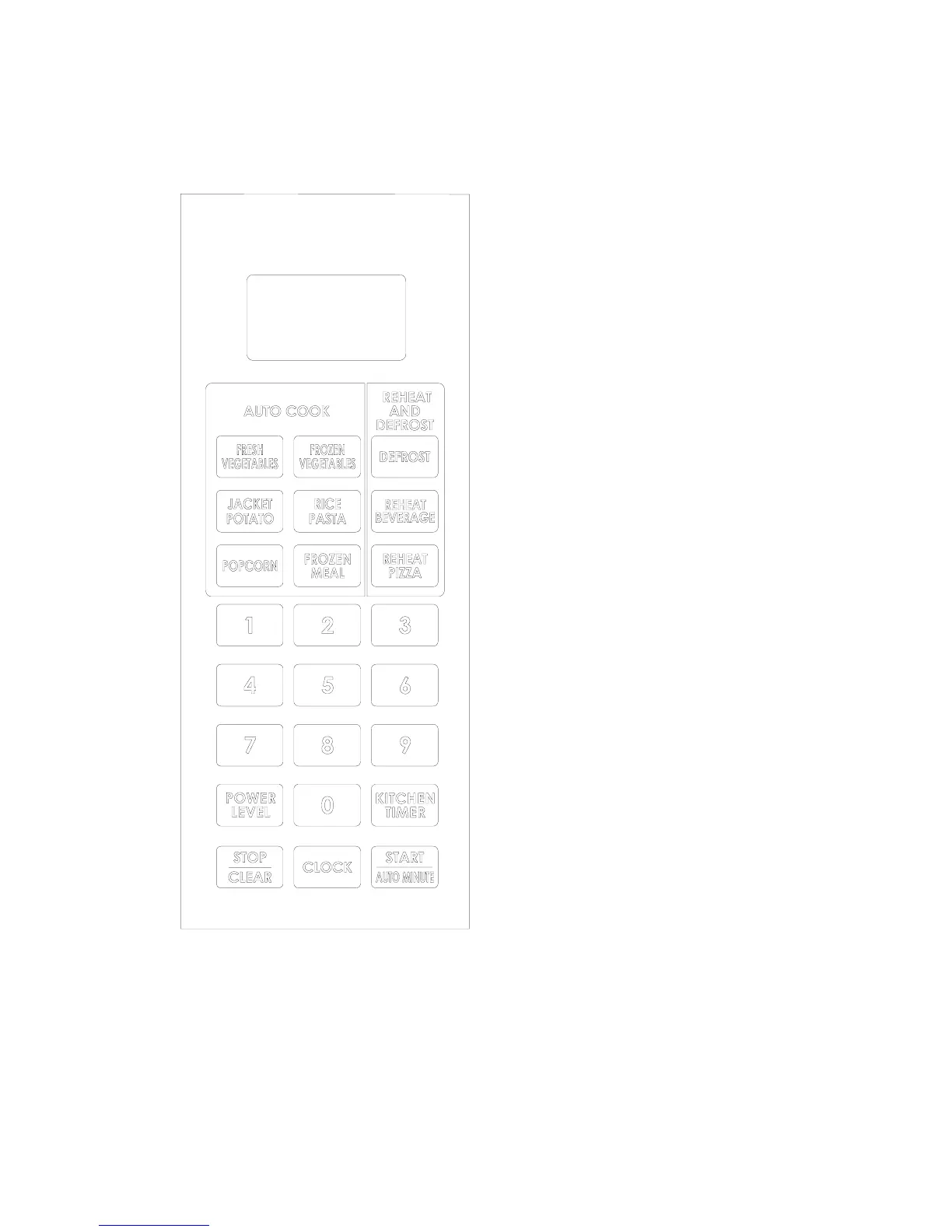
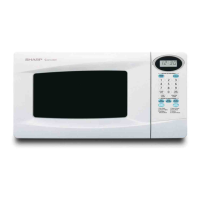
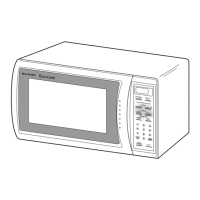
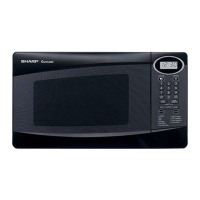
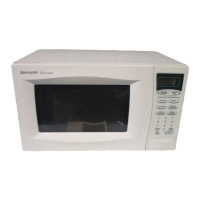
CONTROL PANEL
z DISPLAY
¾ Cooking time, power, indicators and
present time are displayed.
z AUTO COOK PADS
¾ Instant settings to cook popular foods.
z REHEAT & DEFROST
¾ Press key to defrost food and Reheat
beverage & pizza.
z NUMBER PADS
¾ Press keys to set times or weights.
z POWER LEVEL
¾ Use to set microwave power level.
z KITCHEN TIMER
¾ Press key to set kitchen timer function.
z STOP/CLEAR
¾ Press key to stop or cancel a cooking
program.
¾ It is also used to set or release child lock
function.
z CLOCK
¾ Use to set clock time.
z START/AUTO MINUTE
¾ Press key to start the cooking or defrosting
programs.
¾ Or during microwave or QUICK START
cooking, touch to add cooking time.
¾ In standby mode of the oven, touch to set
QUICK START function.
(Also see following pages for more detail.)
5


 To Next Page