4
SYSTEM OVERVIEW
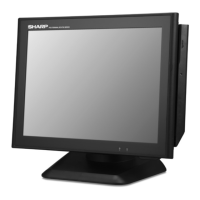
Front view
Operation Display (Touch Panel)
15 inch TFT-LCD screen with touch sensitive screen. Displays the operational status of
the system and the system can be operated by touch screen.
1
Power Button
After the terminal has been connected to the AC power supply push the power button
to turn on the terminal.
2
HDD Indicator
LED lights up when the hard disk drive is reading data from or writing data to the drive.
3
Power Indicator
LED lights up when the system is on.
4
2
1
43 5
6


 To Next Page