EN
What’s in the Box
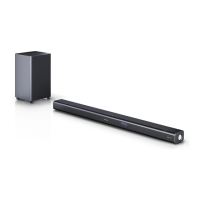
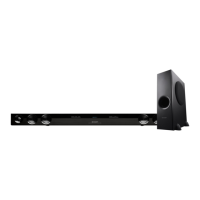
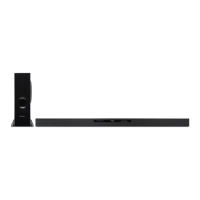
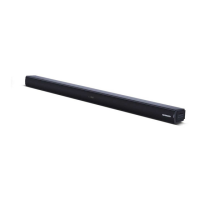
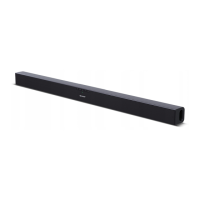
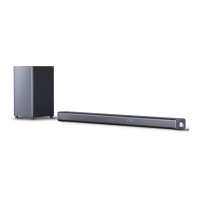
• Main Unit
• Remote Control
• Wireless Subwoofer
• EU AC Power Cord (2 pcs)
• UK AC Power Cord (2 pcs)
• Power Adapter
• Audio Cable 3.5mm to 3.5mm
• HDMI Cable
• Wall Brackets (2pcs)
• Wall mounting Screws
• User manual
• Quick Start Guide
• Warranty lea et
• 2 x AAA battery
Design and speci cations are subject to change without notice.
Panels & Controls
aux
2
1
3
4 5 6
7 8 9 10 11 12
Main Unit
1. Display Window – Show the current status.
2. Remote Control Sensor – Receive signal from the remote control.
3. Wall bracket screws
4.
(ON/OFF) button – Switch the unit between ON and Standby mode.
5.
(SOURCE) button – Select the play function.
6. VOL+/VOL- buttons – Increase/decrease the volume level.
7. DC IN 23V Socket – Connect to adapter.
8. COAXIAL Socket
9. OPTICAL Socket
10. USB Socket – Insert the USB device to play music.
11. AUX Socket – Connect to an external audio device.
12. HDMI (1/2/ARC) Sockets – Connect to a TV via HDMI cable.
1 2 3
Wireless Subwoofer
1. AC~ Socket – Connect to power.
2. PAIR button – Press activate the pairing function between the main
unit and the subwoofer.
3. PAIR Indicator – Light up solidly when the pairing succeed.
Remote Control
1. – Switch the unit between ON and STANDBY mode.
2.
– Select the Bluetooth mode.
Press and hold to activate the pairing function in Bluetooth mode or
disconnect the existing paired Bluetooth device.
3.
– Select the play function.
4. SURR – Turn the surround ON/OFF.
5. HDMI – Select the HDMI 1/2/ARC mode.
6. VOL +/- – Increase/decrease the volume level.
7.
/ – Skip to previous/next track in Bluetooth/USB mode.
8.
– Play/pause/resume playback in Bluetooth/USB mode.
9.
– (MUTE) Mute or resume the sound.
10. BASS +/- – Adjust bass level.
11. TRE +/- – Adjust treble level.
12. EQ – Select a preset sound mode.


 To Next Page