EasyManua.ls Logo

Sharp VC-MH321HM - Page 10

Sharp VC-MH321HM
41 pages
Print Icon
To Next Page IconTo Next Page
To Previous Page IconTo Previous Page
Loading...
INSTALLING
YOUR
VCR
AUTO
INSTALLATION
Press
STOP
to
switch
on
your
VCR.
This
model
will
automatically
tune
in
the
TV
channels
in
your
area,
sort
them
into
a
standard
order
and
set
the
clock.
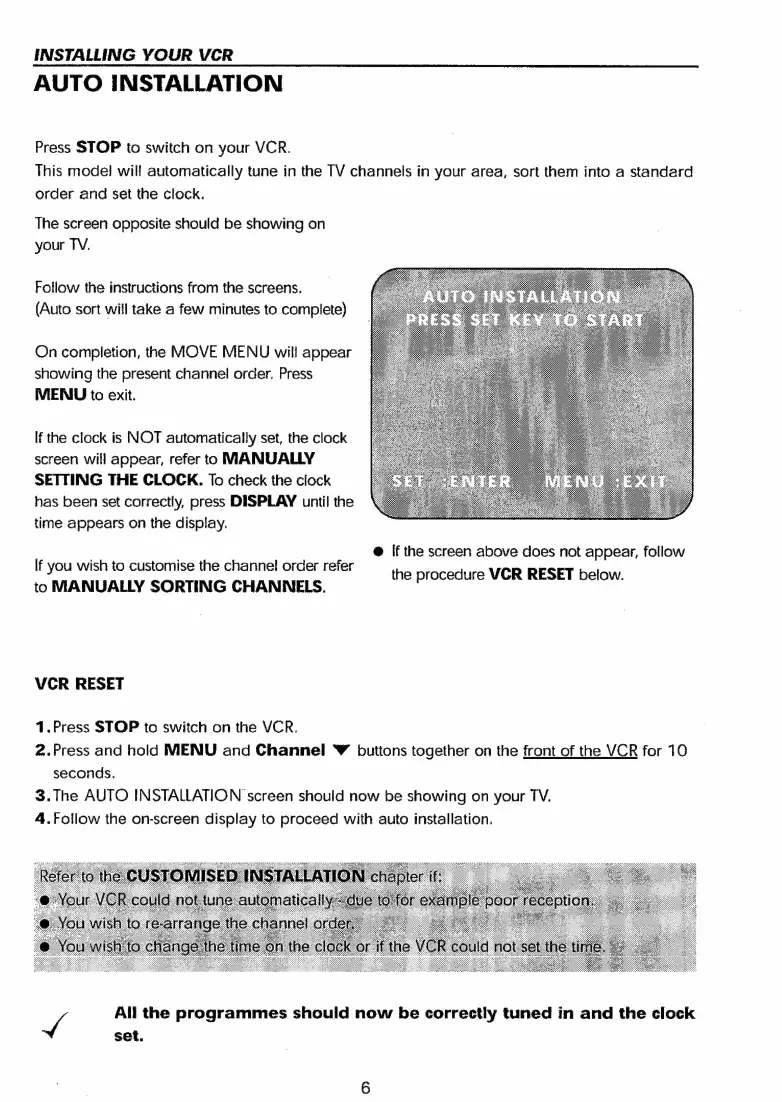
The
screen
opposite
should
be
showing
on
your
TV.
Follow
the
instructions
from
the
screens.
(Auto
sort
will
take
a
few
minutes
to
complete)
On
completion,
the
MOVE
MENU
will
appear
showing
the
present
channel
order.
Press
MENU
to
exit.
If
the
clock
is
NOT
automatically
set,
the
clock
screen
will
appear,
refer
to
MANUALLY
SETTING
THE
CLOCK.
To
check
the
clock
has
been
set
correctly,
press
DISPLAY
until
the
time
appears
on
the
display.
@
If
the
screen
above
does
not
appear,
follow
If
you
wish
to
customise
the
channel!
order
refer
the
procedure
VCR
RESET
below.
to
MANUALLY
SORTING
CHANNELS.
VCR
RESET
1.Press
STOP
to
switch
on
the
VCR.
2.Press
and
hold
MENU
and
Channel
©
buttons
together
on
the
front
of
the
VCR
for
10
seconds.
3.
The
AUTO
INSTALLATION
screen
should
now
be
showing
on
your
TV.
4.Follow
the
on-screen
display
to
proceed
with
auto
installation.
4
All
the
programmes
should
now
be
correctly
tuned
in
and
the
clock
set.

Related product manuals