EasyManua.ls Logo

Sharp VC-MH321HM - Page 29

Sharp VC-MH321HM
41 pages
Print Icon
To Next Page IconTo Next Page
To Previous Page IconTo Previous Page
Loading...
SPECIAL
FEATURES
ON
YOUR
VCR
POST
CODE
SECURITY
This
feature
should
allow
the
Police
to
identify
you
as
the
owner
of
the
VCR
if
it
is
stolen.
Each
time
the
VCR
is
turned
on
your
postcode
wil!
be
displayed
for
5
seconds
on
your
TV.
Your
postcode
cannot
be
changed
or
removed
without
first
entering
the
correct
PIN
-
number.
If
you
wish
to
use
this
function,
follow
the
procedure
below.
1.Press
MENU.
2.Press
[
&/W
J
to
select
SET
UP.
Press
SET
to
confirm.
3.Press
[
aa/W
J
to
select
POST
CODE.
Press
SET
to
confirm.
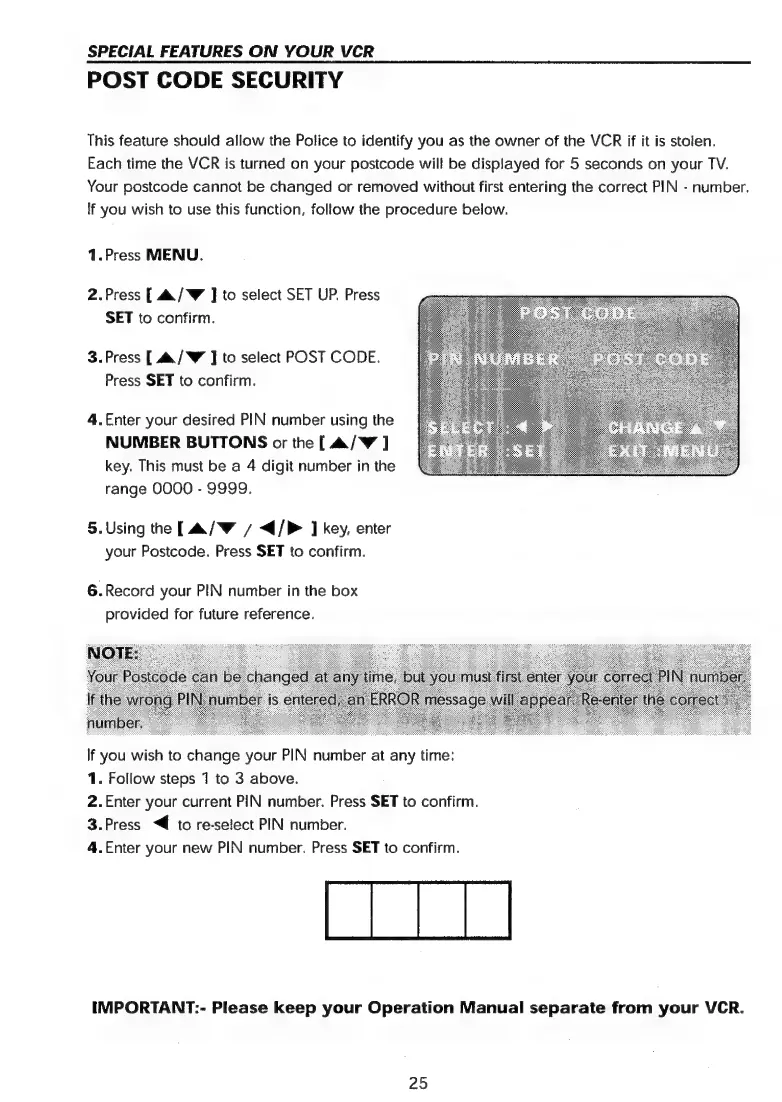
4.Enter
your
desired
PIN
number
using
the
NUMBER
BUTTONS
or
the
[
&/W
J
key.
This
must
be
a
4
digit
number
in
the
range
0000
-
9999.
5.Using
the
[&/W
/
</P>
]
key,
enter
your
Postcode.
Press
SET
to
confirm.
6.
Record
your
PIN
number
in
the
box
provided
for
future
reference.
If
you
wish
to
change
your
PIN
number
at
any
time:
1.
Follow
steps
71
to
3
above.
2.Enter
your
current
PIN
number.
Press
SET
to
confirm,
3.Press
“€
to
re-select
PIN
number.
4.Enter
your
new
PIN
number.
Press
SET
to
confirm.
IMPORTANT:-
Please
keep
your
Operation
Manual
separate
from
your
VCR.
25

Related product manuals