EasyManua.ls Logo

Sharp VC-MH704HM - User Manual

Sharp VC-MH704HM
42 pages
Print Icon
To Next Page IconTo Next Page
Loading...
AUTO INSTALLATION
SHARP SUPER PICTURE
NICAM Hi-Fi STEREO
6 HEAD EXTENDED PLAY
CHILD LOCK
VC-MH714HM
VC-MH704HM
VC-MH704LM
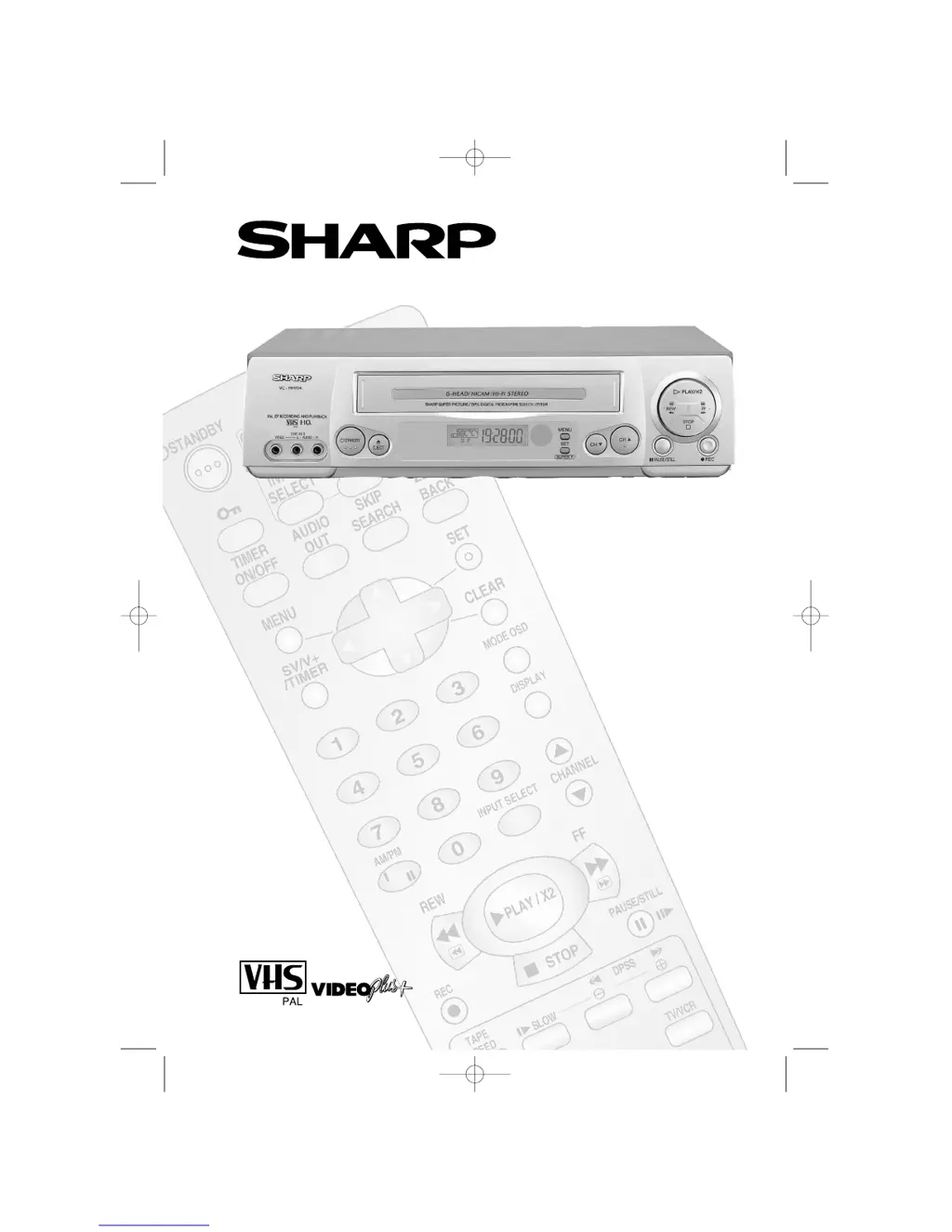
VIDEO CASSETTE RECORDER
OPERATION MANUAL
VC-MH704HM Shown
TINS-3992UMZZ HM Final Cover 12/9/01 10:07 am Page 1

Questions and Answers

  • R
    Robin BradleySep 8, 2025
    Why VIDEOPLUS+ does not record desired programme on Sharp VC-MH704HM VCR?
    • W
      Wesley TaylorSep 8, 2025
      If VIDEOPLUS+ on your Sharp VCR (VC- MH714HM only) does not record the desired program, check that the VPS/PDC mode is switched ON. Also, ensure the date and time are correctly set on the VCR. This is because the broadcast may not carry a VPS/PDC signal, which alters recording time.
  • D
    Dana SmithSep 10, 2025
    Why picture does not change when pressing the VCR CHANNEL buttons on Sharp VCR?
    • T
      Thomas ClarkSep 10, 2025
      If the picture does not change when pressing the VCR CHANNEL / buttons on your Sharp VCR, make sure the VCR is not in Timer or Menu mode.
  • J
    Jamie PrattSep 12, 2025
    How to fix viewing picture or playback through RF OUT on Sharp VC-MH704HM?
    • T
      Terry GilesSep 12, 2025
      If it's not possible to view a picture or playback through RF OUT on your Sharp VCR, make sure the RF OUTPUT has not been switched off.
  • M
    morgan58Sep 13, 2025
    Why is tape automatically ejected when pressing the REC or TIMER ON/OFF buttons on Sharp VC-MH704HM?
    • L
      lcrawfordSep 13, 2025
      If the tape is automatically ejected when pressing the REC or TIMER ON/OFF buttons on your Sharp VCR, the record-protection tab has likely been removed from the cassette.
  • C
    Cathy DuranSep 15, 2025
    How to select desired channel position on Sharp VCR?
    • C
      chelseahernandezSep 15, 2025
      If a desired channel position cannot be selected on your Sharp VCR, the channel position may have been set to be skipped. Cancel the SKIP mode for that channel.
  • S
    sjacksonSep 18, 2025
    Why rewind is not possible on my Sharp VC-MH704HM VCR?
    • U
      usmithSep 18, 2025
      If rewinding is not possible on your Sharp VCR, make sure the tape is not already at the start.

Summary

VCR Remote Control

VCR Front Panel;Remote Control Equivalent Functions

Compares VCR front panel controls with their remote control counterparts.

Calling for Service

Before Using Your VCR

Important Notes on Your VCR

Essential guidance on VCR placement, power socket safety, and general handling.

Installing Your VCR

Connecting the Cables

Step-by-step instructions for connecting aerial, TV, and power cables for VCR setup.

Auto Tuning

Procedure to automatically scan and store TV channels for optimal signal reception.

Basic Operation

Important Notes on VCR and Video Tapes

Crucial advice on tape quality, head cleaning, and handling to prevent damage.

How to Playback a Video Tape

Step-by-step guide to load, start, and stop video tape playback.

Immediate Recording

Guide to recording the currently viewed channel or selecting a different one.

How to Use VIDEOplus+

Instructions for programming recordings using the VIDEOplus+ system.

Advanced Operation

Audio and Your VCR

Configuring audio output, Hi-Fi stereo, and connecting external audio equipment.

Child Lock

Engaging and disengaging the VCR's child safety lock feature.

Troubleshooting

Before Requesting Service!

Checks to perform before contacting service for common VCR issues.

Recording Issues

Troubleshooting common recording problems like VIDEOplus+ or tape loading errors.

VCR Reset

Procedure to reset the VCR to factory default settings.

Connecting to the Mains

Replacing the Fuse

Instructions for safely replacing the fuse in the VCR's power plug.

Sharp VC-MH704HM Specifications

General IconGeneral
BrandSharp
ModelVC-MH704HM
CategoryVCR
LanguageEnglish

Related product manuals