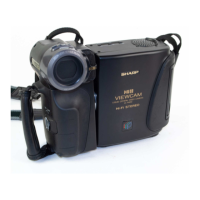
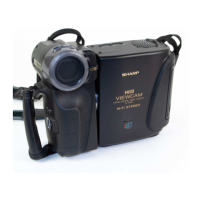
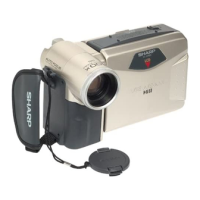
VL-H870U
VL-H875U
VL-H890U
7
VL-H860U
VL-H880U
6-3-2-3. Battery shut-off voltage adjusting method
1) Supply power to the main unit, using the variable-voltage DC power supply (range of 5.0V to 9V).
2) Set the CAM/OFF/VCR SW to CAM to switch to the camera mode.
3) Load a recordable tape and set the main unit to CAM REC. PAUSE.
4) Set the main unit to TEST mode No. 3, and start recording.
5) Measure voltage between TL2918(+) and TL2904(GND), and adjust the supply voltage to 6V.
6) The adjustment is complete if "BATTERY" is displayed on the monitor screen for a second when the PLAY key of operation unit
is pressed.
7) The adjustment is regarded as proper if the auto shut-off is actuated after the warning is displayed when the TEST mode is
cancelled.
* In case of automatic adjustment of shut-off voltage, adjustment is impossible if voltage is above 6V ± 0.2V.
If the adjustment is made at 5.9V or below, the low-voltage operation may become unstable.
6-3-7. Adjustment of LCD display circuit
Adjustment procedures and connections are the same as with the VCR section.
INVERTER
VCR
UNIT
MECHA
UNIT
7
8
4
5
1
6
2
3
CAMERA
UNIT
LCD
UNIT
2. OSD Position Setting
VCR ADJ
Address Data
14 A8


 To Next Page