21
VT-G14
VT-G21
ËË
ËË
Ë
A/V INPUT AND OUTPUT CHECK
1. VIDEO and AUDIO OUTPUT CHECK
2. VIDEO and AUDIO INPUT CHECK
1. Receive the PAL colour bar.
2. Feed the video and audio signal via the A/V input
jacks.
3. Using the CH '/" buttons on the remote con-
troller, change to the AV mode and make sure the
external video and audio outputs are accordingly
given.
(The AV mode can be picked up between 1CH
and 0CH.)
CH ' 99 → 0 → AV1 → AV2 → 1 → 2
CH " 2 → 1 → AV2 → AV1 → 0 → 99
» The AV mode may also be picked up using the
TV/VIDEO button on the remote controller.
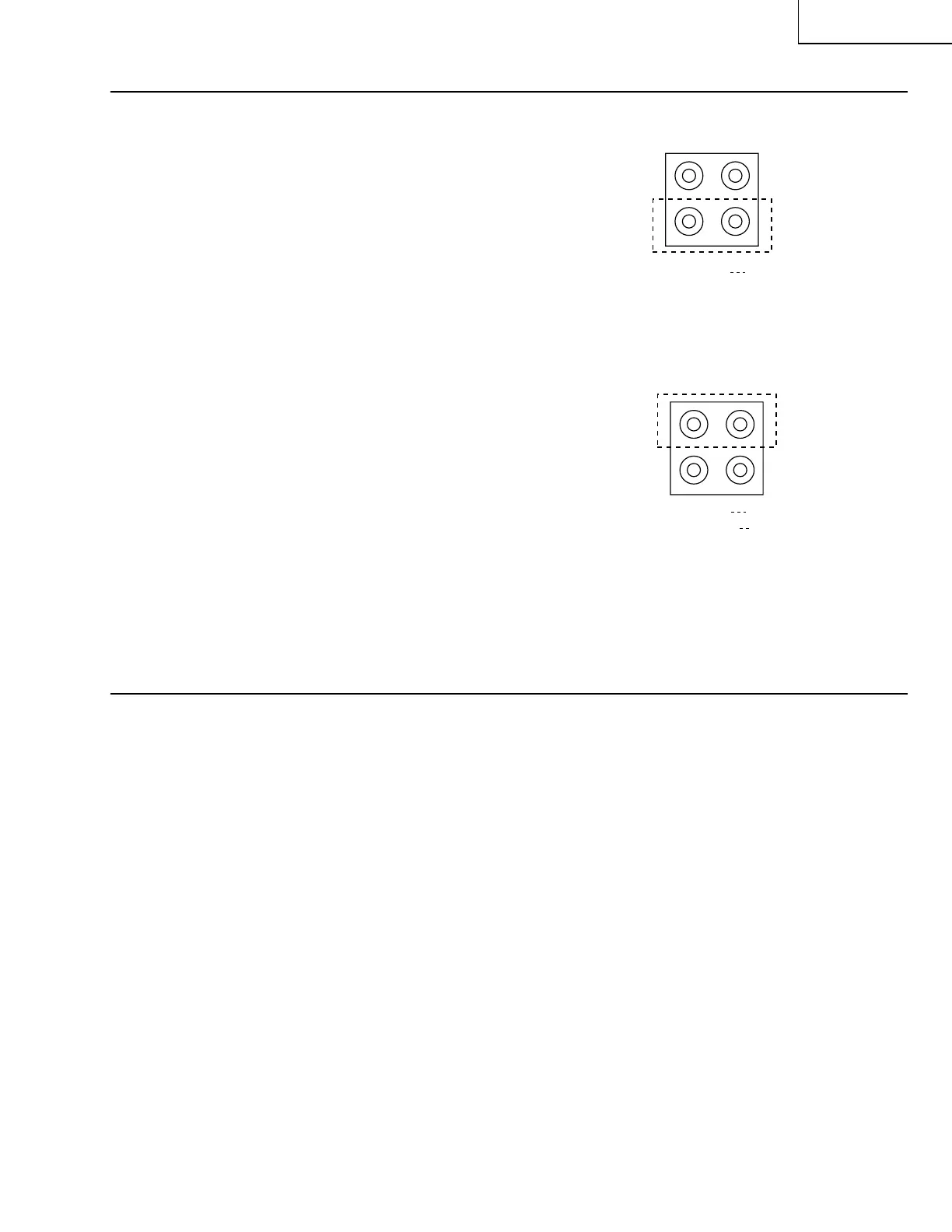
A
A
V
V
J401(Rear) AV1
J1401(Front) AV2
1. Receive the PAL colour bar signal.
(100% white colour bar, 400 Hz, 100% modula-
tion audio)
2. Terminate the video output with a 75Ω impedance.
Make sure the output is as specified
(1.0 Vp-p ± 3 dB).
3. Terminate the audio output with a 10k ohm im-
pedance. Make sure the output is as specified
(2.6 Vp-p ± 3 dB).
» Be sure that the audio output corresponds to
the video output on the screen.
ËË
ËË
Ë
PROTECTOR PERFORMANCE CHECK
1. BEAM PROTECTOR
1. Receive the monoscope pattern signal.
2. Set the contrast control to maximum.
3. Set the brightness control to maximum.
4. Make a short-circuit between the collector and
emitter of Q1801 and make sure that the protec-
tor is activated and the stand-by mode is called.
(The POWER LED indicator starts flashing in red.)
2. HIGH-VOLTAGE PROTECTOR
1. Receive the monoscope pattern signal.
2. Connect the bias box to TP603.
3. Adjust the bias box voltage to 20 V and make sure
that the protector is not activated.
Note : Normally about 19 V
4. Adjust the bias box voltage to 25 V and make sure
that the protector is activated.
3. OTHER PROTECTORS
» In checking the performance of other protectors
— for example, the one against shorting of
smoothing electrolytic capacitor of +B line —, pay
attention not to damage or deteriorate any related
element.



 To Next Page