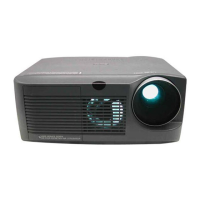
XG-MB67X
8 – 9
RGB and component signal
check
Send component signal or
RGB signal of 1080i (or 720P)
from INPUT 1 or INPUT 2.
Select INPUT 1 or INPUT 2
using keys on the main unit or
the remote control.
YES
Is image displayed normally? YES End
NO
Are picture signals sent to
TL3201, TL3204, and
TL3205?
NO Check IC3002 and the peripheral
circuits (check IC3052 for INPUT
2).
YES
Is 3.3V applied to TL1792? NO Check IC1792 and peripheral cir-
cuits.
YES
Is 3.3V applied to TL1762? NO Check IC1763 and peripheral cir-
cuits.
YES
Check IC3201 and peripheral
circuits.


 To Next Page